
Check a known profile
Gemini Logo Remover looks for supported visible patterns at expected corner positions. A calibrated match defines which region can be restored.
Free Gemini Logo Remover for visual materials
Use Gemini Watermark Remover when a supported video or image needs a cleaner corner for review. Remove Gemini watermark inside your browser.
Visual notes and unpublished materials can stay on your device. Gemini Watermark Remover decodes the selected file, checks its visible overlay, and prepares a restored version in the tab. You decide what to download after comparing the output with the original.
Remove Gemini Watermark
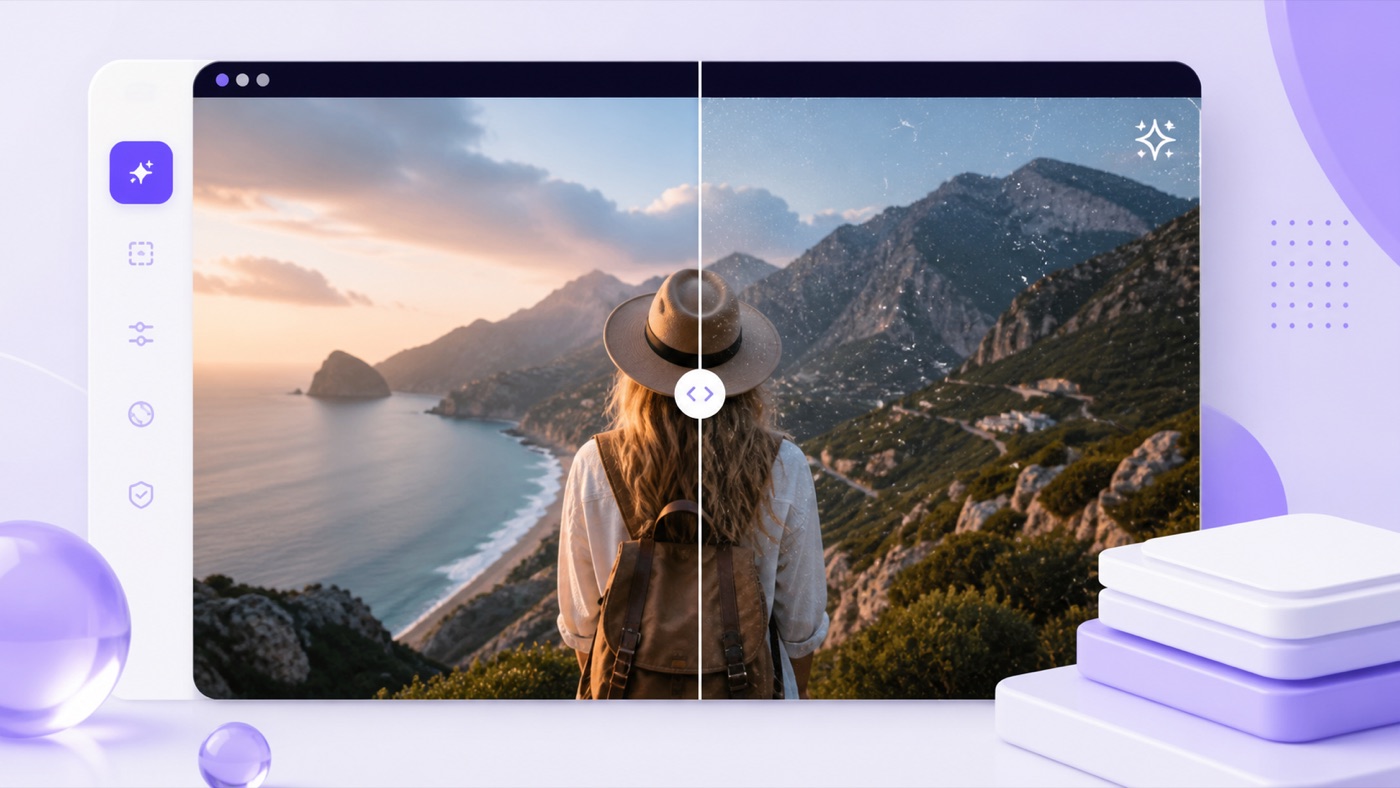 CleanedOriginal
The Gemini Watermark Remover video process examines a representative frame to find a supported profile. Gemini Video Watermark Remover then restores the affected region during playback and captures the result as a separate video in your browser.
Follow the source clockThe recording keeps the original playback duration.
Include accessible soundAvailable audio is connected to the local recording.
Review both versionsPlay the input and output before keeping the new copy.
Choose media in Gemini Watermark Remover to see the relevant processing controls. Detection messages and comparison views help you assess each result before you save it.
Gemini Logo Remover looks for supported visible patterns at expected corner positions. A calibrated match defines which region can be restored.
Select as many as ten supported images in Gemini Watermark Remover. Read each status separately, compare the original and output, and keep the results individually or in a ZIP.
Gemini Video Watermark Remover works through browser media APIs to process supported video frames and carry an available audio track into the result.
Use the Gemini Watermark Remover slider to inspect an image, or watch the source and output videos for a direct review.
Gemini Logo Remover avoids an upload queue. The selected file is processed in this tab instead of being submitted to a remote restoration job.
Gemini Watermark Remover keeps a low-confidence image unchanged. If you recognize the supported mark, a known-position retry may help remove Gemini watermark from that corner.
Have the original file ready and check that you may edit it. Gemini Watermark Remover needs no registration before starting the local workflow.
Give Gemini Logo Remover up to ten supported images or one video your browser can decode.
Gemini Watermark Remover compares the expected overlay geometry and estimates whether the visible region matches a calibrated profile.
The tool reverses a known overlay blend to remove Gemini watermark within the detected mask region.
Examine the image or Gemini Watermark Remover video result before saving a file or downloading the image batch.
Gemini Logo Remover uses calibrated opacity masks to estimate the image beneath a supported visible overlay. Gemini Watermark Remover checks the corner pattern before applying the inverse blend, without synthesizing unrelated replacement content.
For a dependable match, remove Gemini watermark before changing the source size or crop. Screenshots and heavy compression can distort the profile being checked.
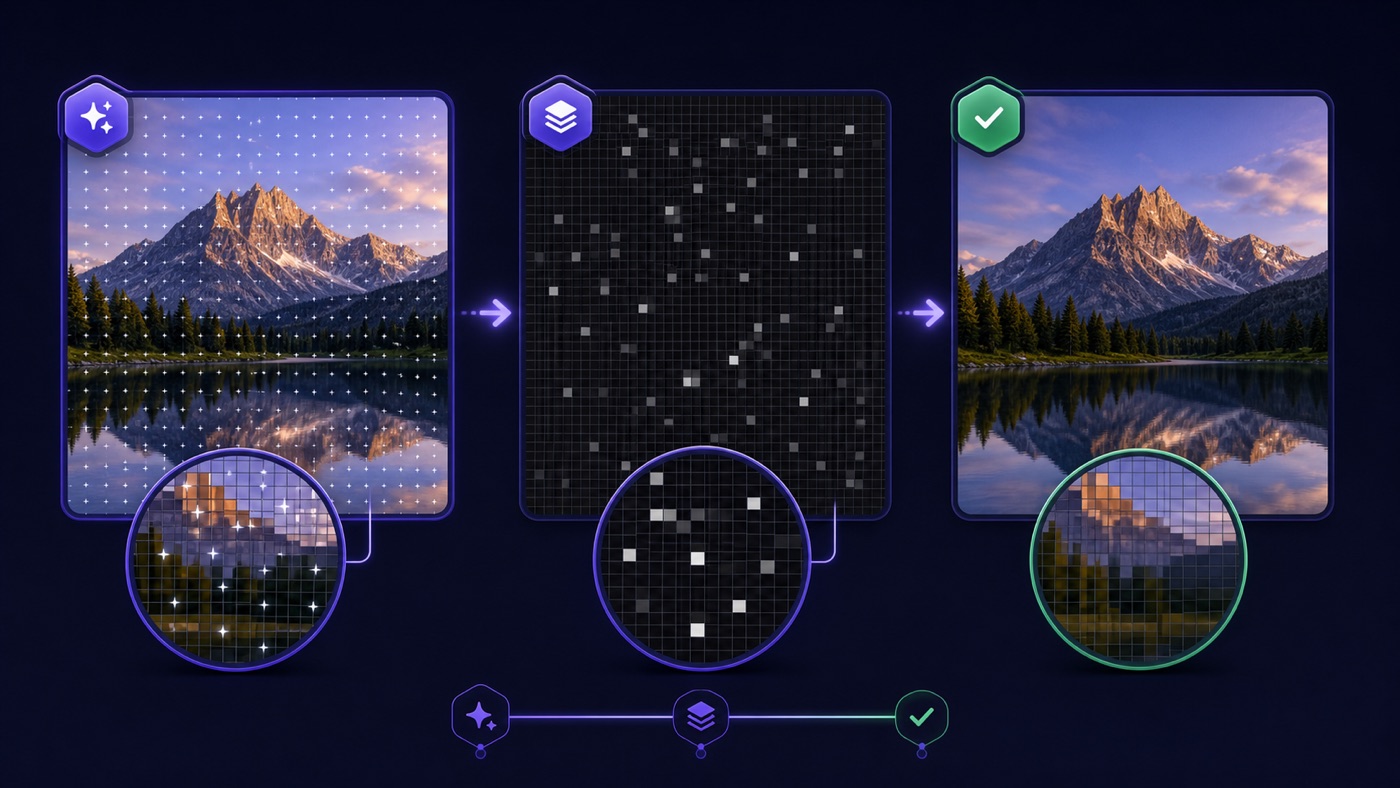
Gemini Watermark Remover keeps the processing result open to inspection. Remove Gemini watermark from a supported file, compare the affected area, and retain the source beside your revised copy.
Gemini Logo Remover reads, processes, and exports within the tab. Your media does not need to pass through another hosted service before you can evaluate the change.
Selected stills start automatically. Gemini Video Watermark Remover shows the processing stage and frame count while the browser prepares a new recording. Leave Gemini Video Watermark Remover visible until recording ends.
Gemini Watermark Remover distinguishes supported visible matches from uncertain ones. The unchanged fallback gives you a usable source when calibration does not fit, without pretending that every overlay can be erased.
Use Gemini Logo Remover when you have permission to edit a visual and need to inspect it without a supported corner overlay.

A Gemini Watermark Remover video copy can support a permitted clip review, with the original retained alongside your notes.

Prepare a supported image in Gemini Logo Remover before adding it to a teaching deck, interview briefing, or internal presentation.

Remove Gemini watermark from an authorized example so reviewers can examine composition and placement while keeping your explanatory notes separate.

Run owned images through Gemini Watermark Remover, inspect each output, and download only the versions useful for your material.
Gemini Watermark Remover depends on a recognizable mask and expected position. Keep the input close to its original export so the detector has a suitable pattern to compare.
Use the original download with Gemini Logo Remover whenever possible. Remove Gemini watermark before cropping, filtering, resizing, or exporting through another app that might distort the visible overlay.
Remove Gemini watermark only where you own the material or have editing permission. Keep the source file, attribution, and disclosures with your project notes after saving a revised copy.
Gemini Watermark Remover supports common still-image formats and videos your browser can decode. Desktop Chrome or Edge is preferred for recording; specific input codecs and downloadable video formats vary across systems. Check a short Gemini Watermark Remover video result on your device first.
Gemini Video Watermark Remover does not target SynthID or other invisible signals. Support is limited to calibrated visible profiles, rather than every current or future Gemini, Imagen, or Veo design.
Read the file-handling answersBefore you remove Gemini watermark, review the supported inputs, detection limits, and local processing behavior described here.
Gemini Watermark Remover works with known visible Gemini sparkle and legacy Veo corner masks. Gemini Logo Remover does not remove invisible provenance signals such as SynthID. A supported profile must be recognized for automatic restoration; otherwise an image is left unchanged by default.
No media upload is part of the workflow. Gemini Watermark Remover reads and restores the selected material in your current tab, then creates a local output. To remove Gemini watermark from video, keep that tab open while the source plays through the processing and recording stages.
Gemini Watermark Remover accepts ten PNG, JPEG, or WebP files per batch, with each image no larger than 20 MB. Gemini Logo Remover tracks them individually. Output defaults to PNG so reviewing a result does not require another lossy image compression step.
The browser must be able to decode your MP4, MOV, or WebM file, and the size limit is 50 MB. Gemini Watermark Remover video recording also needs supported local APIs and codecs. Current desktop Chrome or Edge is the preferred starting point.
The workflow restores frames while they are presented against the media clock. A sixty-second clip can take about sixty seconds to record. Leaving the Gemini Watermark Remover video tab visible helps Gemini Video Watermark Remover keep receiving frames during that local process.
For PNG output, Gemini Logo Remover changes only the calibrated mask pixels within the detected rectangle in its working buffer. Choosing JPEG or WebP in Gemini Watermark Remover would require whole-image re-encoding, which may alter other pixels through compression. Always compare the finished result with your source.
The mark may have moved, been resized, or changed through a screenshot or compression. Remove Gemini watermark from an untouched export when possible. The known-position control is intended for a recognizable supported corner profile; it cannot locate arbitrary logos throughout an image. Gemini Watermark Remover relies on a recognizable source profile.
Gemini Video Watermark Remover routes audio when the browser exposes the source track for capture. The resulting Gemini Watermark Remover video is a new encoded file, and some browsers re-encode audio too. Check both the picture and sound before using the copy in your materials.
This tool starts without an account, subscription, or credit purchase. Gemini Watermark Remover runs on your device rather than a paid server job. You can remove Gemini watermark within the supported file limits, which help manage browser memory and processing load.
Keep the original media and the origin disclosures required for your use. Gemini Watermark Remover provides a local editing function, not ownership or publication rights. AudioScribe has no affiliation with Google, Gemini, or Veo, and the result should not misrepresent where the media came from.
Select a source in the Gemini Watermark Remover video and image workspace, assess the detected region, and save a reviewed copy beside your original material.
Start Gemini Logo Remover