
How to Transcribe an Interview: AI Tools & Manual Methods Explained
Learn practical steps for transcribing interviews using AI tools and manual techniques. Get tips for clean audio, speaker labeling, editing, and choosing the right format for your needs.
AudioScribe Editorial Team
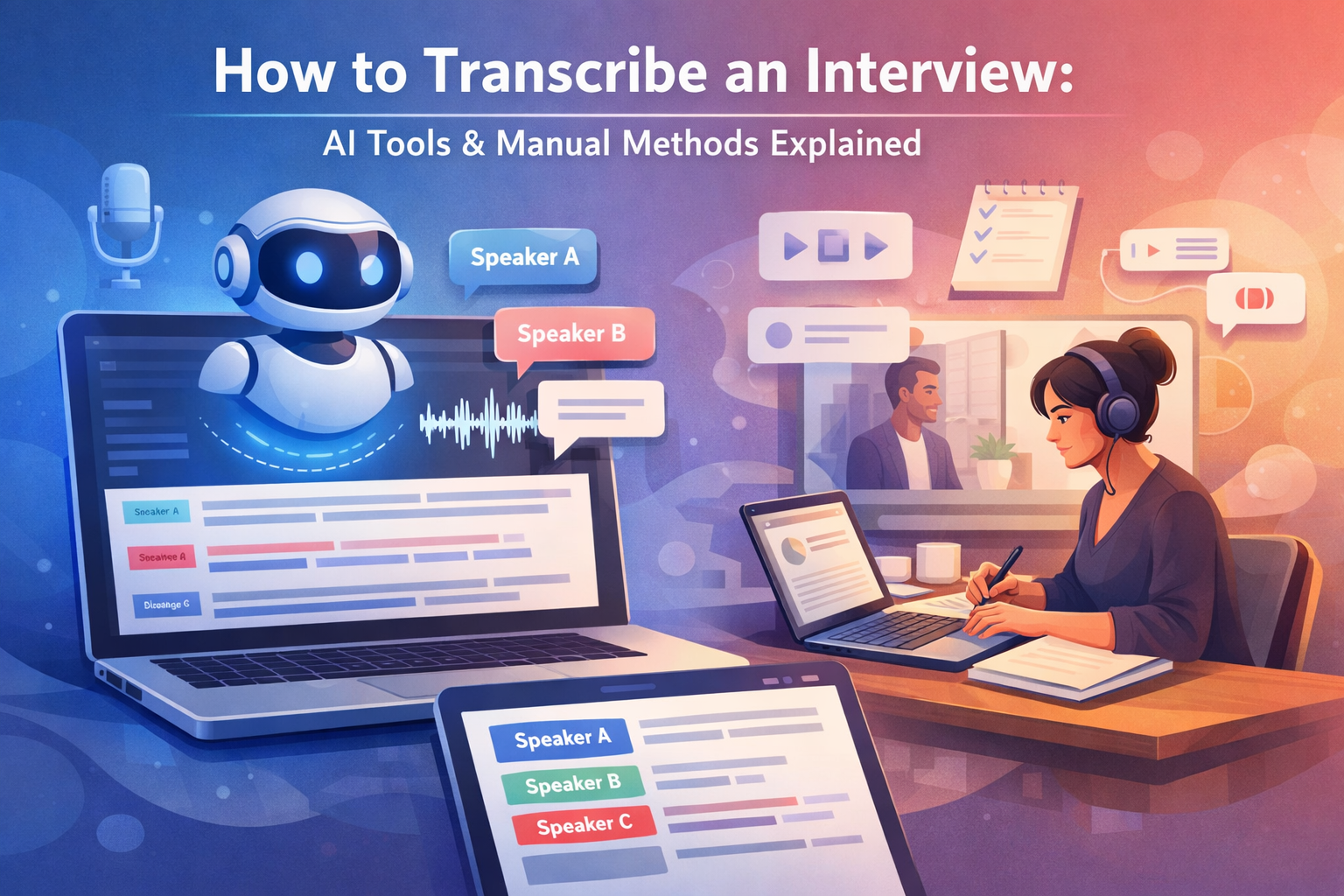
Choosing Between Manual and AI Transcription
Your first decision when learning how to transcribe an interview is whether to do it manually or use AI tools. Each approach has distinct advantages depending on your project requirements.
Manual transcription involves listening to the audio and typing everything word-for-word. This method gives you complete control over accuracy and nuance, making it ideal for legal proceedings, sensitive content, or interviews with heavy accents or technical jargon. However, it's time-consuming—typically taking 4-6 hours for one hour of audio.
AI transcription uses speech recognition technology to automatically convert speech to text. Modern tools can handle interviews with impressive accuracy, especially with clear audio. The main benefits are speed (minutes instead of hours) and consistency in formatting. AI works well for research interviews, podcast episodes, journalistic work, and any project where quick turnaround matters more than perfect verbatim accuracy.
Consider these factors when choosing:
- Budget: Manual transcription often costs more in time or money if outsourcing.
- Timeline: AI delivers results much faster for urgent projects.
- Accuracy Needs: Manual methods still edge out AI for complex audio or absolute precision.
- Speaker Complexity: Both methods can handle multiple speakers, but AI tools now offer automated speaker labeling.
For most interview scenarios, a hybrid approach works best: use AI for the initial draft, then manually review and edit. This balances speed with quality control. Our /tools page offers resources to help you decide which method fits your specific interview transcription needs.
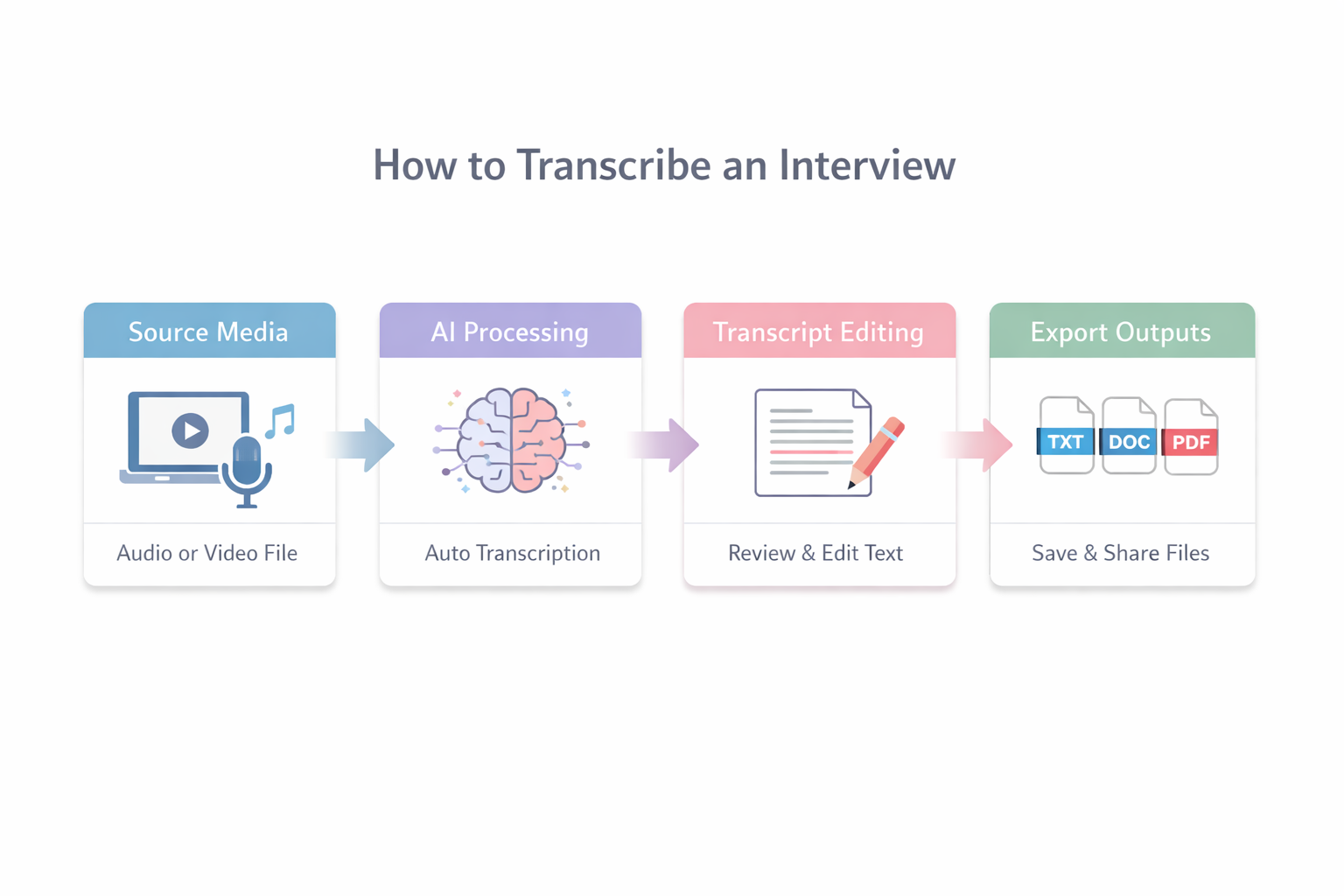
Manual vs AI Transcription Workflow
Key Considerations for Interview Transcription
Audio Quality
Clear recordings with minimal background noise dramatically improve transcription accuracy for both manual and AI methods.
Speaker Labels
Identifying who said what is crucial for readable transcripts, especially in multi-person interviews.
Format Needs
Different purposes (research, legal, publishing) require different transcript formats and detail levels.
Time Investment
Manual transcription takes significantly longer than AI, but may be necessary for certain accuracy requirements.
Transcription Method Comparison
Evaluate different approaches to transcribing interviews based on your specific needs
| Method | Speed | Cost | Accuracy | Best For |
|---|---|---|---|---|
Manual Typing | 4-6 hours per audio hour | High (time/labor) | Highest | Legal, sensitive, technical content |
AI Transcription | Minutes per audio hour | Low to moderate | High (with good audio) | Research, podcasts, journalism |
Hybrid Approach | 1-2 hours per audio hour | Moderate | Very High | Most professional applications |
Outsourced Service | 24-48 hour turnaround | Variable | High | Busy professionals, large volumes |
Recording Setup for Clean Audio
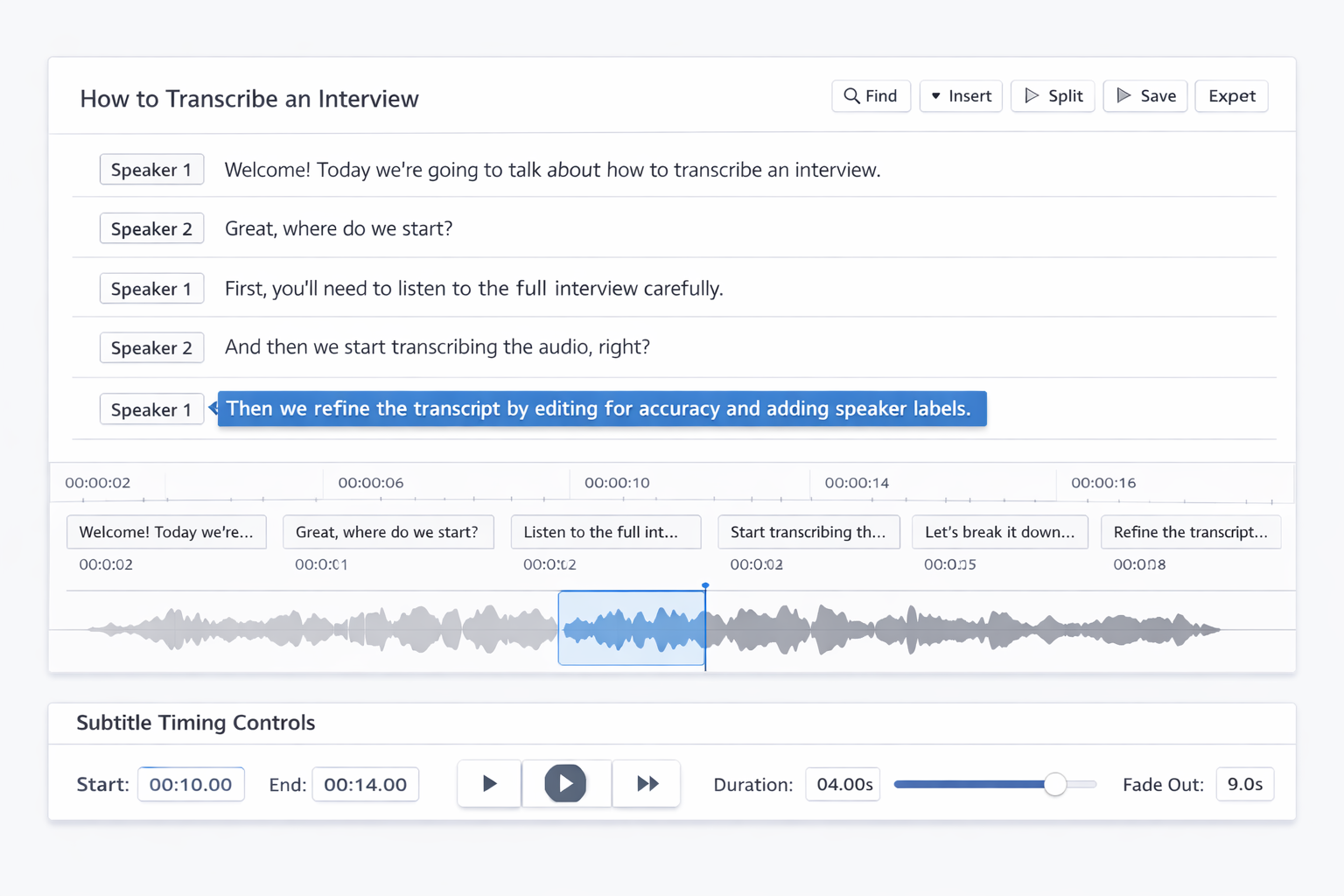
AI Transcription Interface
- Recording Best Practices: Use a quality microphone, record in a quiet space, position microphones close to speakers, and test your setup before the actual interview. Consider recording backup audio on a separate device.
- AI Transcription Steps: Upload your audio file, select interview mode, enable speaker detection, review the automated transcript, edit for accuracy, and export in your preferred format.
- Editing Approaches: Decide between verbatim (exact words including filler words) versus clean read (polished for readability). Most interviews benefit from clean read with important verbal cues preserved.
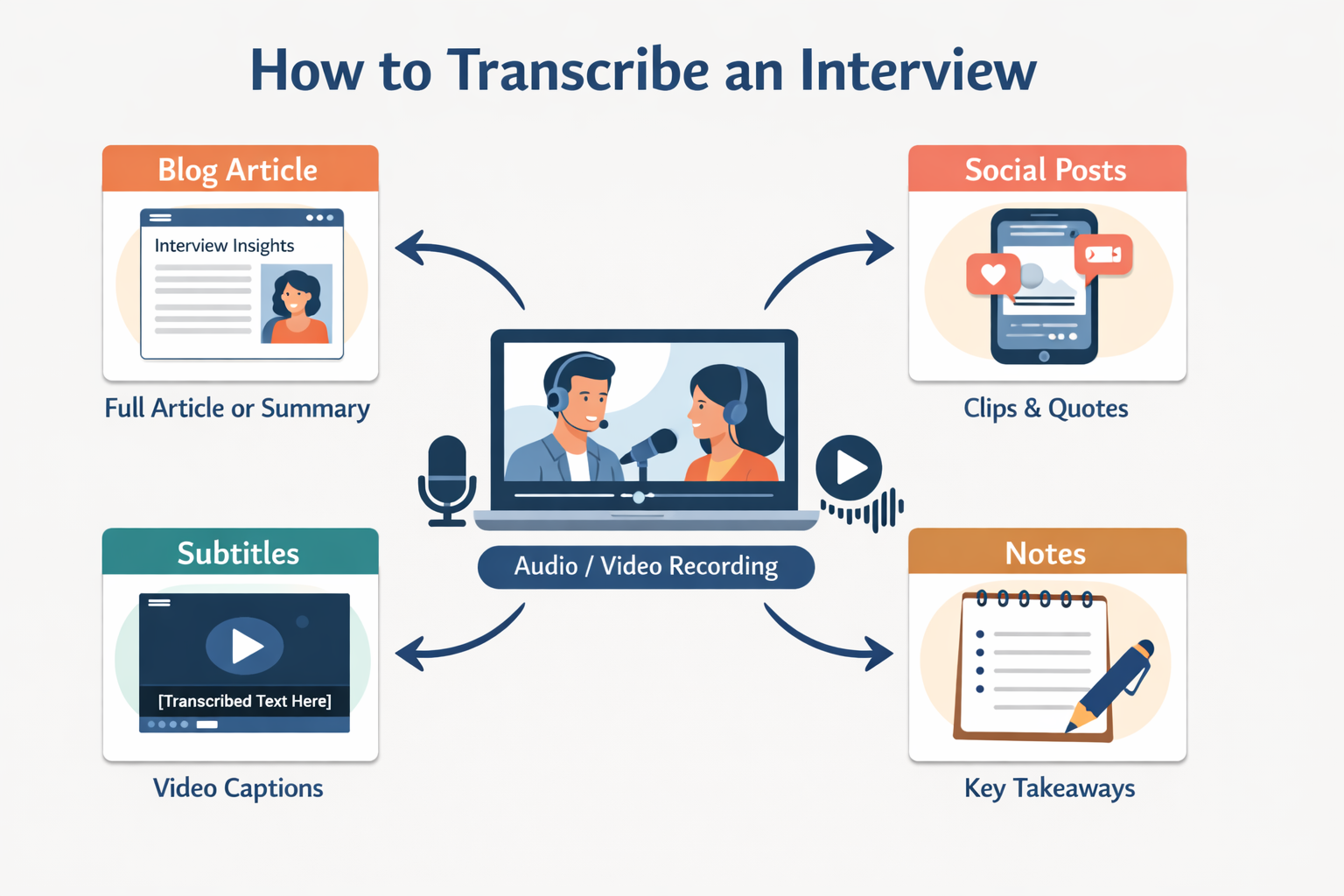
- Export Formats: Choose TXT for simple text, DOCX for editing, PDF for sharing, SRT for video captions, or specialized formats for qualitative research software.
Pro Tip
Always keep your original audio file even after transcription. You may need to refer back to it for clarification during editing or if questions arise later about the transcript content.
Expert Insight
According to professional transcriptionists,
The most efficient interview transcription workflow combines AI speed with human review. Use technology for the heavy lifting, then apply human judgment for context, nuance, and accuracy.
This balanced approach saves time while maintaining quality standards.
Editing and Formatting Transcript
Frequently Asked Questions
How long does interview transcription take? AI transcription typically processes interviews in minutes, while manual methods take several hours per audio hour. Editing time adds 30-60 minutes regardless of method.
What accuracy can I expect? With good quality audio, AI tools achieve 85-95% accuracy. Manual transcription approaches 99% but requires more time. Background noise, accents, and technical terms affect both methods.
Is my interview content confidential? Reputable transcription services use encryption and clear privacy policies. For highly sensitive interviews, consider manual transcription or tools with local processing that doesn't upload audio to cloud servers.
How do you handle multiple speakers? Modern AI tools automatically detect speaker changes and label them (Speaker 1, Speaker 2, etc.). Manual transcription requires the transcriber to identify speakers, which is easier with distinct voices or when speakers identify themselves.
What's the difference between verbatim and clean transcription? Verbatim includes every utterance, filler words, and false starts—essential for legal or linguistic analysis. Clean transcription removes these elements for readability while preserving meaning—better for publications or research summaries.
Can I transcribe phone interviews? Yes, but audio quality is often lower. Record directly through call recording apps when possible, and expect slightly lower accuracy. Consider using specialized /audio-to-text tools optimized for telephone audio.
Next Steps for Your Interview Transcription
Now that you understand how to transcribe an interview, it's time to put this knowledge into practice. Start by assessing your specific needs: consider your timeline, accuracy requirements, and how you'll use the final transcript.
For quick results with good accuracy, try AI transcription tools. If you need absolute precision or are working with sensitive material, manual methods or professional services might be better. Remember that recording quality significantly impacts all transcription methods, so invest time in getting clean audio.
Ready to begin? Upload your interview audio to test AI transcription speed and accuracy, or explore our comprehensive /tools page for resources to support your entire transcription workflow.