
Best Audio to Text Chrome Extensions in 2026 (Free & Accurate)
Compare the best Chrome extensions for converting audio and video to text. Covers real-time transcription, meeting recording, and offline alternatives—with a clear recommendation for each use case.
AudioScribe Editorial Team
Why Use a Chrome Extension for Transcription?
Chrome extensions integrate directly into your browser workflow. You can transcribe Google Meet or Zoom calls without a third-party bot, capture audio from any webpage, or convert YouTube videos to text on the fly.
The tradeoff: most browser-based tools have lower accuracy than dedicated AI transcription apps—typically 85–92% vs up to 99% for file-based tools like Audioscribe.
Top Audio to Text Chrome Extensions Compared
Best Extensions for Each Use Case
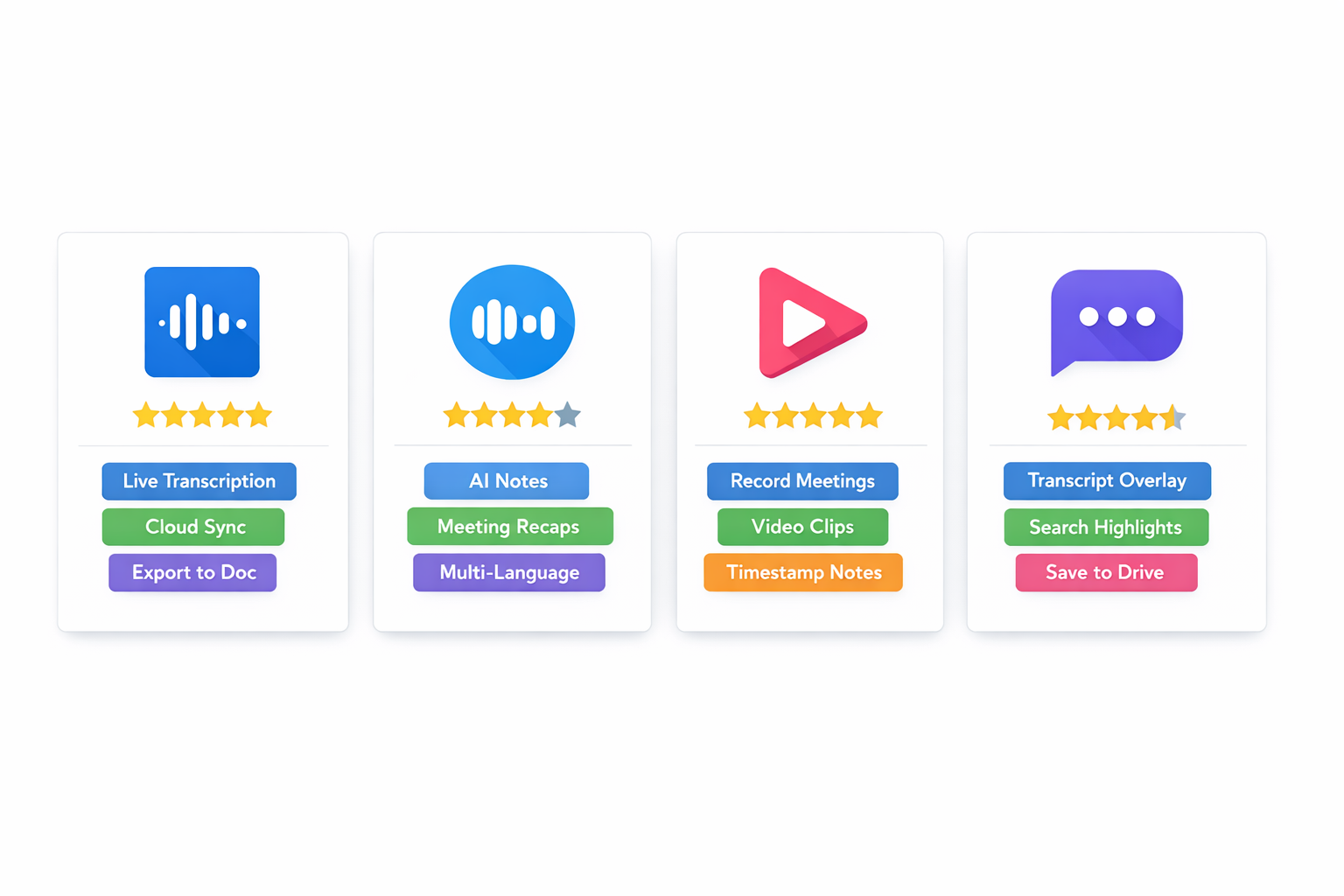
Notta
Best for Google Meet transcription. Auto-transcribes calls in real time. Free: 120 min/month.
Otter.ai
Best for real-time meeting notes with action items. Connects to Meet and Zoom. Free: 300 min/month.
tl;dv
Best free meeting recorder. Unlimited recordings on free plan. Great for highlights and clips.
Tactiq
Best for capturing live captions without microphone access. Works with Meet, Zoom, and Teams.
Chrome Extensions vs Dedicated Transcription Tools
Choose the right tool based on whether you need live capture or file-based transcription.
| Tool | Real-Time | File Upload | Free Plan | Best For |
|---|---|---|---|---|
Notta | Yes | Yes | 120 min/mo | Google Meet |
Otter.ai | Yes | Yes | 300 min/mo | Meeting notes |
tl;dv | Yes | No | Unlimited recordings | Meeting highlights |
Tactiq | Yes | No | 5 transcripts/mo | Live caption capture |
Audioscribe | No | Yes | 2 files/day | Pre-recorded files, max accuracy |
When to Use a File-Based Tool Instead
Pro Tip
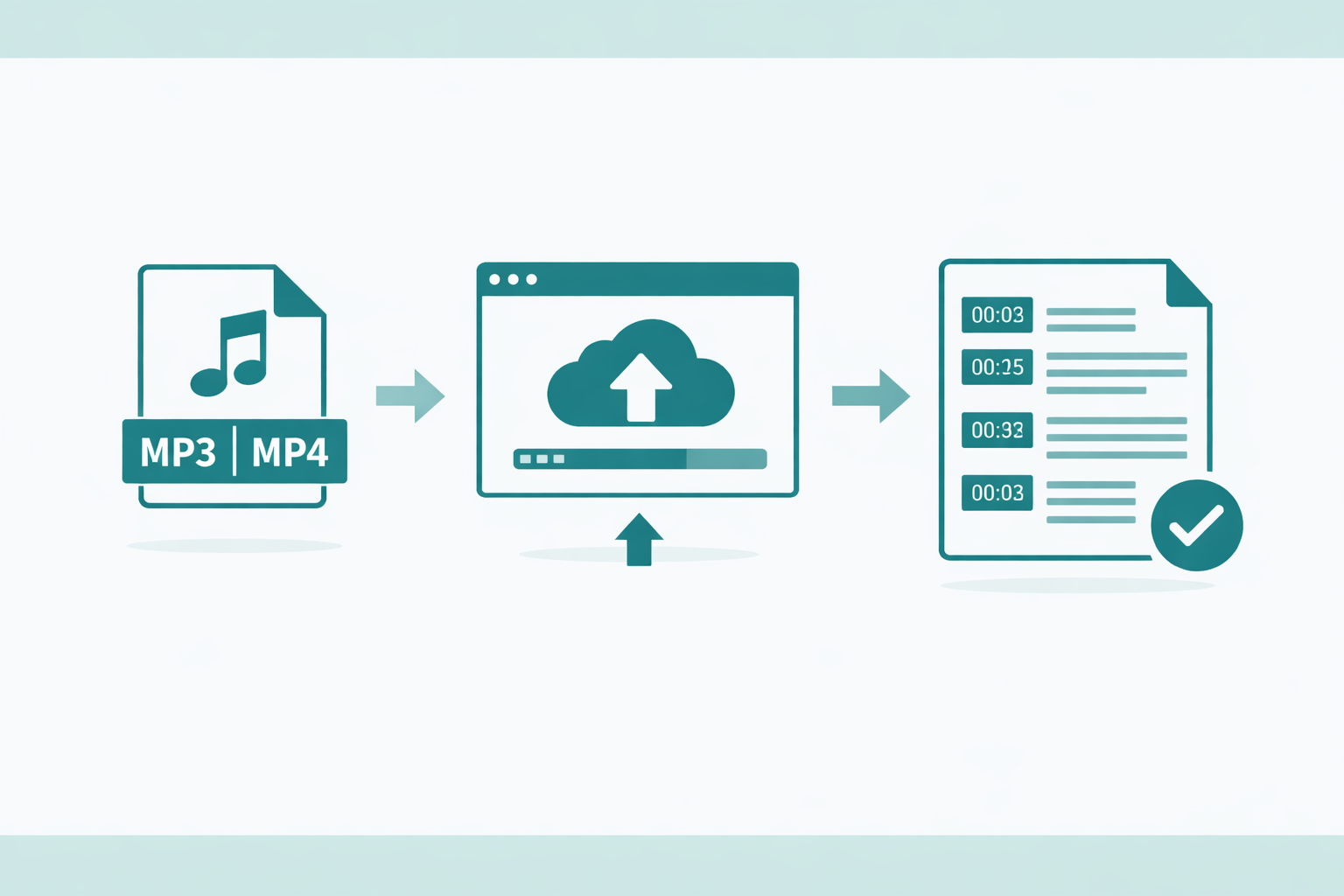
Chrome extensions excel at live meeting transcription. For pre-recorded files—interviews, lectures, podcasts—use a dedicated tool like Audioscribe for up to 99% accuracy with OpenAI Whisper.
- Live meetings → Chrome extension: Extensions like Otter.ai and tl;dv are ideal when you need to capture meetings in real time without downloading anything.
- Pre-recorded files → Audioscribe: Upload any audio or video file and get up to 99% accurate transcripts with speaker labels and AI summaries.
- Google Meet specifically → Notta: Notta's extension is purpose-built for Meet and syncs transcripts to your account automatically.
- No microphone access → Tactiq: Tactiq captures the platform's own captions without touching your microphone—great for privacy-conscious users.
Try Audioscribe for Pre-Recorded Files
Ready to Transcribe?
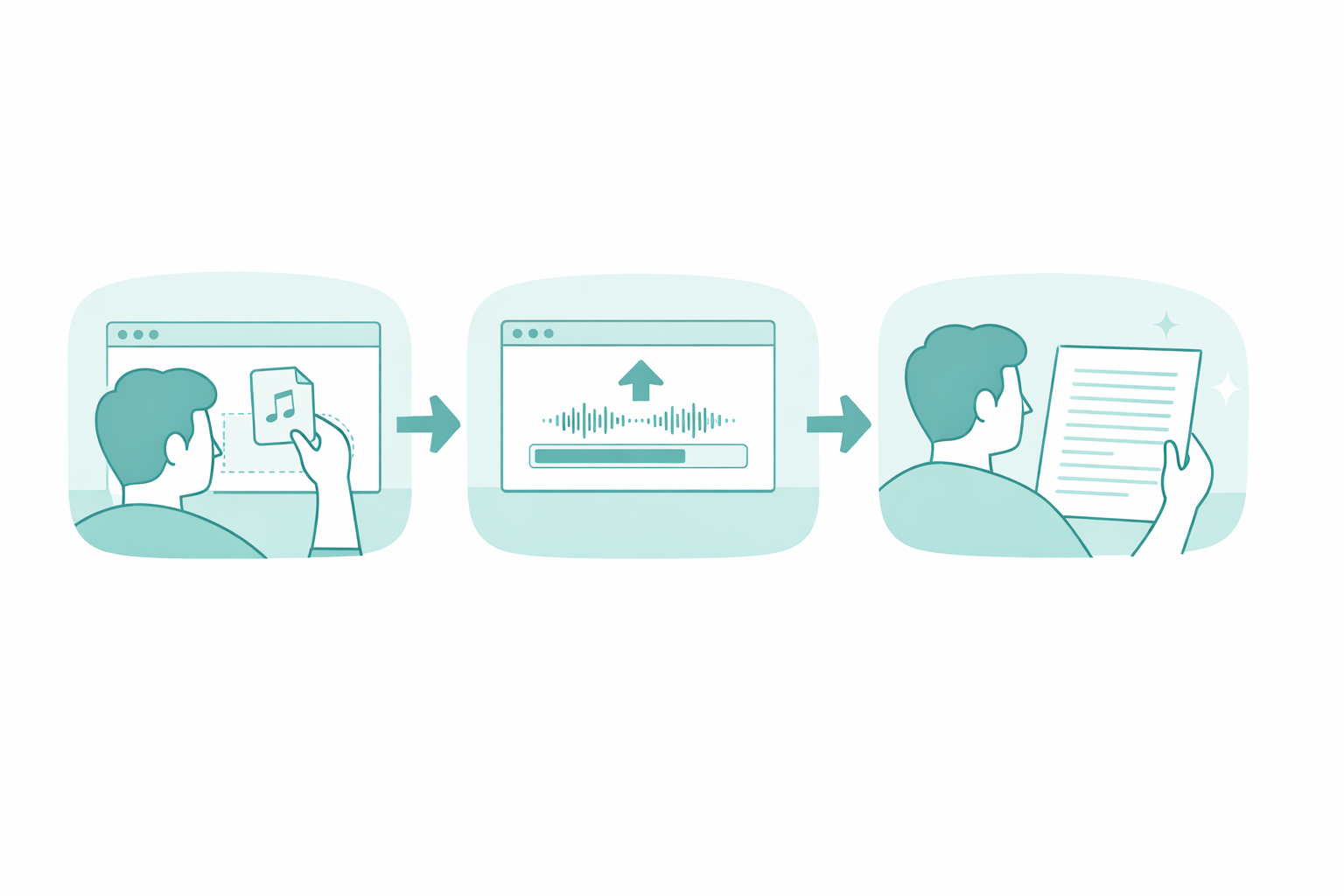
For live meeting transcription, any of the extensions above will work. For the highest accuracy on pre-recorded files, try Audioscribe free—upload any audio or video and get a transcript with speaker labels, timestamps, and an AI summary in minutes.
Explore more: Audio to Text · Meeting Transcription · Free Whisper Transcription