
How to Translate Video to English Subtitles: A Complete Guide
Learn practical steps to translate video content into English subtitles, boosting accessibility and engagement for global audiences.
AudioScribe Editorial Team
Showing English content because this locale has no published version yet.
Why English Subtitles Drive Reach and Retention
Adding English subtitles to your videos isn't just about accessibility—it's a strategic move that expands your content's potential. English serves as a global lingua franca, making your videos understandable to international viewers who might not speak the original language. This translation bridges cultural gaps and taps into broader markets.
- Enhanced Accessibility: English subtitles make your content inclusive for viewers with hearing impairments or those in noisy environments where audio isn't practical.
- Improved SEO: Search engines index subtitle text, boosting your video's discoverability for keywords related to your content.
- Higher Engagement: Viewers are more likely to watch videos with subtitles, leading to longer watch times and better retention rates.
- Learning Support: For educational content, English subtitles aid comprehension, especially for non-native speakers processing complex information.
By translating video to English subtitles, you create a versatile asset that works across platforms and audiences. Check out our video-to-text guide for more on extracting text from videos.
Need to process a file now? Start from the home uploader for a quick upload.
Global Reach with English Subtitles
Key Benefits of Translating Video to English Subtitles
Audience Expansion
Reach viewers worldwide by making your content accessible in English, the most widely understood second language.
Viewer Retention
Subtitles keep audiences engaged longer, reducing drop-off rates and increasing overall watch time.
Content Versatility
Use subtitled videos in multiple contexts, from social media to professional presentations, without re-recording.
SEO Boost
Improve search rankings as platforms index subtitle text, making your videos easier to find online.
Translation Method Comparison
Evaluate different approaches to translate video to English subtitles based on accuracy, speed, and cost.
| Method | Accuracy | Speed | Cost | Best For |
|---|---|---|---|---|
Manual Translation | High | Slow | High | Professional content requiring precise nuance |
AI-Assisted Tools | Medium-High | Fast | Low-Medium | General content with clear audio |
Crowdsourcing | Variable | Medium | Low | Community-driven projects or fan translations |
Hybrid Approach | High | Medium | Medium | Balancing quality and efficiency for business use |
Preparation Steps for Translation
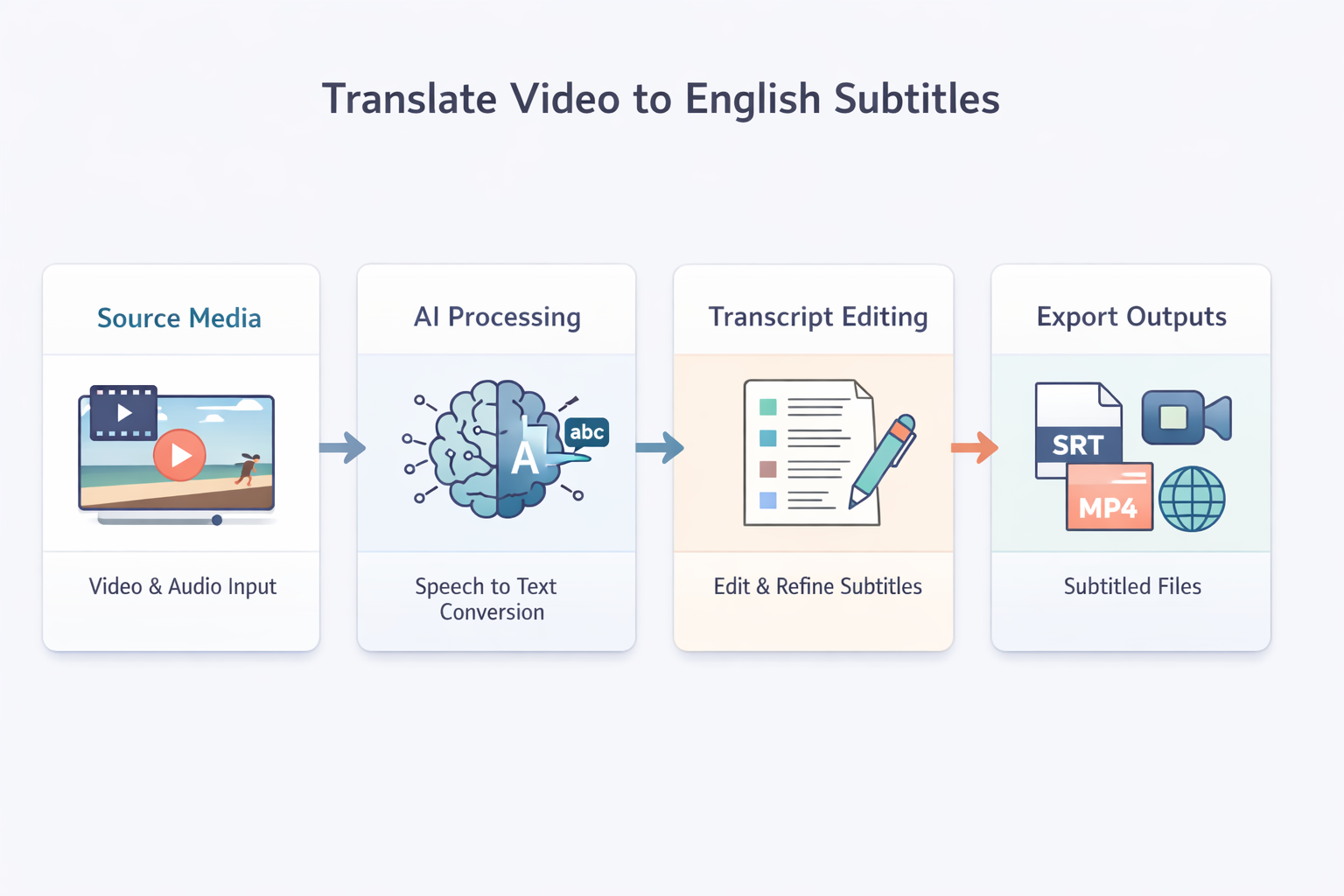
Editing Workflow Visualization
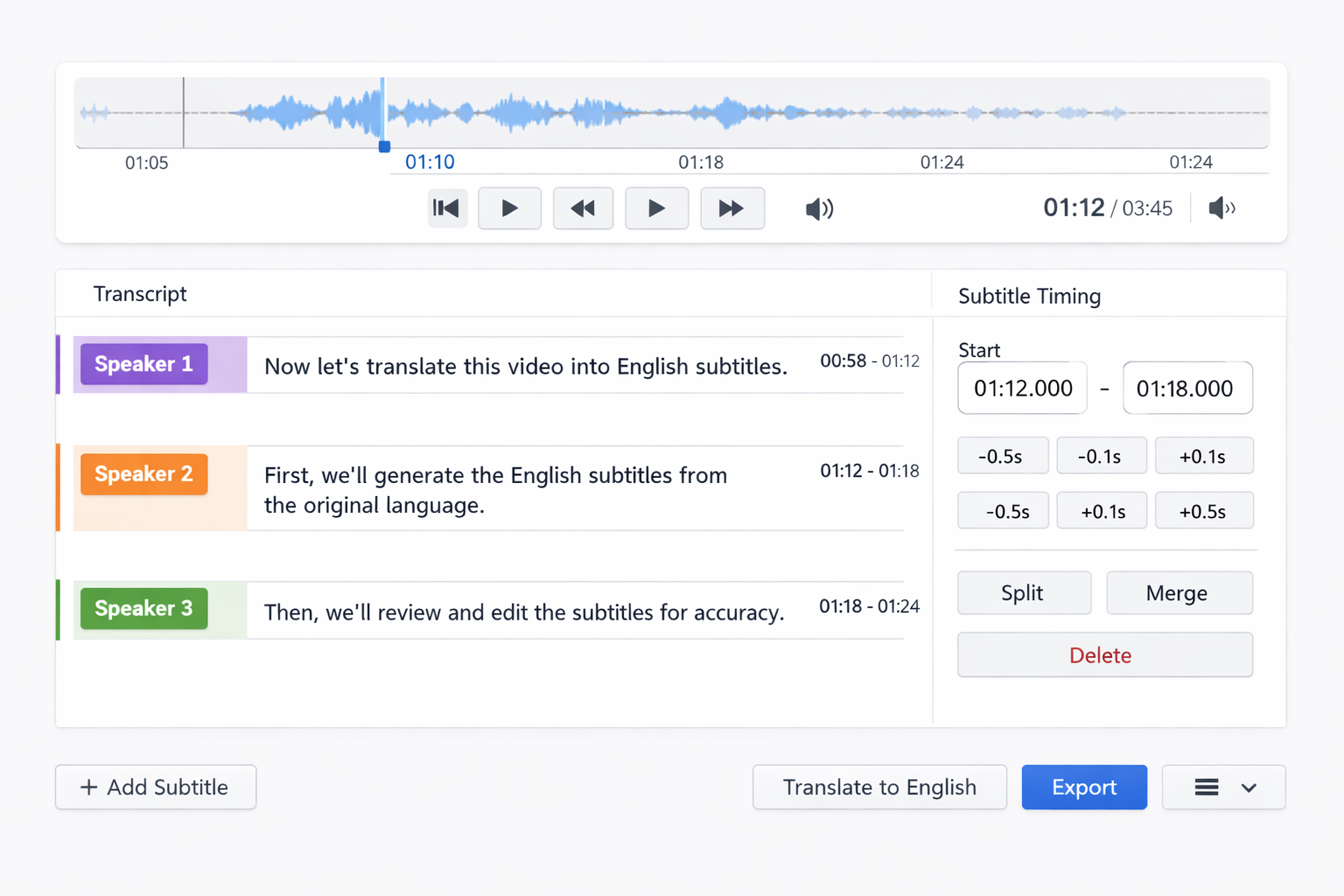
- Audio Quality Check: Ensure your video has clear audio with minimal background noise. Clean audio reduces translation errors and improves subtitle accuracy.
- Script Preparation: If available, use the original script as a reference. This speeds up the translation process and maintains consistency with the video's message.
- Context Notes: Provide notes on cultural references, technical terms, or idioms that might not translate directly. This helps translators preserve intended meaning.
- Timing Alignment: Verify that your video's timing markers are accurate. Proper alignment ensures subtitles appear at the right moments during playback.
Pro Tip
When you translate video to English subtitles, consider your target audience's dialect preferences (e.g., American vs. British English) for better relatability.
Expert Insight
According to video localization specialists,
Translating subtitles isn't just about word-for-word conversion—it's about adapting meaning for cultural relevance while keeping timing tight.
This approach ensures viewers connect with your content naturally.
Export Format Options
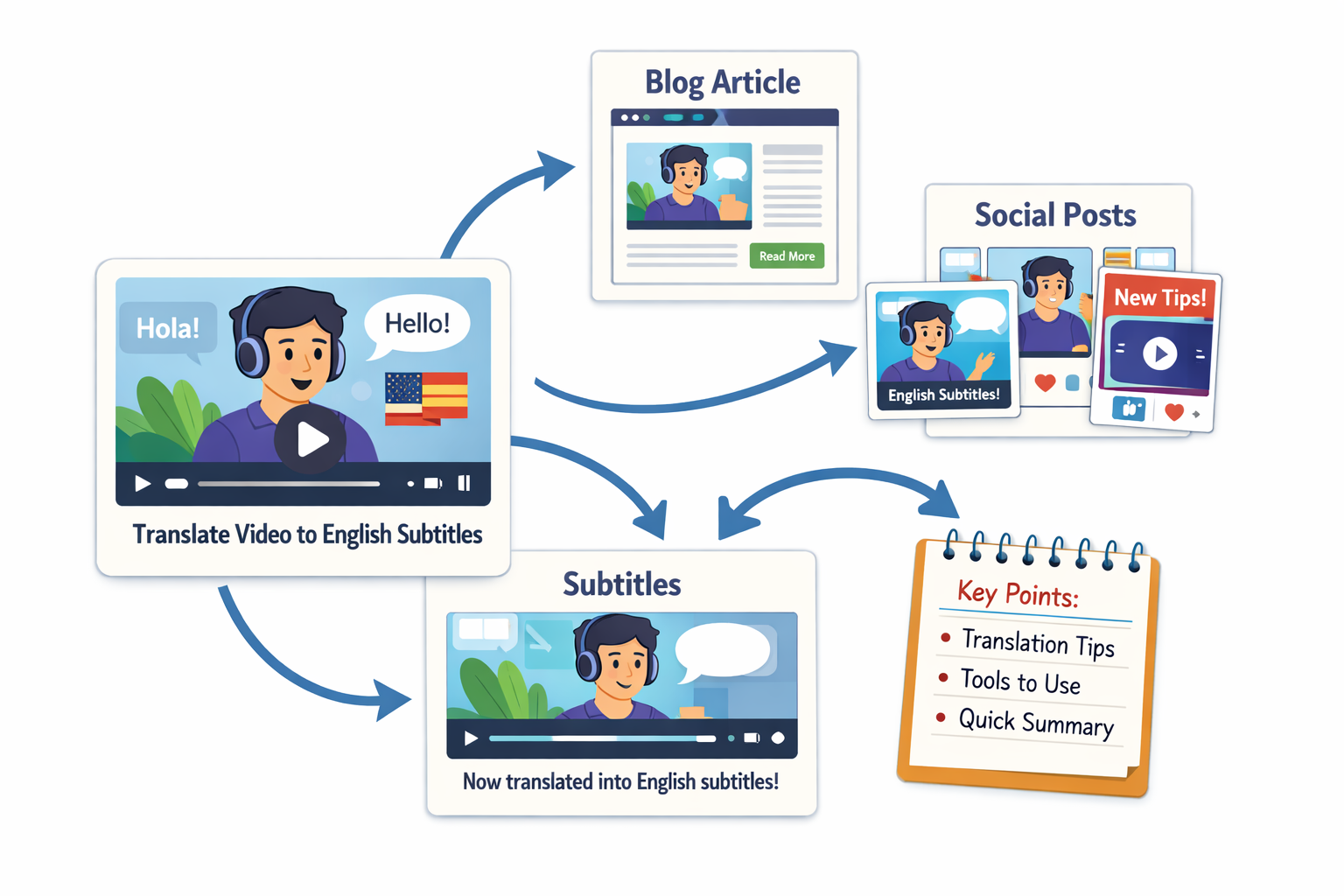
Editing and Synchronization Workflow
Once you have your initial translation, the editing phase refines subtitles for clarity and timing. Start by reviewing the translated text against the video to ensure it matches spoken content. Adjust sentence breaks to fit natural reading speeds—typically 2-3 lines per subtitle, with each line displaying for 1-3 seconds. Synchronization is crucial; use timestamp adjustments to align subtitles precisely with audio cues.
- Text Refinement: Simplify complex phrases for easier reading without losing meaning. Avoid jargon unless your audience expects it.
- Timing Optimization: Ensure subtitles appear long enough to be read comfortably but not so long that they linger after dialogue ends.
- Consistency Checks: Maintain uniform terminology, capitalization, and punctuation throughout the video.
- Quality Review: Watch the video with subtitles enabled to catch any errors in flow or accuracy.
This workflow ensures your translated subtitles enhance rather than distract from the viewing experience. For tools that streamline this process, visit our tools page.
SRT/VTT Export Choices
Choosing the right subtitle format depends on where you'll publish your video. SRT (SubRip Subtitle) files are widely compatible with most video platforms and editing software. They're simple text files with sequential numbers, timestamps, and subtitle text. VTT (WebVTT) files offer more features, like styling options and metadata support, making them ideal for web-based players.
- SRT Advantages: Universal support, easy to edit manually, and lightweight file size.
- VTT Advantages: Supports HTML tags for styling, works well with modern web players, and allows for additional cues like chapter markers.
When you translate video to English subtitles, export both formats if possible to maximize compatibility. Most platforms accept SRT, but VTT provides extra flexibility for customized displays.
FAQ and Publishing Decisions
How long does it take to translate video to English subtitles? Timing varies based on video length and method. A 10-minute video might take 2-4 hours with AI tools or 6-8 hours manually. Preparation and review add extra time.
Can I edit subtitles after publishing? Yes, most platforms allow subtitle updates. Upload revised files to replace existing ones, ensuring you maintain synchronization.
Do subtitles affect video loading speed? Minimally. Subtitle files are small text documents that load separately from video data, causing negligible impact on performance.
Should I translate all video content? Focus on dialogue and essential narration. Background sounds or music lyrics might not need translation unless critical to understanding.
When publishing, enable subtitle options prominently so viewers know they're available. Test playback on different devices to ensure compatibility. Ready to translate video to English subtitles? Start with a free upload to see how easy it can be, or explore our YouTube-to-text resources for platform-specific tips.
Continue Reading and Start Uploading
- Start now with the home uploader.
- Use the all tools hub to compare workflows.
- Open the blog index for more playbooks.
- Try the video-to-text subtitle workflow for this use case.