
How to Download Audio from YouTube: Your Complete 2026 Guide
Learn the safest, fastest, and most effective methods for extracting audio from YouTube videos. This comprehensive guide covers legal considerations, tool comparisons, and step-by-step workflows.
AudioScribe Editorial Team
Showing English content because this locale has no published version yet.
Choosing the Right Method for Your Needs
Selecting the best approach for how to download audio from YouTube depends primarily on your specific requirements. Casual users might prefer simple web tools, while professionals often need batch processing capabilities and format options.
Consider these factors when choosing:
- Frequency: How often will you download audio? Occasional users can use free web tools, while frequent users benefit from dedicated software.
- Quality Requirements: Do you need specific bitrates or formats? Music producers often require lossless formats, while podcasters might prioritize smaller file sizes.
- Technical Comfort: Are you comfortable with command-line tools, or do you prefer graphical interfaces?
- Device Compatibility: Will you use Windows, macOS, Linux, or mobile devices?
Our comprehensive tools directory includes various audio processing solutions that complement YouTube audio extraction.
Need to process a file now? Start from the home uploader for a quick upload.
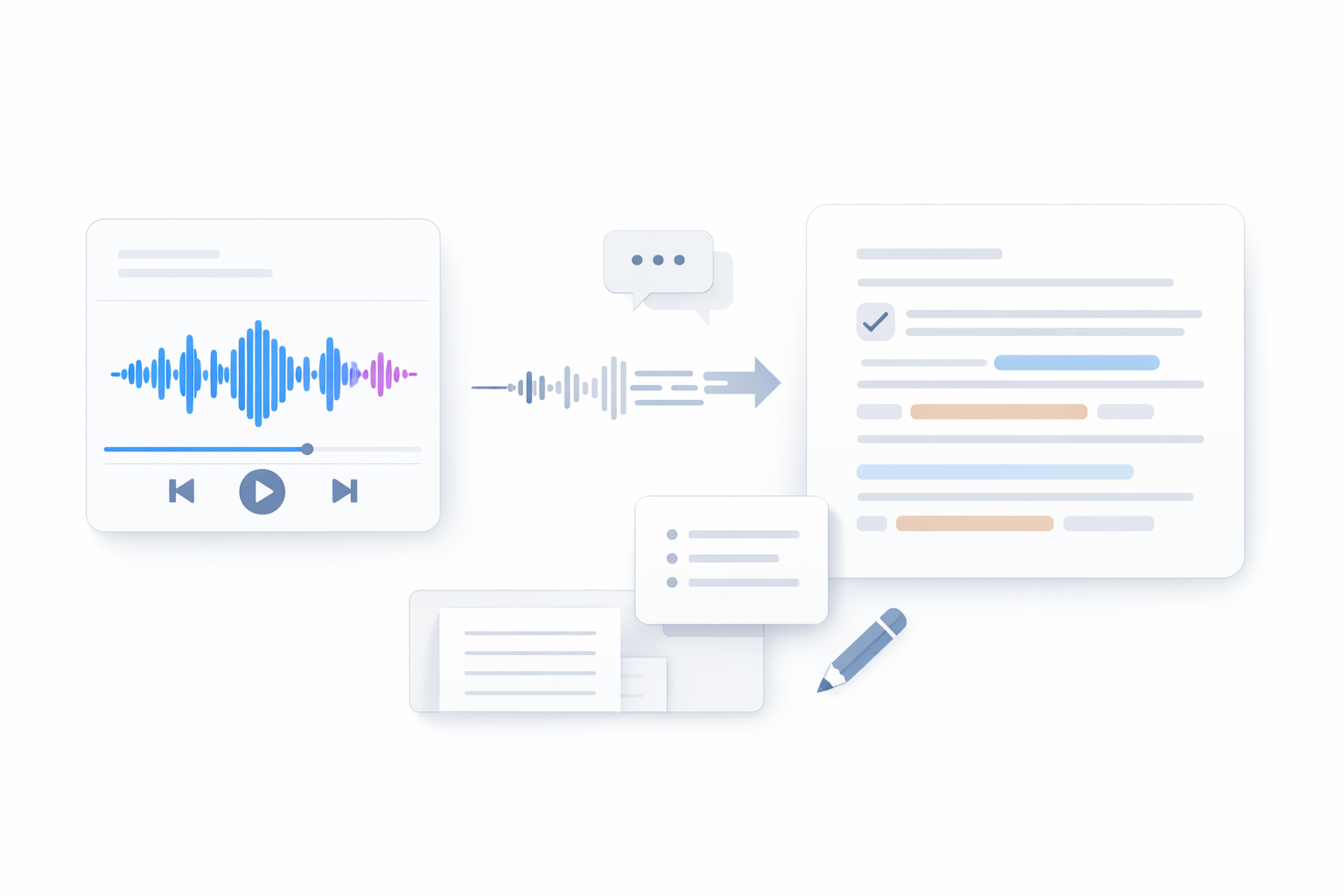
Audio Extraction Workflow Visualization
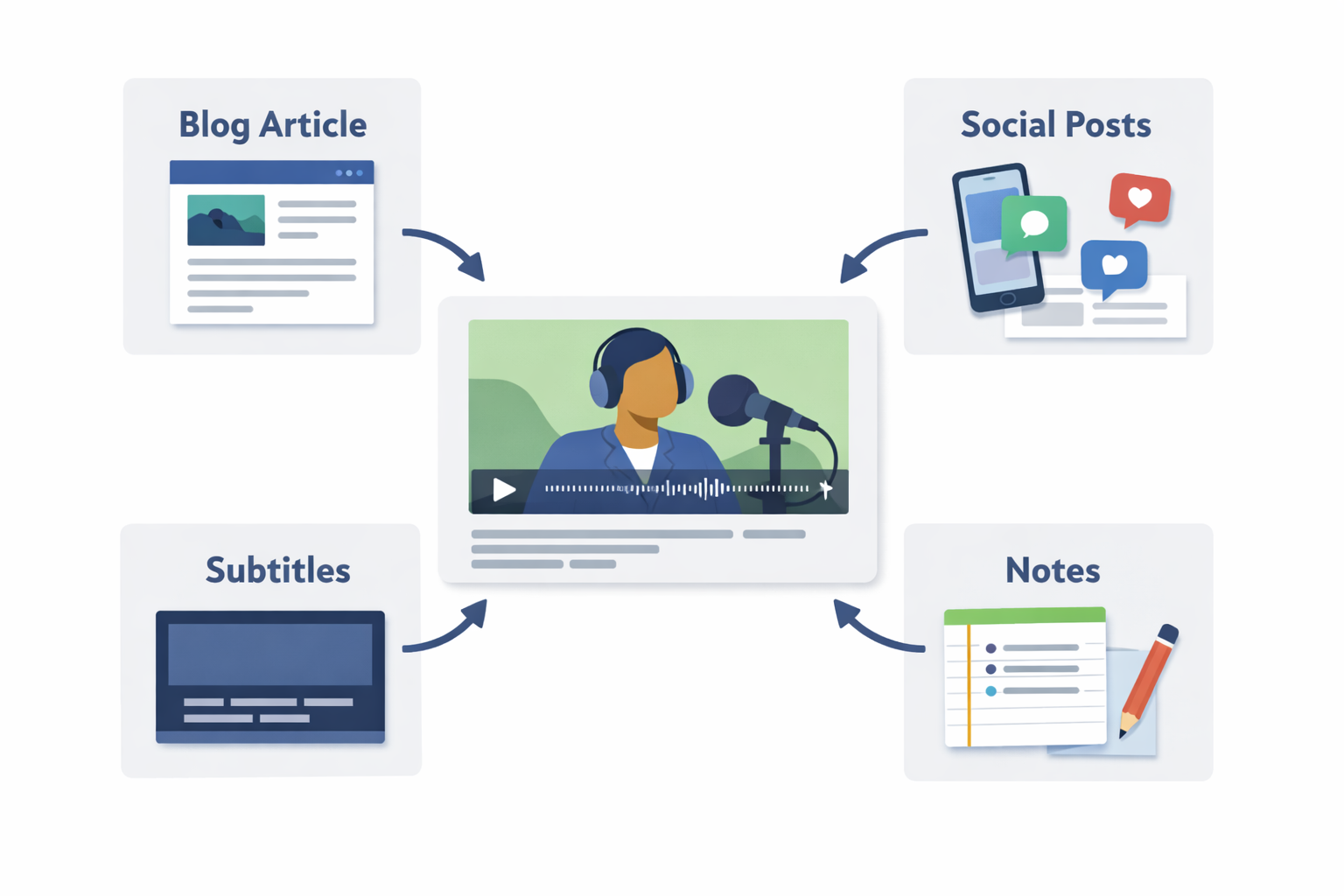
Primary Use Cases for YouTube Audio
Content Creation
Podcasters and video editors extract audio for remixing, sampling, or background tracks in their projects.
Educational Purposes
Students and researchers save lectures, interviews, and educational content for offline study and reference.
Personal Listening
Music enthusiasts create offline playlists from live performances, rare recordings, or personalized mixes.
Accessibility
Individuals with visual impairments or those preferring audio convert video content to listen-only formats.
Method Comparison: Legal, Safety, Speed & Cost
This table compares the most common approaches for how to download audio from YouTube across key criteria.
| Method Type | Legal Compliance | Safety Level | Speed | Cost |
|---|---|---|---|---|
Browser Extensions | Variable (check terms) | Medium (permissions required) | Fast | Free typically |
Online Converters | Questionable (often violate ToS) | Low (privacy concerns) | Medium | Free with limits |
Desktop Software | Good (if used properly) | High (local processing) | Very Fast | Free to $50+ |
Command Line Tools | Excellent (transparent) | Highest (open source) | Fastest | Free |
Mobile Apps | Variable (app store policies) | Medium (app permissions) | Slow to Medium | Free to $10 |
Legal Considerations Diagram
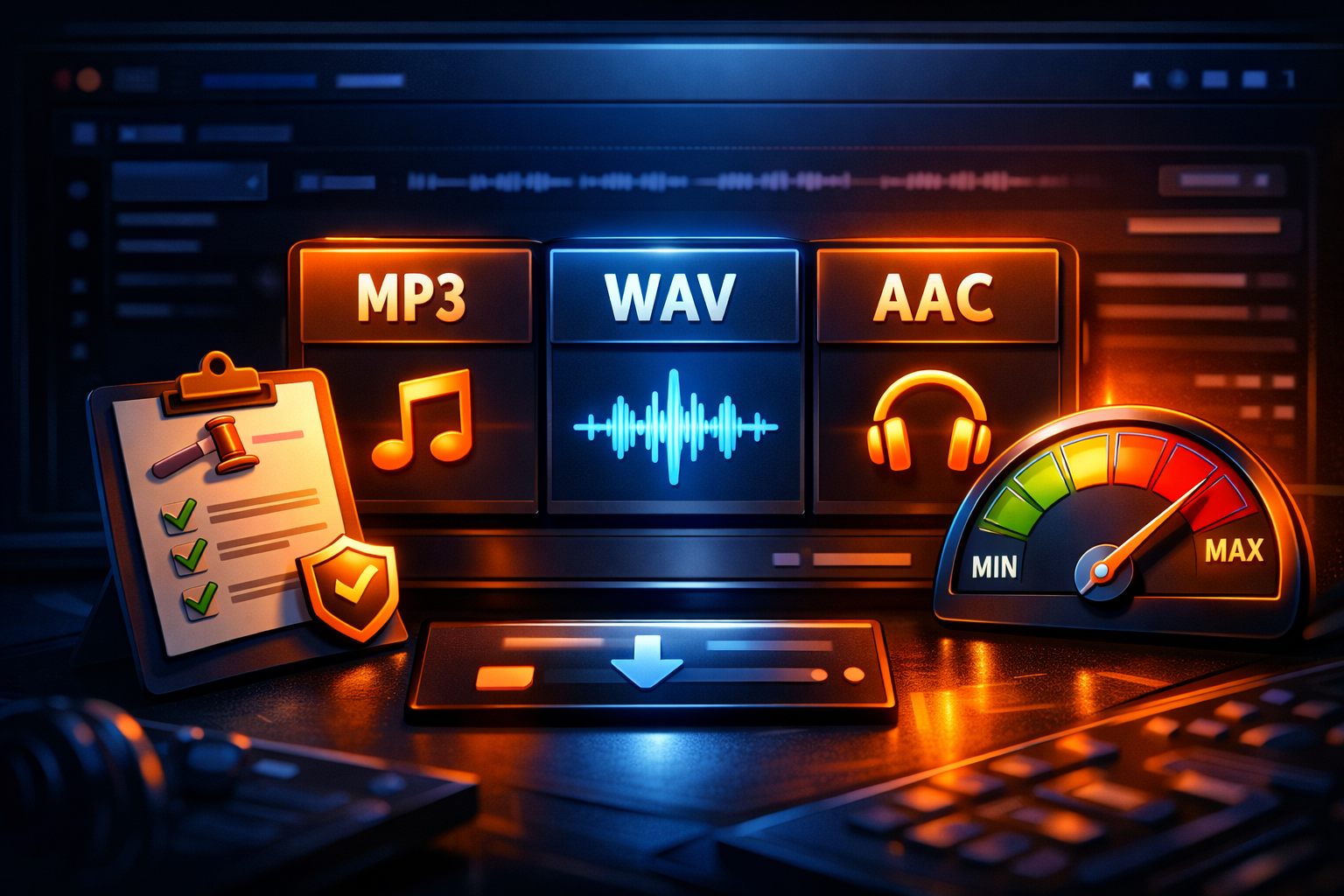
Quality Settings Comparison
- Recommended Practical Workflow: Start by identifying your specific needs, then select a method matching your technical level. Always verify content permissions before downloading, choose appropriate quality settings, and organize files systematically.
- Batch Processing Efficiency: For multiple downloads, use software supporting playlist or queue functionality. This saves time compared to manual single-video processing.
- Metadata Management: Properly tag your audio files with artist, album, and track information immediately after download to maintain organization.
- Regular Tool Updates: YouTube frequently changes its platform, so ensure your chosen method remains compatible by checking for updates regularly.
Important Legal Note
Downloading copyrighted content without permission violates YouTube's Terms of Service and may infringe copyright laws. Always ensure you have rights to download content, such as through Creative Commons licenses, fair use for educational purposes, or personal content you've uploaded yourself.
Expert Recommendation
Based on extensive testing of various methods for how to download audio from YouTube,
For most users, dedicated desktop applications provide the best balance of safety, speed, and reliability. They process files locally rather than sending data to third-party servers, offer consistent performance, and typically include advanced features like batch processing and format conversion.
This approach minimizes privacy risks while maximizing control over the extraction process.
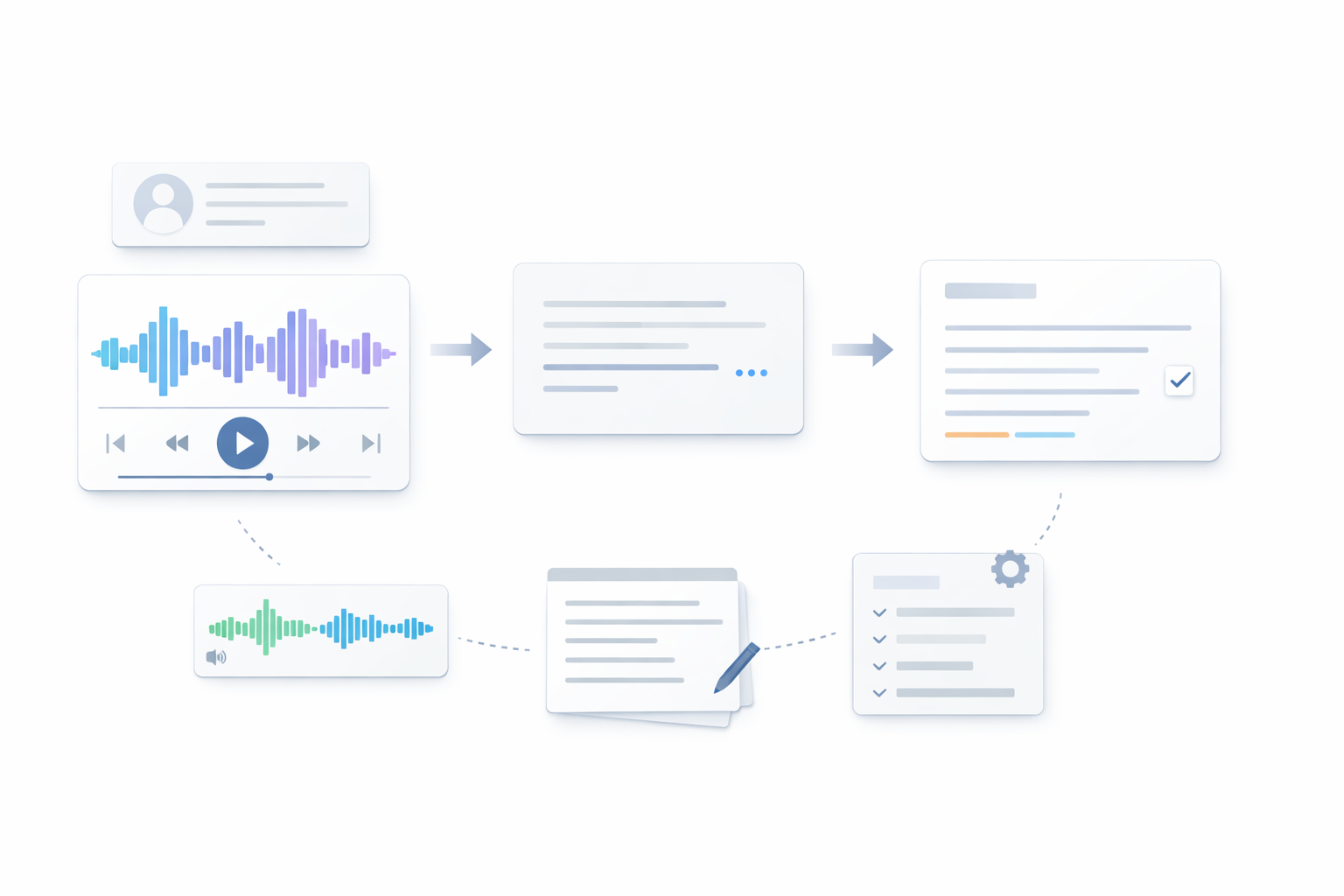
Step-by-Step Extraction Process
Legal and Ethical Boundaries
Understanding the legal landscape is crucial when learning how to download audio from YouTube. YouTube's Terms of Service explicitly prohibit downloading content except through their official features like YouTube Premium. However, legal exceptions exist for certain uses.
Fair Use Considerations
Fair use provisions may allow downloading for:
- Educational purposes in accredited institutions
- Critical commentary or review
- News reporting
- Research and scholarship
These exceptions have specific requirements and limitations. Simply claiming "fair use" doesn't automatically make downloading legal—you must meet all criteria.
Personal vs. Commercial Use
Downloading content you've created or have explicit permission to use is generally acceptable. However, redistributing downloaded audio, using it in commercial projects without licensing, or circumventing digital rights management (DRM) typically violates laws and platform terms.
Platform-Specific Rules
Beyond YouTube's terms, consider:
- Music licensing agreements
- Creator content policies
- Regional copyright laws
When in doubt, seek permission from content creators or use officially licensed sources.
Frequently Asked Questions with Actionable Decisions
Is it legal to download audio from YouTube?
Decision: Check the specific video's licensing. Content with Creative Commons licenses or your own uploads are generally safe. For other content, evaluate fair use applicability or seek permission.
What's the safest method?
Decision: Open-source command-line tools or reputable desktop software that processes files locally without sending data to external servers.
How can I ensure audio quality?
Decision: Choose tools offering bitrate selection (aim for 192kbps or higher for music) and format options (MP3 for compatibility, AAC for efficiency, or FLAC for lossless).
Can I download entire playlists?
Decision: Yes, using software with playlist support. This is more efficient than individual downloads but requires verifying all content permissions.
What about mobile solutions?
Decision: Official apps like YouTube Music allow offline listening with subscription. Third-party mobile apps exist but carry higher security risks than desktop alternatives.
How do I handle copyrighted music?
Decision: Use official music services like Spotify, Apple Music, or purchase tracks from legitimate stores. These provide legal, high-quality audio without extraction needed.
Final Recommendations and Next Steps
Mastering how to download audio from YouTube requires balancing technical knowledge with legal awareness. Start with clear objectives: identify why you need the audio, how you'll use it, and what quality you require. Choose methods aligning with your frequency of use and technical comfort level.
Remember that technology evolves rapidly. YouTube frequently updates its platform, and extraction methods that work today might need adjustment tomorrow. Stay informed about changes to both YouTube's policies and the tools available for audio extraction.
For those working extensively with audio content, consider exploring additional processing capabilities. Once you've extracted audio, you might need transcription, editing, or format conversion—all available through our comprehensive audio tools collection.
Ready to take your audio workflow to the next level? Upload your files for advanced processing or explore our specialized MP3 to text conversion service for transcription needs.
Continue Reading and Start Uploading
- Start now with the home uploader.
- Use the all tools hub to compare workflows.
- Open the blog index for more playbooks.
- Try the YouTube to text uploader for this use case.