
How to Transcribe Voice Memos Like a Pro in 2026
Learn professional techniques to transcribe voice memos efficiently using modern tools and workflows that save time while maintaining accuracy.
AudioScribe Editorial Team
Showing English content because this locale has no published version yet.
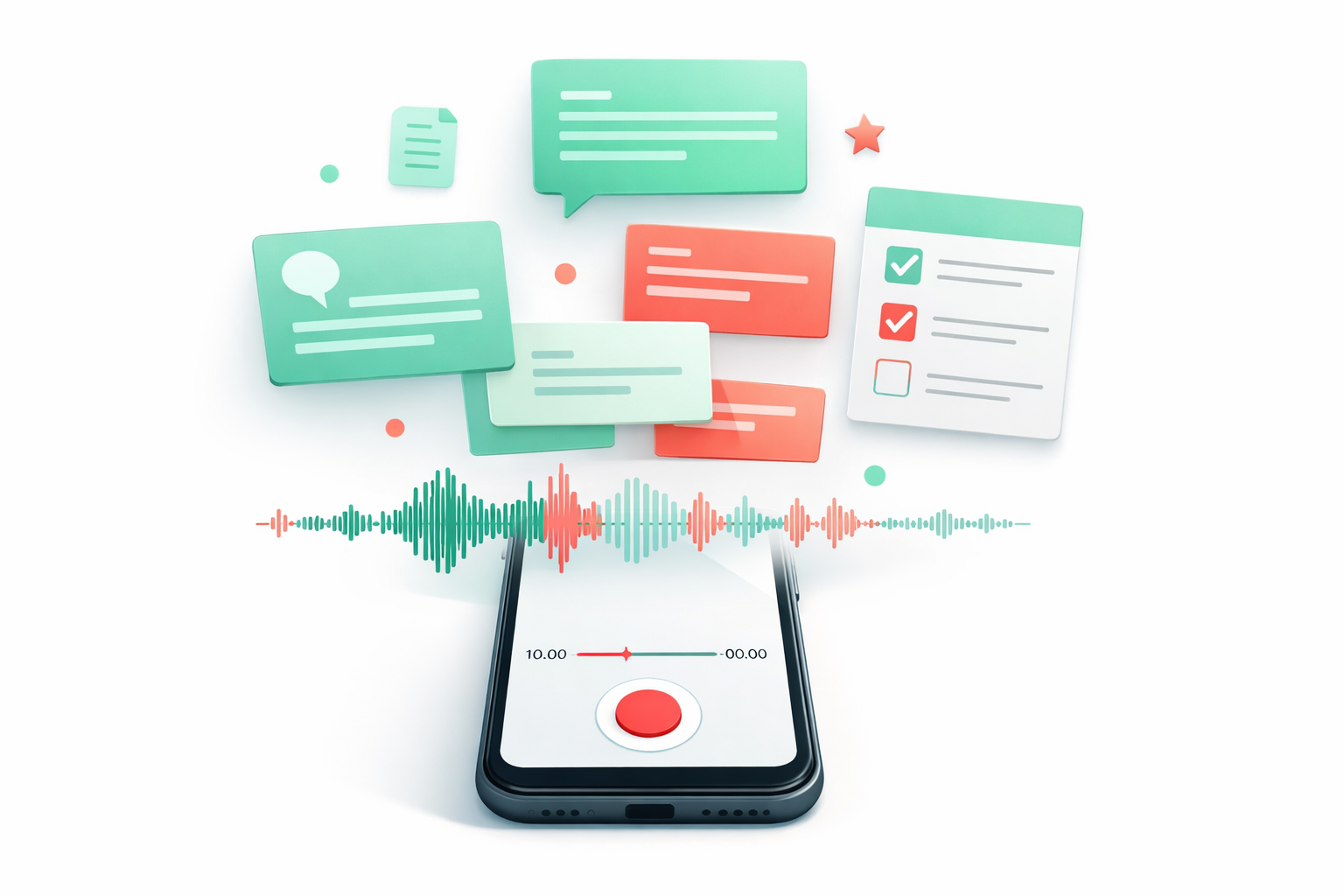
Method Comparison and Device Workflows
Different situations call for different approaches to transcribe voice memos. Understanding your options helps you choose the most efficient method for each scenario.
Smartphone-First Workflow
Most voice memos start on smartphones, making mobile transcription particularly valuable. Modern apps can transcribe voice memos directly on your device, providing immediate text access without transferring files. This approach works well for quick notes and ideas you want to capture and organize immediately.
Desktop Processing Workflow
For longer recordings or situations requiring higher accuracy, desktop tools offer more processing power and editing capabilities. You can upload voice memos from your phone to your computer, then use specialized software to transcribe voice memos with advanced features like speaker identification and timestamping.
Cloud-Based Workflow
Cloud services allow you to transcribe voice memos from any device while leveraging powerful server-based processing. This method excels for collaborative projects where multiple people need access to transcripts or when working across different devices regularly.
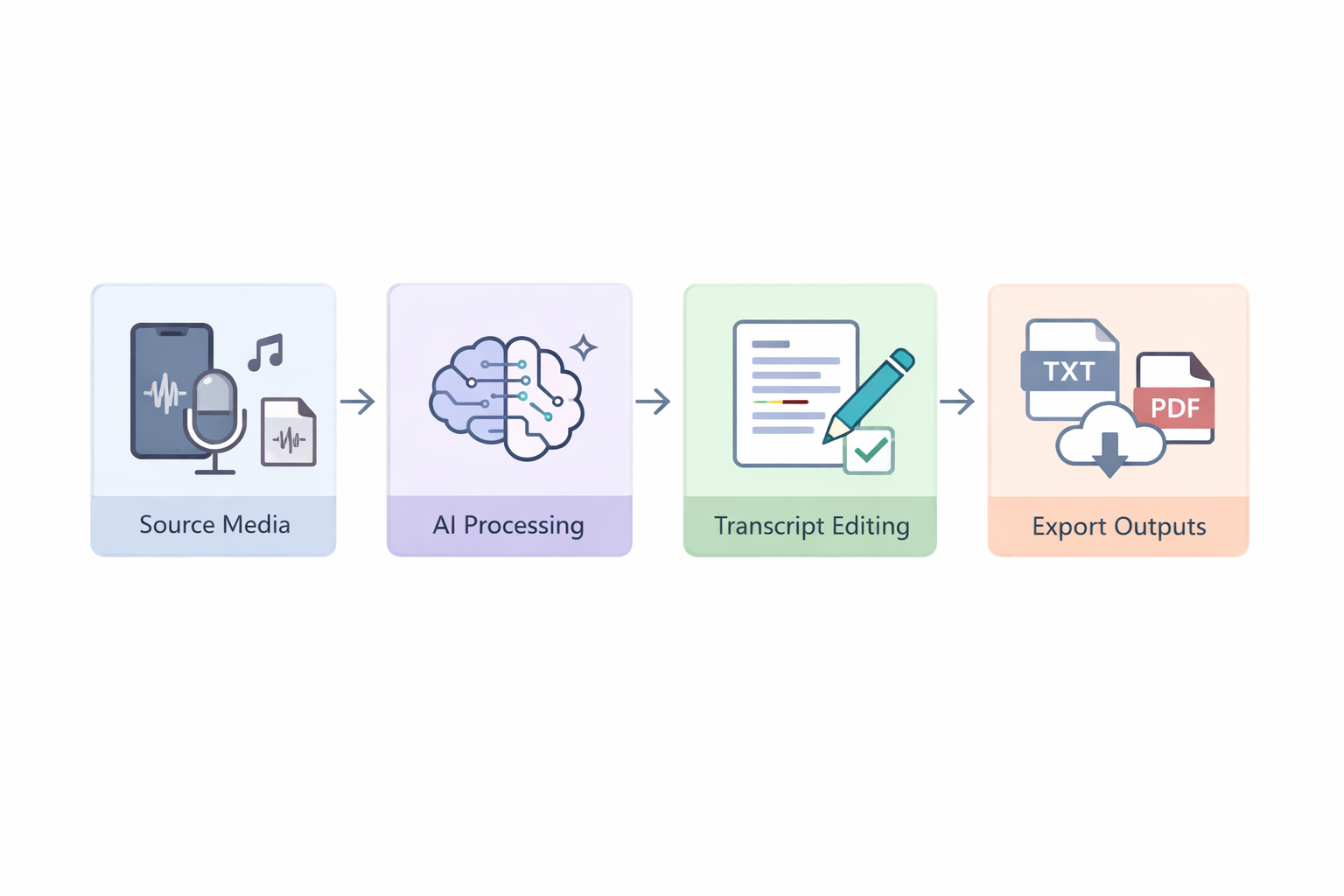
Each workflow has strengths depending on your needs. Quick ideas benefit from immediate smartphone transcription, while important meetings might warrant the extra accuracy of desktop processing. Our /mp3-to-text converter handles common audio formats across all these workflows.
Need to process a file now? Start from the home uploader for a quick upload.
Transcription Workflow Comparison
Essential Tools for Professional Transcription
AI Transcription Apps
Mobile applications that use artificial intelligence to transcribe voice memos directly on your device with impressive accuracy.
Desktop Software Suites
Comprehensive programs offering advanced editing features, multiple export formats, and batch processing capabilities.
Cloud Services
Web-based platforms that process your voice memos on secure servers, accessible from any internet-connected device.
Editing Assistants
Tools specifically designed to help refine and polish transcripts after the initial automated conversion.
Transcription Method Comparison 2026
Evaluate different approaches to transcribe voice memos based on key factors that affect your workflow.
| Method | Speed | Accuracy | Cost | Best For |
|---|---|---|---|---|
Built-in Phone Apps | Instant | Basic | Free | Quick personal notes |
AI Mobile Apps | Fast (1-2 min) | Good | Freemium | On-the-go professionals |
Desktop Software | Medium (3-5 min) | Excellent | Paid | Important meetings |
Cloud Services | Variable | Very Good | Subscription | Team collaboration |
Manual Transcription | Slow (10x audio) | Perfect | Expensive | Legal/medical records |
AI Editing Interface Example
Export Options Display
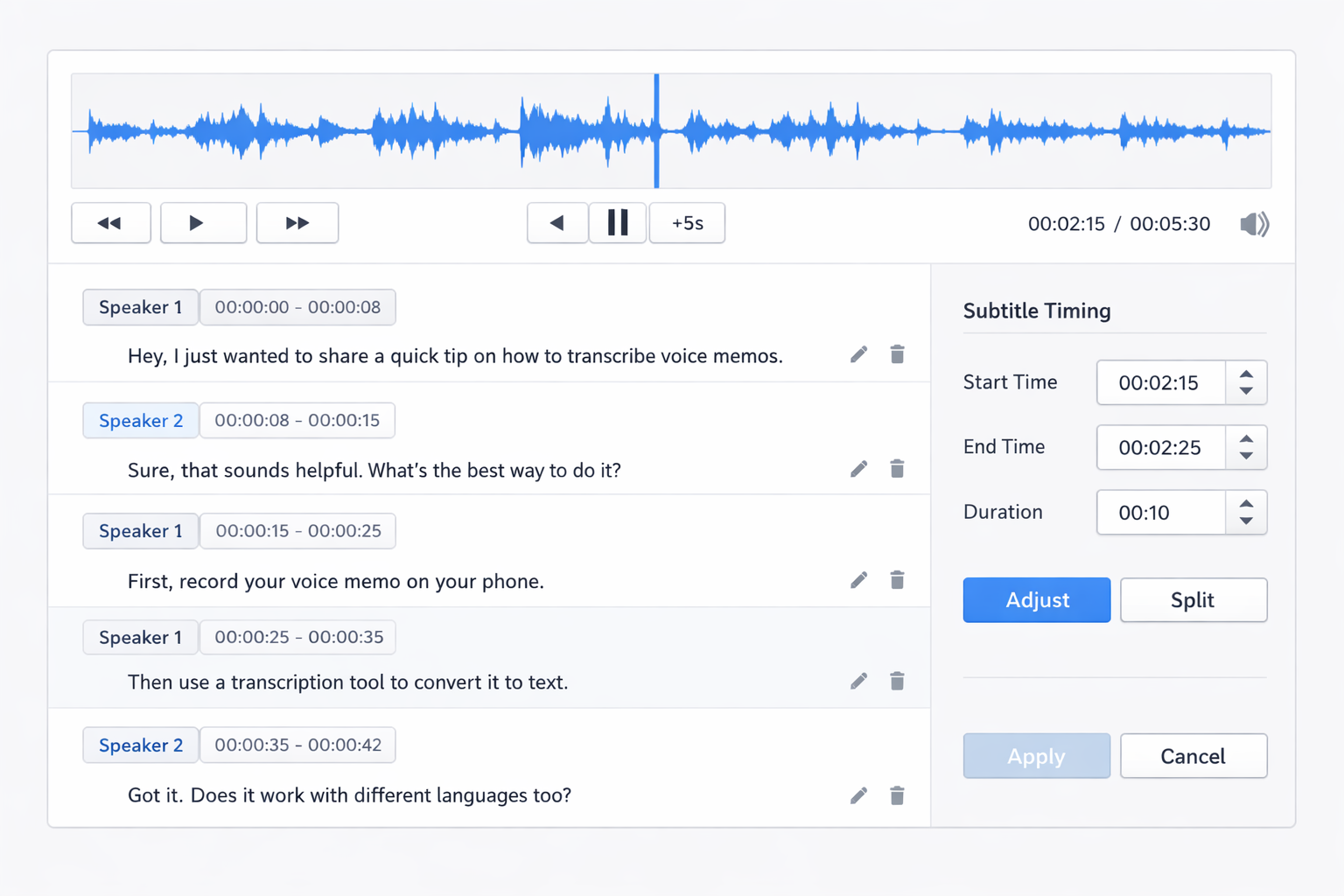
- AI-First Editing Approach: Start with automated transcription, then use AI-assisted editing tools to quickly correct any errors and improve formatting.
- Context-Aware Correction: Modern tools understand context, helping correct homophones and technical terms automatically based on surrounding content.
- Batch Processing Efficiency: Process multiple voice memos simultaneously to maintain workflow momentum and handle backlogs efficiently.
- Smart Formatting Rules: Apply consistent formatting automatically—paragraph breaks, speaker labels, and timestamps based on audio patterns.
Privacy First
When you transcribe voice memos containing sensitive information, choose tools with local processing options or clear data protection policies. Always review privacy settings before uploading confidential recordings.
Professional Insight
According to productivity experts,
The most successful professionals don't just record ideas—they systematically transcribe voice memos to create actionable knowledge bases. This simple habit separates reactive note-takers from strategic thinkers.
This approach transforms random recordings into organized resources.
Privacy Settings Interface
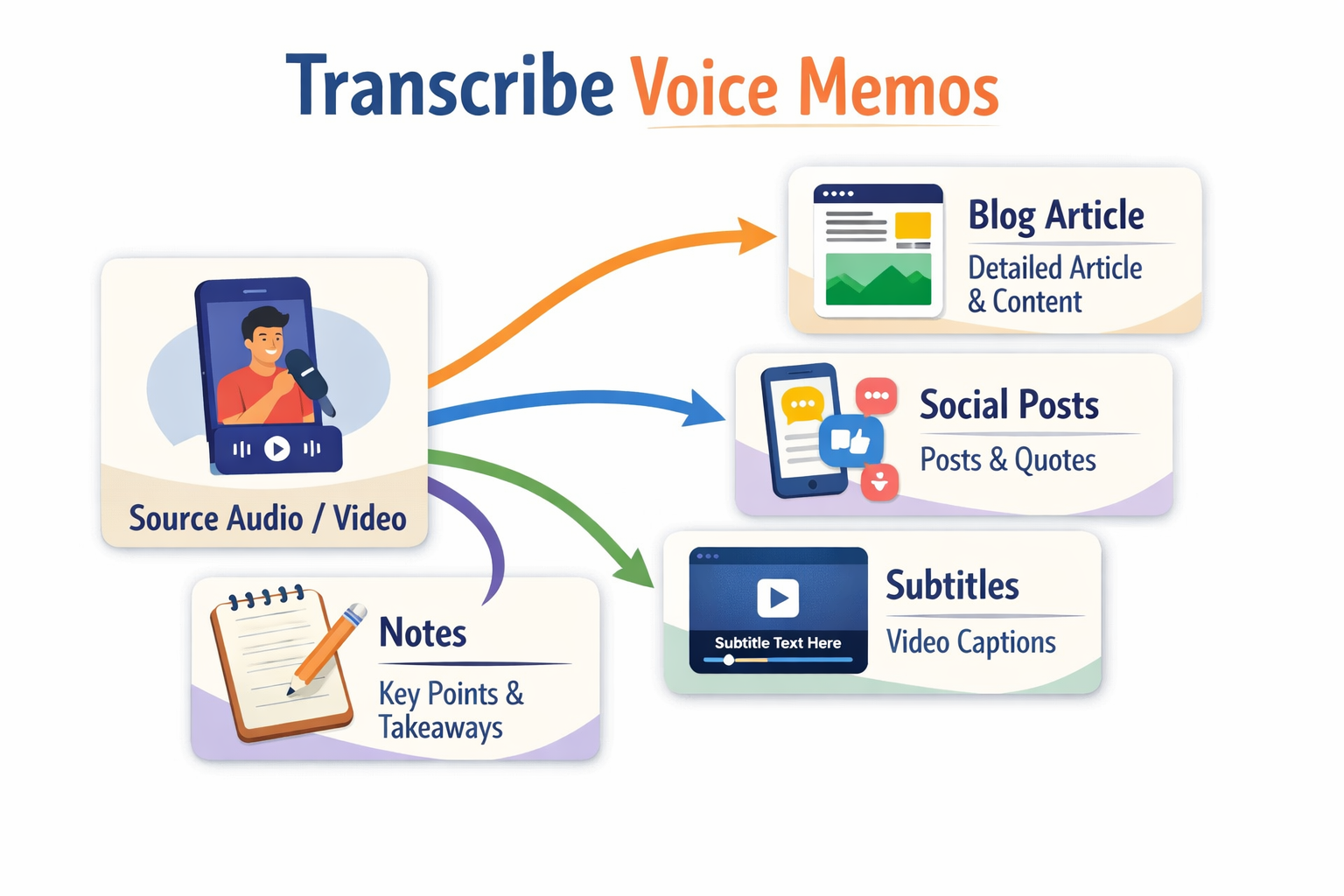
Operational Checklist and Privacy Tips
Establishing consistent habits makes it easier to transcribe voice memos regularly. Follow this operational checklist to build an efficient system:
- Capture consistently: Use the same recording app to maintain audio quality standards
- Organize immediately: Add descriptive titles and tags right after recording
- Process in batches: Set aside specific times to transcribe voice memos rather than doing them individually
- Review systematically: Develop a quick proofreading routine for accuracy checking
- Archive properly: Store both audio files and transcripts in organized systems
Privacy Protection Practices
When you transcribe voice memos containing personal or sensitive information, additional precautions are essential:
- Local processing options: Choose tools that can transcribe voice memos directly on your device when privacy is paramount
- Clear data policies: Only use services with transparent data handling and retention policies
- Selective sharing: Be mindful of what transcripts you share and with whom
- Regular cleanup: Delete unnecessary audio files and transcripts from cloud storage
FAQ for Speed, Accuracy, and Security
How fast can I transcribe voice memos?
Modern AI tools typically process recordings 2-4 times faster than real-time playback. A 10-minute voice memo might take 2-5 minutes to transcribe, depending on audio quality and tool selection.
What accuracy should I expect?
Professional transcription services using advanced AI achieve 85-95% accuracy for clear recordings. Accuracy improves with good audio quality, minimal background noise, and clear speech patterns.
Are my voice memos secure during transcription?
Security varies by tool. Look for services offering end-to-end encryption, local processing options, and clear data deletion policies. Always review privacy documentation before uploading sensitive recordings.
Can I transcribe voice memos in different languages?
Most modern tools support multiple languages, though accuracy may vary. Some specialize in specific language pairs or offer better performance for commonly spoken languages.
What's the best format for voice memo recordings?
MP3 and M4A formats work well with most transcription tools. Ensure your recording app uses a bitrate of at least 128 kbps for optimal clarity when you need to transcribe voice memos.
Getting Started with Professional Transcription
The ability to efficiently transcribe voice memos has become an essential skill in today's fast-paced world. By combining the right tools with consistent workflows, you can transform random recordings into organized, actionable content that enhances productivity and preserves valuable ideas.
Remember that the goal isn't perfection on the first pass—it's establishing a system that makes transcription a natural part of your workflow. Start with simple recordings, experiment with different tools, and gradually refine your approach as you discover what works best for your specific needs.
Ready to improve how you handle voice memos? Explore our audio-to-text solutions for specialized transcription needs or visit our tools page to discover comprehensive options for different workflows. Begin transforming your voice recordings into searchable, shareable content today.
Continue Reading and Start Uploading
- Start now with the home uploader.
- Use the all tools hub to compare workflows.
- Open the blog index for more playbooks.
- Try the voice memo transcription tool for this use case.