
Speaker Diarization Explained: How It Works and Why You Need It
Discover how speaker diarization transforms audio into organized transcripts by identifying who said what. Learn its practical uses, accuracy factors, and how it compares to basic transcription tools.
AudioScribe Editorial Team
Showing English content because this locale has no published version yet.
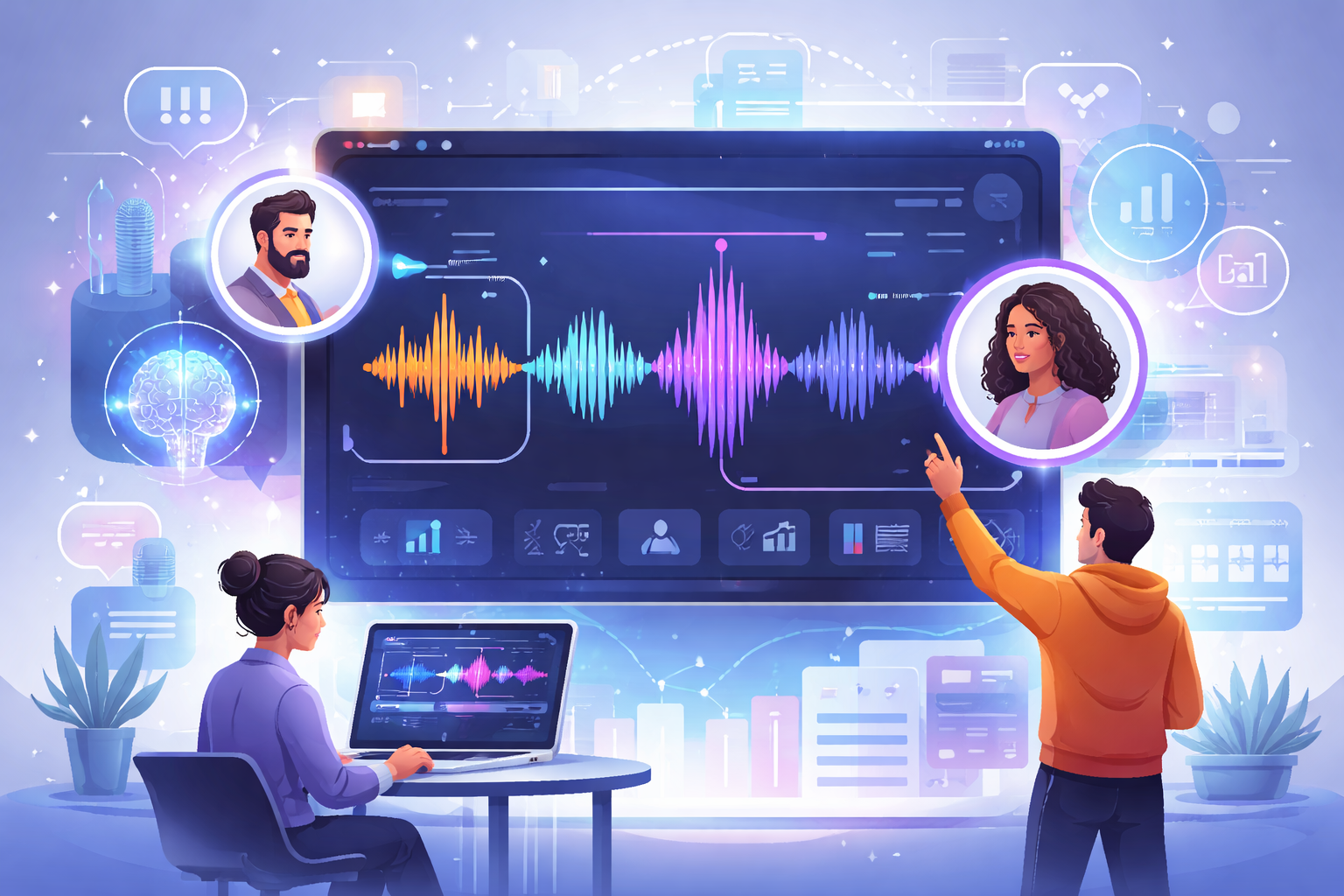
Understanding Speaker Diarization Through a Concrete Example
Imagine you've recorded a team meeting with four participants discussing a project. Without speaker diarization, you'd get a transcript that looks like this:
"We need to finalize the budget by Friday. I think we should allocate more to marketing. But development needs those resources too. Let's review the numbers first."
Who said what? You'd need to listen to the recording repeatedly to figure it out.
With speaker diarization, the same conversation becomes:
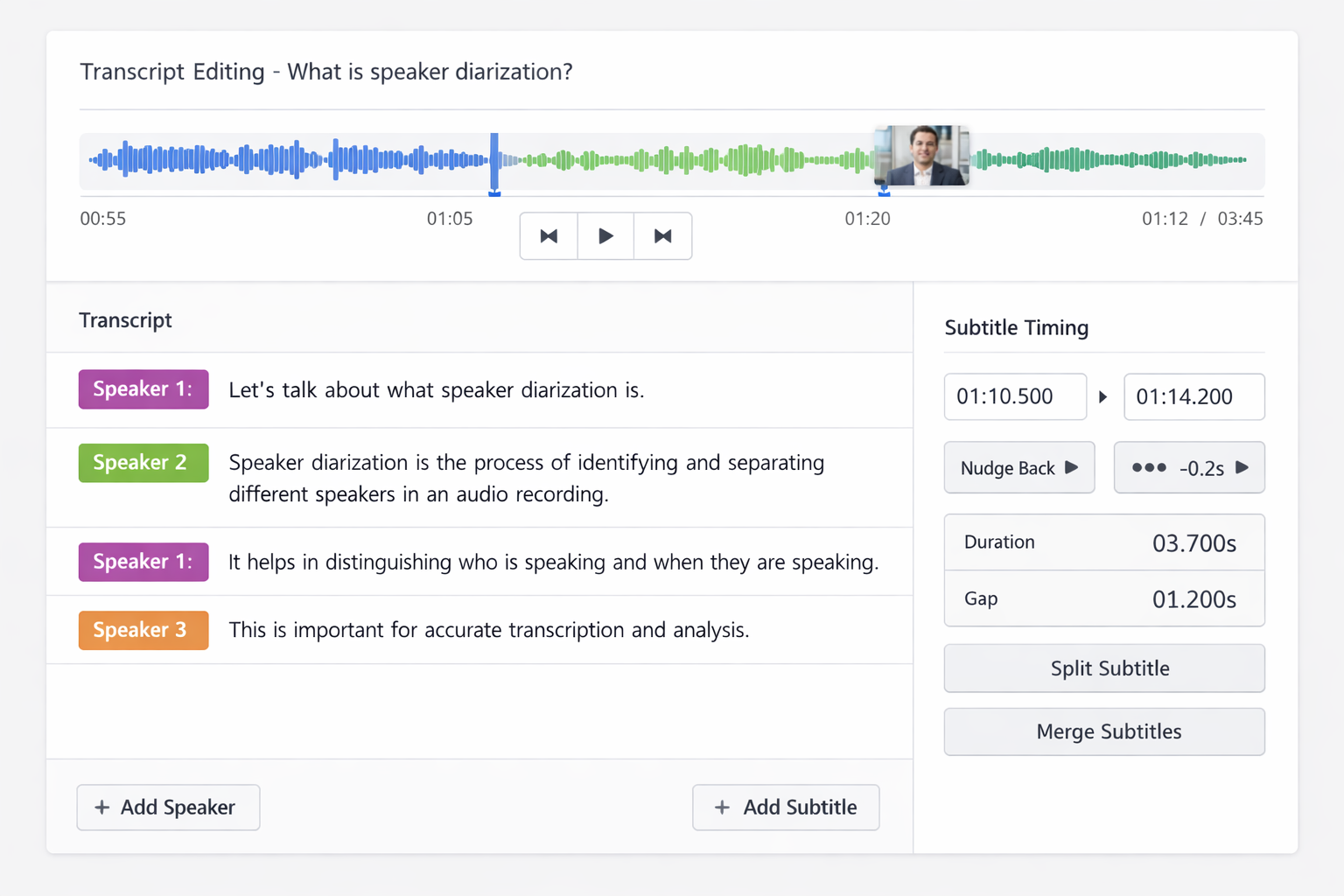
Alex: We need to finalize the budget by Friday. Jamie: I think we should allocate more to marketing. Taylor: But development needs those resources too. Morgan: Let's review the numbers first.
Suddenly, the transcript is useful. You can see who suggested each idea, track the conversation flow, and easily reference specific contributions later. This practical benefit makes speaker diarization valuable for anyone working with multi-speaker audio.
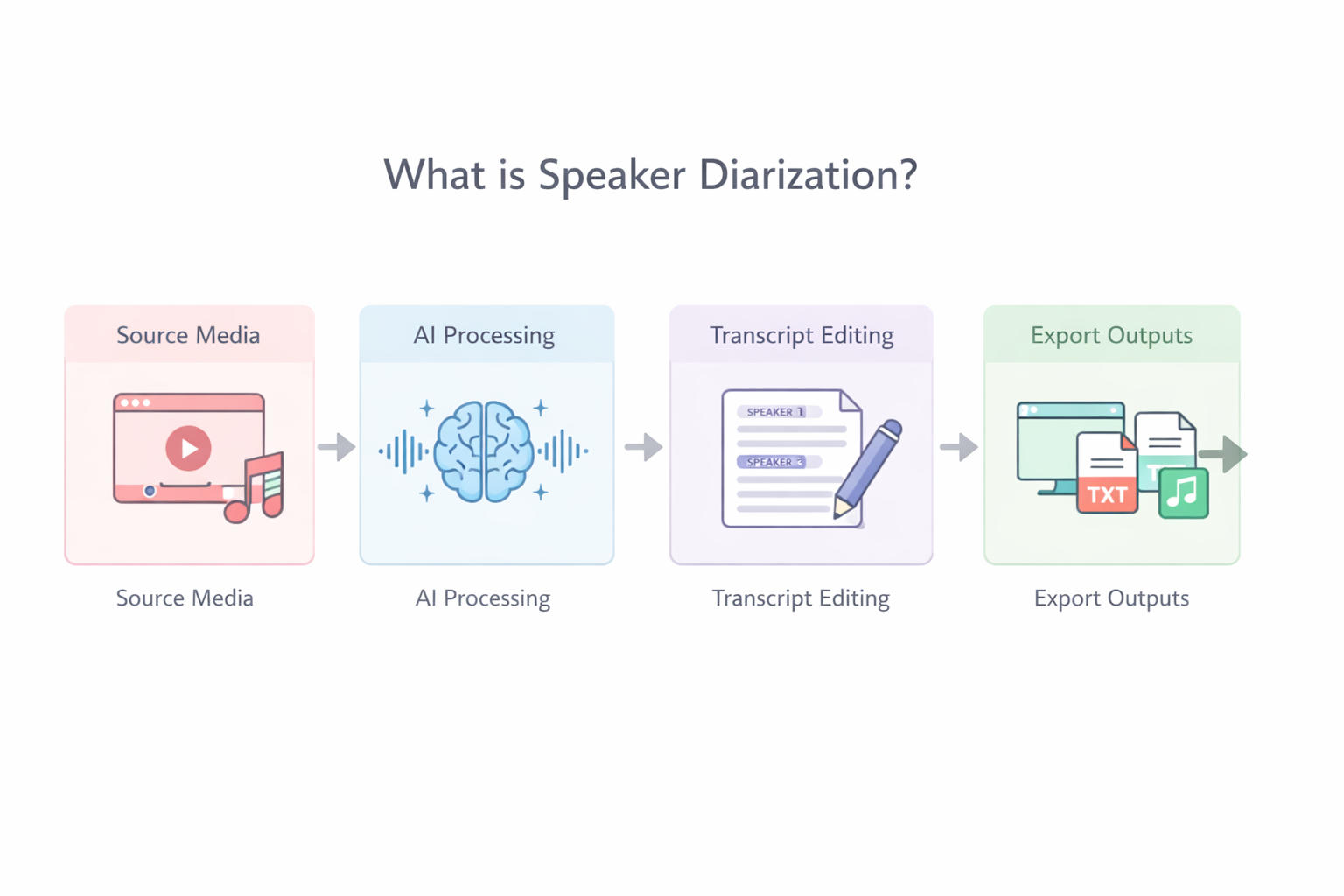
How Speaker Diarization Organizes Conversations
Key Benefits of Speaker Diarization
Time Savings
Eliminates hours of manual speaker identification, letting you focus on content analysis instead of administrative work.
Improved Clarity
Creates transcripts where you can immediately see who contributed each idea, making conversations easier to follow and reference.
Better Analysis
Enables tracking of speaking patterns, contribution frequency, and conversation dynamics for deeper insights.
Enhanced Accessibility
Makes multi-speaker content more accessible by providing clear attribution in transcripts for hearing-impaired users.
Speaker Diarization vs. Basic Transcription: What's the Difference?
Understanding these differences helps you choose the right solution for your audio processing needs.
| Feature | Basic Transcription | Speaker Diarization | Best For | Limitations |
|---|---|---|---|---|
Speaker Identification | No identification - all text appears as one speaker | Automatically labels different speakers | Meetings, interviews, panels | May struggle with very similar voices |
Output Format | Continuous text block | Formatted with speaker labels and timestamps | Legal proceedings, research | Requires good audio quality for best results |
Searchability | Can search for words but not by speaker | Search by speaker or specific speaker's comments | Content analysis, journalism | Accuracy decreases with poor recordings |
Editing Required | Minimal if single speaker | May need speaker name assignment and error correction | Podcast production, academic work | Overlapping speech remains challenging |
Use Case Fit | Lectures, solo recordings | Multi-participant conversations | Business meetings, focus groups | Not needed for single-speaker content |
Common Applications in Different Fields
Factors That Impact Accuracy
- Audio Quality Matters Most: Clear recordings with minimal background noise yield the best speaker separation. Invest in decent recording equipment or choose quiet environments for important conversations.
- Start with Fewer Speakers: If you're new to speaker diarization, begin with 2-3 speaker recordings to understand how the technology works before tackling larger groups.
- Plan for Some Review Time: Even the best systems aren't perfect. Budget time to review and correct speaker labels, especially for critical documents or publications.
- Consider Your End Use: Choose tools based on how you'll use the transcripts. For quick reference, automated diarization works well; for official records, you might need human verification.
Pro Tip
For the best results with speaker diarization, ask participants to speak clearly and avoid talking over each other. Even small improvements in recording quality can significantly boost accuracy.
Real User Experience
Sarah Martinez, a market researcher who regularly conducts focus groups, shares her experience:
Before using speaker diarization, I spent more time identifying speakers than analyzing content. Now I get organized transcripts that let me immediately see patterns in who says what. It's transformed how I work with group conversations.
This efficiency gain is common among professionals who regularly work with multi-speaker audio.
The Technology Behind the Scenes
Making Speaker Diarization Work for You
Now that you understand what speaker diarization is and how it works, the next step is applying it to your specific needs. The technology has moved from research labs to practical tools that anyone can use.
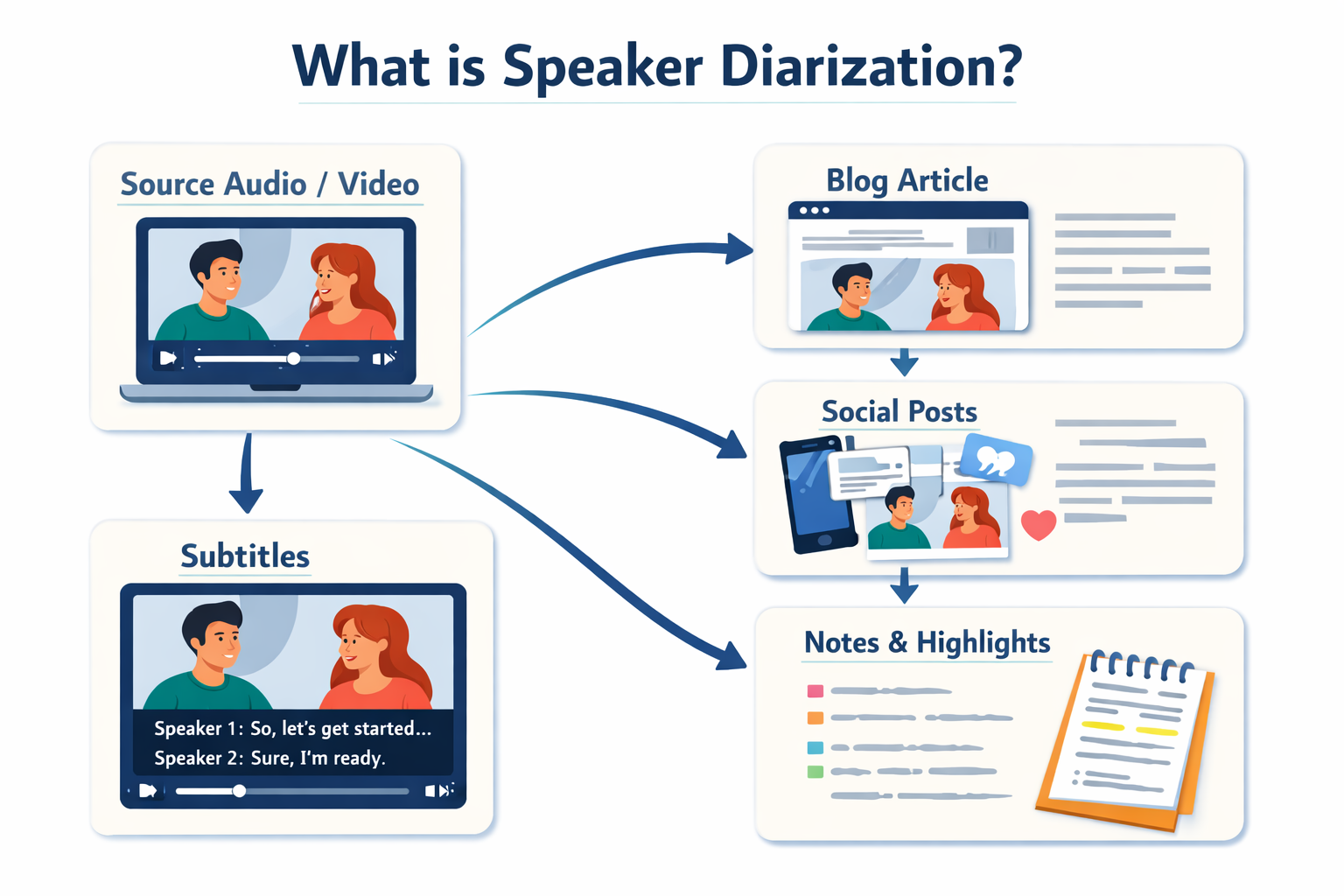
For interviewers, it means spending less time on transcription and more on analysis. For businesses, it means better meeting documentation that clearly shows who was responsible for decisions and action items. For content creators, it means easier production of transcripts, show notes, and accessible content.
The key is matching the technology to your requirements. For casual use or single-speaker recordings, basic transcription might suffice. But for any situation involving multiple participants—whether it's a business meeting, research interview, podcast episode, or focus group—speaker diarization provides essential organization that basic tools can't match.
As with any technology, starting with realistic expectations helps. Understand that accuracy depends on audio quality and speaker characteristics. Be prepared to review and correct when necessary, especially for critical applications. And remember that the technology continues to improve, handling more speakers and challenging audio conditions with each advancement.
Ready to transform how you work with spoken content? Try our interview transcription service specifically optimized for multi-speaker conversations, or explore all our audio processing tools to find the perfect solution for your needs.