Speech to Text in Python: Top Libraries and APIs (2026)
Python has excellent libraries and APIs for speech-to-text. This guide compares Whisper, Google, Deepgram, and AssemblyAI with code examples for each.
AudioScribe Editorial Team
Showing English content because this locale has no published version yet.
Speech to Text in Python: Top Libraries and APIs (2026)
Converting spoken language into written text is a transformative capability, powering everything from voice assistants and meeting transcription to accessibility tools and content creation. For developers, Python is the go-to language for implementing speech-to-text features, thanks to its rich ecosystem of libraries and APIs. Whether you're building a simple voice command interface or a complex transcription pipeline, understanding the available tools is key. This guide will walk you through the top speech-to-text libraries and APIs for Python in 2026, helping you choose the right one for your project's needs—from offline, open-source engines to powerful cloud-based services.
Understanding the Core Approaches: Offline vs. Online
Before diving into specific tools, it's crucial to understand the two primary approaches to speech recognition in Python.
Offline/On-Device Libraries process audio directly on your machine. They don't require an internet connection, which is ideal for applications dealing with sensitive data or needing to function in low-connectivity environments. The trade-off is that they can be less accurate, especially with diverse accents or noisy backgrounds, and may require more computational resources.
Cloud-Based APIs send audio data to remote servers operated by companies like Google, Amazon, or OpenAI. These services leverage massive, constantly updated models and immense computing power. They typically offer superior accuracy, support for multiple languages, and additional features like speaker diarization (identifying "who said what"). The cons include cost per usage, latency due to network calls, and data privacy considerations.
Your choice will hinge on your project's requirements for accuracy, privacy, budget, and connectivity.
Top Offline Python Libraries for Speech-to-Text
For projects that need to run locally, these Python libraries are excellent starting points.
SpeechRecognition The
SpeechRecognitionVosk Vosk is a powerful offline toolkit that supports over 20 languages and is designed for real-time applications. What sets Vosk apart is its efficiency and accuracy for an offline model. It offers models of various sizes, allowing you to trade-off between speed and accuracy. You can run it on a Raspberry Pi, a mobile device, or a server. Its Python API is straightforward, making it a superb choice for embedded systems or privacy-focused applications where data cannot leave the device.
Whisper (OpenAI) While developed by OpenAI, the open-source Whisper model can be run completely offline using libraries like
openai-whisperfaster-whisperLeading Cloud-Based APIs for Python
When maximum accuracy and scalability are required, cloud APIs are the answer. They typically offer free tiers for experimentation.
Google Cloud Speech-to-Text A mature and highly capable service, Google Cloud Speech-to-Text provides state-of-the-art accuracy, extensive language support, and powerful features like automatic punctuation, profanity filtering, and multi-channel recognition for phone calls. Its Python client library is well-documented and integrates seamlessly into Python applications. Pricing is based on audio duration processed, making it scalable for projects of any size.
Amazon Transcribe AWS's offering is deeply integrated with the Amazon ecosystem, making it a natural choice for applications already running on AWS. Amazon Transcribe excels in specific domains like medical (Transcribe Medical) and call center analytics, with features like custom vocabulary and real-time streaming. Its Python integration via the
boto3Microsoft Azure Cognitive Services (Speech SDK) Azure's speech service provides a comprehensive suite of capabilities, including real-time transcription, speaker diarization, and speech translation in a single SDK. Its accuracy is consistently top-tier, and for enterprise users integrated with the Microsoft stack, it offers excellent administrative and compliance tools. The Python SDK is feature-complete and actively maintained.
Key Factors for Choosing Your Tool in 2026
The landscape evolves, but these core decision factors remain constant:
- Accuracy Needs: For production applications where precision is critical, cloud APIs (or offline Whisper) are the default. For simple voice commands, lighter offline libraries may suffice.
- Data Privacy & Compliance: Industries like healthcare, legal, or finance often mandate on-premise processing, pushing you toward offline solutions like Vosk or a self-hosted Whisper instance.
- Budget & Scale: Cloud APIs shift costs from fixed infrastructure to variable operational expense. Estimate your monthly audio volume to compare costs. Offline tools have higher initial setup complexity but lower marginal cost.
- Language & Feature Support: Verify that your chosen tool supports all required languages and dialects. Also, check for needed features like real-time streaming, batch processing, or custom model training.
- Development Complexity: Libraries like
offer the fastest path to a prototype. Cloud APIs require account setup and key management but provide extensive documentation and SDKs.SpeechRecognition
For developers and businesses seeking a streamlined, production-ready solution that balances ease-of-use with powerful output, exploring a dedicated service like AudioScribe can be an excellent alternative. It handles the infrastructure and model complexity, allowing you to focus on integrating accurate transcription into your workflow.
Building a Simple Transcription Script with Whisper
Let's look at a practical example using the popular
openai-whisper# First, install the library: pip install openai-whisper import whisper # Load a model (options: tiny, base, small, medium, large) model = whisper.load_model("base") # 'base' is a good balance of speed & accuracy # Transcribe audio from a file result = model.transcribe("your_audio_file.mp3") # Print the transcribed text print(result["text"]) # The result is a dictionary containing text, segments, and more # For just the segments with timestamps: for segment in result["segments"]: print(f"[{segment['start']:.2f}s -> {segment['end']:.2f}s] {segment['text']}")
This script demonstrates the simplicity of using a state-of-the-art offline tool. For a cloud API like Google's, the script would involve setting up authentication and sending the audio bytes via a network request.
Frequently Asked Questions (FAQ)
Q1: What is the most accurate offline speech-to-text library for Python in 2026? The OpenAI Whisper model, when run locally via libraries like
openai-whisperfaster-whisperQ2: Is there a free speech-to-text API for Python? Yes, but with limits. Google Cloud Speech-to-Text, Microsoft Azure, and Amazon Transcribe all offer free tiers (e.g., 60-300 minutes per month). The
SpeechRecognitionrecognize_google()Q3: How can I improve the accuracy of my Python speech recognition? Use high-quality, clean audio input (sample rate >=16kHz). For cloud APIs, enable features like automatic punctuation and noise cancellation. For offline models, choose a larger model size if resources allow. Allowing users to specify a context or custom vocabulary (where supported) can also boost accuracy for domain-specific terms.
Q4: Can I do real-time (streaming) transcription in Python? Absolutely. Both offline libraries (like Vosk) and cloud APIs (like Google, Azure, and AWS) offer real-time streaming capabilities. This involves sending chunks of audio data as they are captured from a microphone, receiving incremental transcription results.
Q5: I need transcriptions but don't want to manage infrastructure. What's the best option? Consider using a dedicated transcription service that offers a simple API. For instance, AudioScribe provides fast, accurate transcription through an easy-to-use interface and API, handling all the model updates, scaling, and processing for you. This lets you add speech-to-text functionality to your application without maintaining complex Python pipelines.
Ready to integrate seamless, accurate transcription into your project without the setup headache?
Try AudioScribe free at AudioScribe
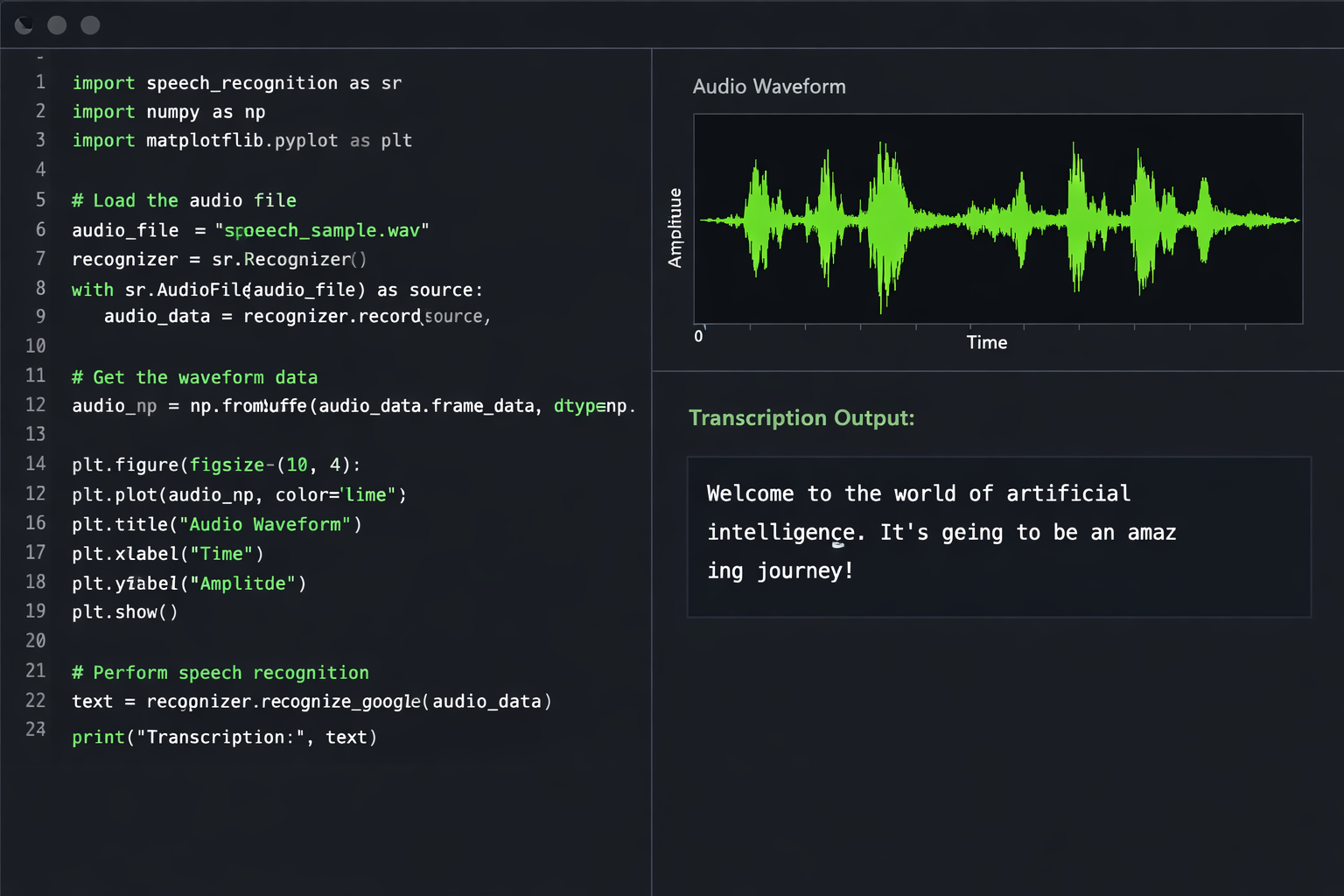
Python code editor with speech waveform visualization and transcription output