
Best AI Meeting Assistants in 2026: Tested and Compared
AI meeting assistants can record, transcribe, and summarize your calls automatically. We tested the top tools in 2026 to find the best one for every use case.
AudioScribe Editorial Team
Showing English content because this locale has no published version yet.
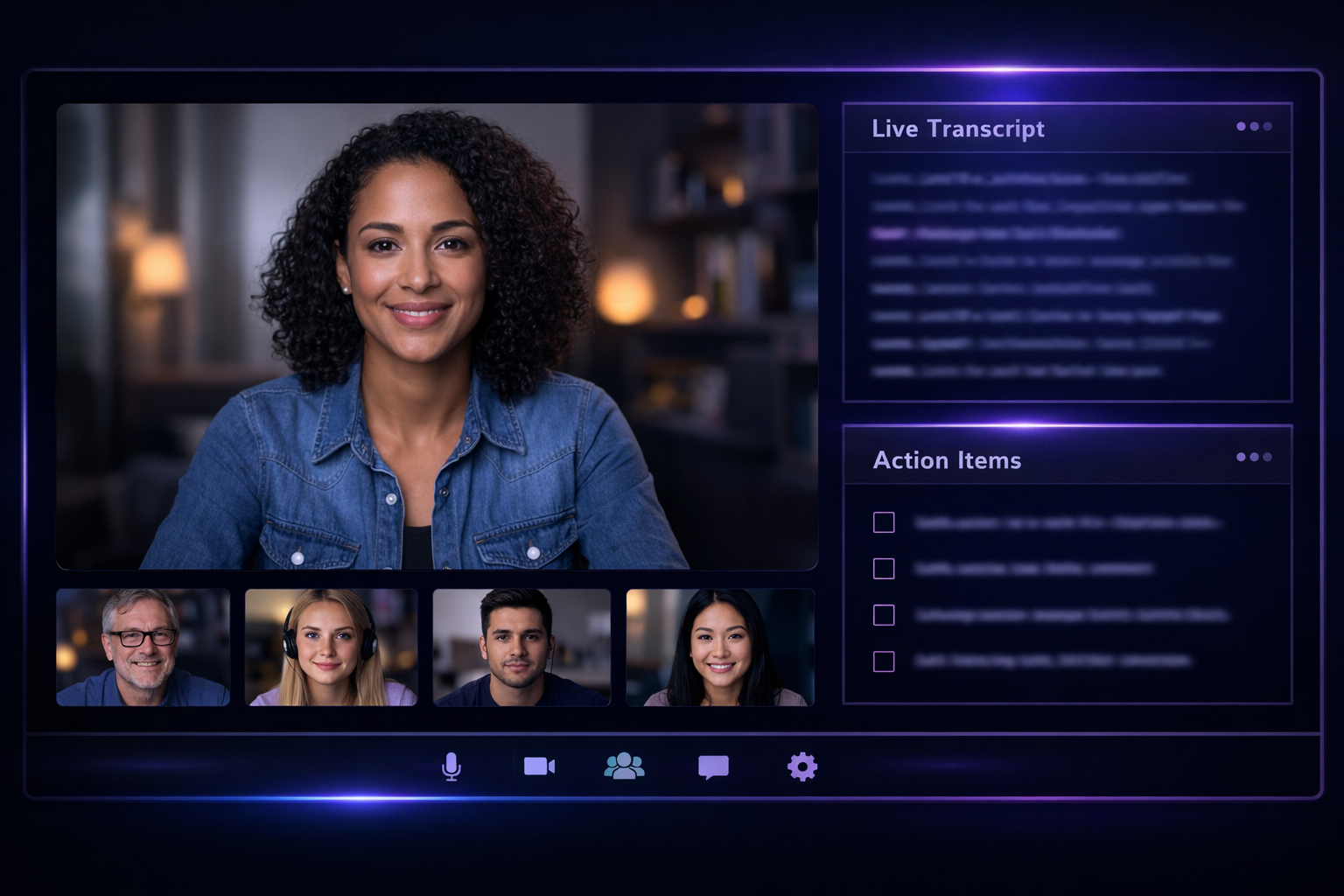
In today's fast-paced hybrid work environment, meetings are both essential and overwhelming. The sheer volume of discussions, decisions, and action items can easily get lost in the shuffle. That's where AI meeting assistants step in, transforming how we capture, analyze, and act on our conversations. As we move through 2026, these tools have evolved from simple note-takers into indispensable productivity partners. We tested the leading platforms to cut through the hype and identify the best AI meeting assistant for different needs and budgets.
Virtual meeting interface with AI assistant panel showing transcript and action items
What to Look for in an AI Meeting Assistant in 2026
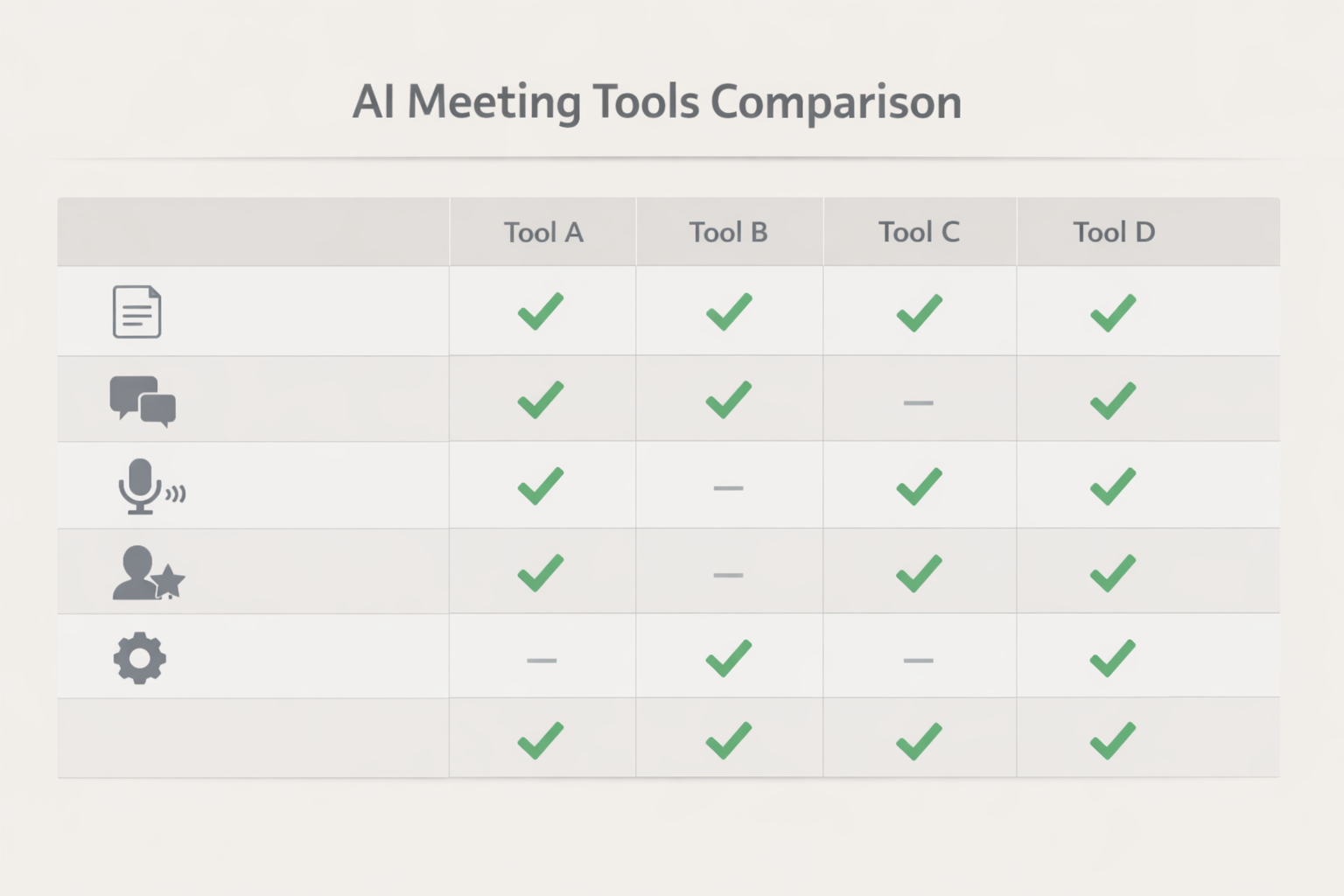
Before diving into the comparisons, it's crucial to understand the feature landscape. The best tools in 2026 go far beyond transcription. Here are the key capabilities we evaluated:
- Accuracy & Language Support: How well does it handle accents, industry jargon, and multiple speakers? Does it support global teams?
- Integration & Workflow: Does it seamlessly connect with your calendar (Google, Outlook), video conferencing apps (Zoom, Teams, Meet), and project management tools (Slack, Asana, Notion)?
- Action Item & Insight Extraction: Can it automatically identify decisions, tasks (with owners), and key questions? This is the core value.
- Analysis & Summarization: Look for smart summaries (different lengths), sentiment analysis, and the ability to query the transcript like a database.
- Security & Compliance: For enterprise use, data residency, encryption, and compliance certifications (SOC 2, GDPR, HIPAA) are non-negotiable.
Top AI Meeting Assistants Tested for 2026
We put the most popular and emerging platforms through rigorous real-world meetings. Here’s our breakdown.
1. The All-Rounder: Fireflies.ai
Fireflies remains a powerhouse, known for its deep integrations and "set-it-and-forget-it" functionality. Its strength lies in automating workflow from capture to action.
Pros:
- Incredibly robust integration with CRM systems like Salesforce, making it ideal for sales teams.
- "Super Search" allows you to search across all meeting transcripts for keywords, metrics, or topics.
- Customizable post-meeting workflows to push notes and tasks to hundreds of apps via Zapier/Make.
Cons:
- The interface can feel cluttered due to its vast feature set.
- Advanced analytics are locked behind higher-tier plans.
Best for: Sales teams, consultants, and anyone needing deep CRM integration and cross-meeting insights.
2. The Native Integrator: Otter.ai
Otter has matured significantly, offering exceptional live transcription and deep, native integration with the Zoom and Microsoft ecosystems. Its real-time collaboration features are standout.
Pros:
- Best-in-class live transcription with speaker identification in real-time.
- Direct integration with Zoom and Microsoft Teams, often requiring less configuration.
- "Otter AI Chat" allows teams to ask questions about past meetings in a chatbot interface.
Cons:
- Can be pricey for unlimited usage, which active teams will quickly need.
- Analysis features, while good, aren't as deep as some standalone insight platforms.
Best for: Teams heavily invested in Zoom or Microsoft 365 who prioritize real-time captioning and collaboration.
3. The Insight Powerhouse: Avoma
Avoma blurs the line between a meeting assistant and a full-fledged revenue intelligence platform. It’s designed to not just record, but to analyze and improve meeting effectiveness.
Pros:
- Advanced conversation analytics with talk-to-listen ratios, sentiment tracking, and competitor mention detection.
- Built-in agenda creation and collaborative note-taking before the AI kicks in.
- Excellent coaching and enablement features for managers.
Cons:
- Higher price point, targeting mid-market and enterprise.
- Can be overkill for teams just needing reliable notes and action items.
Best for: Revenue teams (sales, customer success, recruiting) focused on conversation intelligence and coaching.
4. The Lightweight Champion: Grain (now part of LinkedIn Sales Navigator)
Grain’s philosophy is about capturing and sharing key moments, not just full transcripts. Its strength is in creating highlight reels and clips to share insights across an organization.
Pros:
- Intuitive clipping tool to share 30-second video highlights instantly to Slack or CRM.
- Very user-friendly and minimal interface.
- Deep integration with LinkedIn Sales Navigator for social selling insights.
Cons:
- Less focus on comprehensive, long-form notes and summaries.
- As part of a larger LinkedIn ecosystem, its standalone roadmap is less clear.
Best for: Marketing, sales, and product teams who communicate via video clips and need to disseminate meeting highlights quickly.
5. The Budget-Friendly & Efficient Option: AudioScribe
For individuals, freelancers, and small teams who need high-quality transcription and core summarization without a complex setup or high cost, AudioScribe is a compelling choice. It excels at taking your audio or video file (from any source) and delivering accurate, usable text and summaries quickly.
Pros:
- Extremely simple, file-based workflow—just upload and receive a transcript.
- Offers strong accuracy and clear speaker differentiation at a competitive price point.
- Provides essential summaries, action items, and chapterization without overwhelming features.
Cons:
- Lacks direct, live integration with conferencing apps (requires manual upload or recording).
- Doesn’t offer the same level of team collaboration or CRM automation as other tools.
Best for: Solo professionals, podcasters, academics, and small teams who record meetings independently and want a fast, reliable, and affordable way to get transcripts and core insights.
Key Trends Shaping AI Meeting Assistants in 2026
The evolution continues. Here’s what’s defining the next wave:
- Proactive Assistants: AI is moving from passive recording to active participation—suggesting talking points in real-time based on the conversation flow.
- Multimodal Analysis: Tools now analyze video feeds for non-verbal cues and screen-share content for richer context.
- Personalized Knowledge Repositories: Your AI assistant is becoming a searchable, private database of everything your company has ever discussed, breaking down information silos.
Best AI Meeting Assistants in 2026: Tested and Compared
How to Choose the Right Tool for Your Team
Your choice depends on your primary use case:
- For Sales & Revenue Teams: Prioritize CRM integration and conversation intelligence (Avoma, Fireflies).
- For Large, Hybrid Organizations: Prioritize native video platform integration and security (Otter.ai, Microsoft Copilot).
- For Project & Product Teams: Prioritize task extraction and integration with project management tools (Fireflies, Otter).
- For Individuals & Cost-Conscious Small Teams: Prioritize accuracy, simplicity, and value. A tool like AudioScribe handles the core job of turning discussion into actionable text efficiently.
Frequently Asked Questions (FAQ)
Q: Are AI meeting assistants secure and private? A: Reputable assistants use enterprise-grade encryption (in transit and at rest) and offer compliance certifications. Always review their data privacy policy, specifically where data is processed and stored, especially if discussing sensitive information.
Q: Can these tools join meetings automatically? A: Yes, most integrated tools (Fireflies, Otter, Avoma) can be set to auto-join meetings from your calendar. File-based tools require you to record and upload the meeting file manually.
Q: How accurate are the transcriptions in 2026? A: Accuracy has improved dramatically, especially for clear audio with distinct speakers. Top tools now boast 95%+ accuracy for English in good conditions, but performance can vary with heavy accents, poor audio, or niche terminology.
Q: Do I need to inform participants I'm using an AI assistant? A: Yes, and in many jurisdictions, it's a legal requirement. Always disclose recording and AI analysis at the start of a meeting and obtain consent where needed. It's also a best practice for transparent collaboration.
Q: Can AI meeting assistants translate conversations? A: Several now offer real-time translation for live captions or post-meeting transcript translation. This is a rapidly advancing feature, perfect for global teams.
The right AI meeting assistant acts as a tireless partner, ensuring no insight is lost and every action item is tracked. Whether you need deep sales analytics, seamless live transcription, or a straightforward way to document discussions, there's a tool optimized for your workflow in 2026.
Ready to transform your meetings from time sinks into productivity engines? Start with a tool that focuses on clarity and results.
Try AudioScribe free at AudioScribe