
How to Create a Transcript from Audio or Video (2026 Guide)
Learn how to create accurate transcripts from audio and video files using AI tools and manual methods. Step-by-step guide covering file prep, transcription tools, editing, and export formats.
AudioScribe Editorial Team
Showing English content because this locale has no published version yet.
What Is a Transcript?
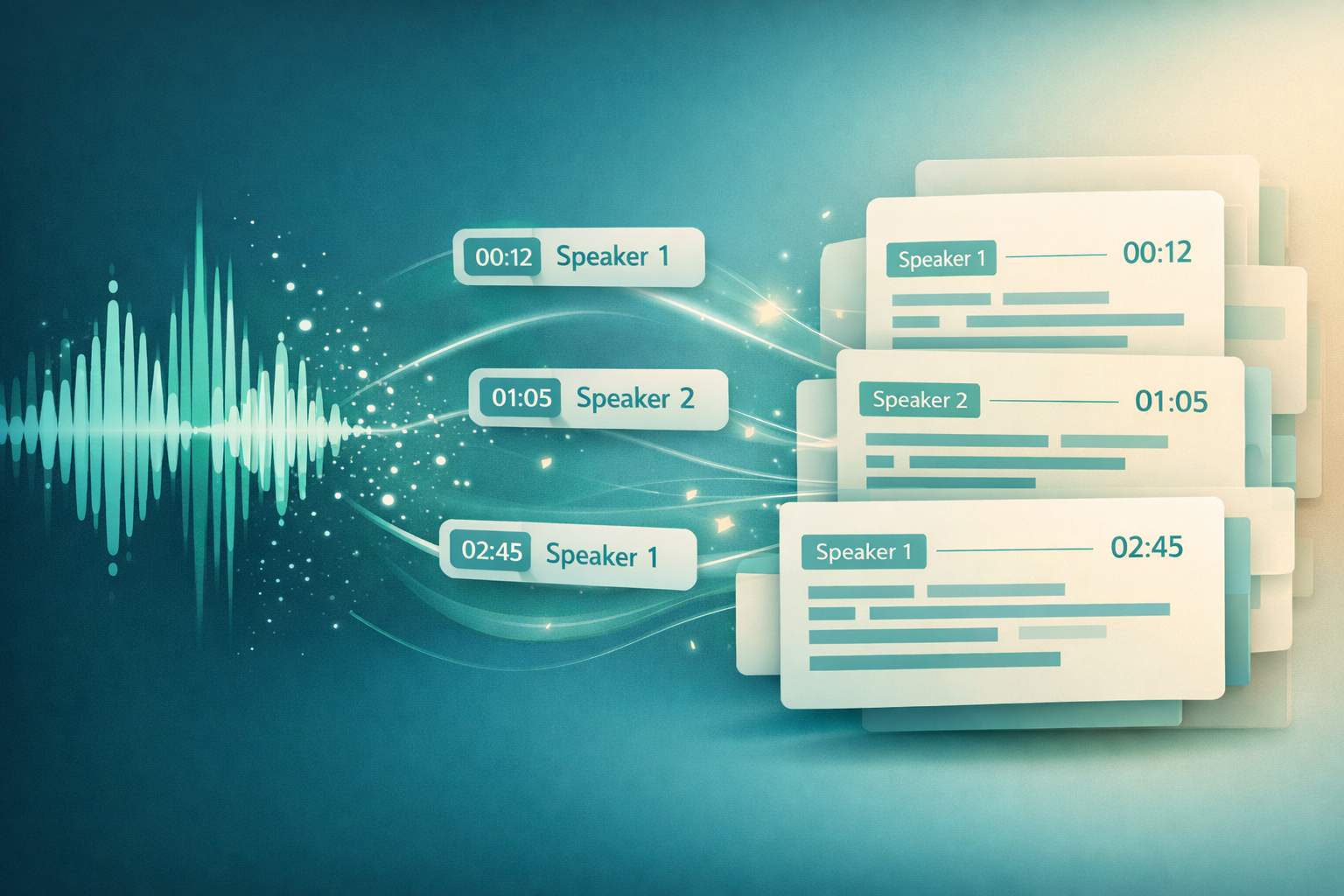
A transcript is a written record of spoken audio. Transcripts are used for interviews and research, meeting documentation, lecture notes, podcast SEO, and legal or medical records.
In 2026, AI transcription tools like Audioscribe can produce accurate transcripts in minutes—eliminating hours of manual typing.
Who Needs Transcripts?
Journalists & Researchers
Transcribe interviews quickly for quotes and analysis. Focus on insights, not typing.
Business Professionals
Document meetings with speaker labels and action items. Never miss a decision.
Students & Educators
Transcribe lectures for accessible, searchable notes. Great for revision and accessibility.
Podcasters & Creators
Turn episodes into blog posts, show notes, and SEO-friendly content automatically.
AI vs Manual Transcription
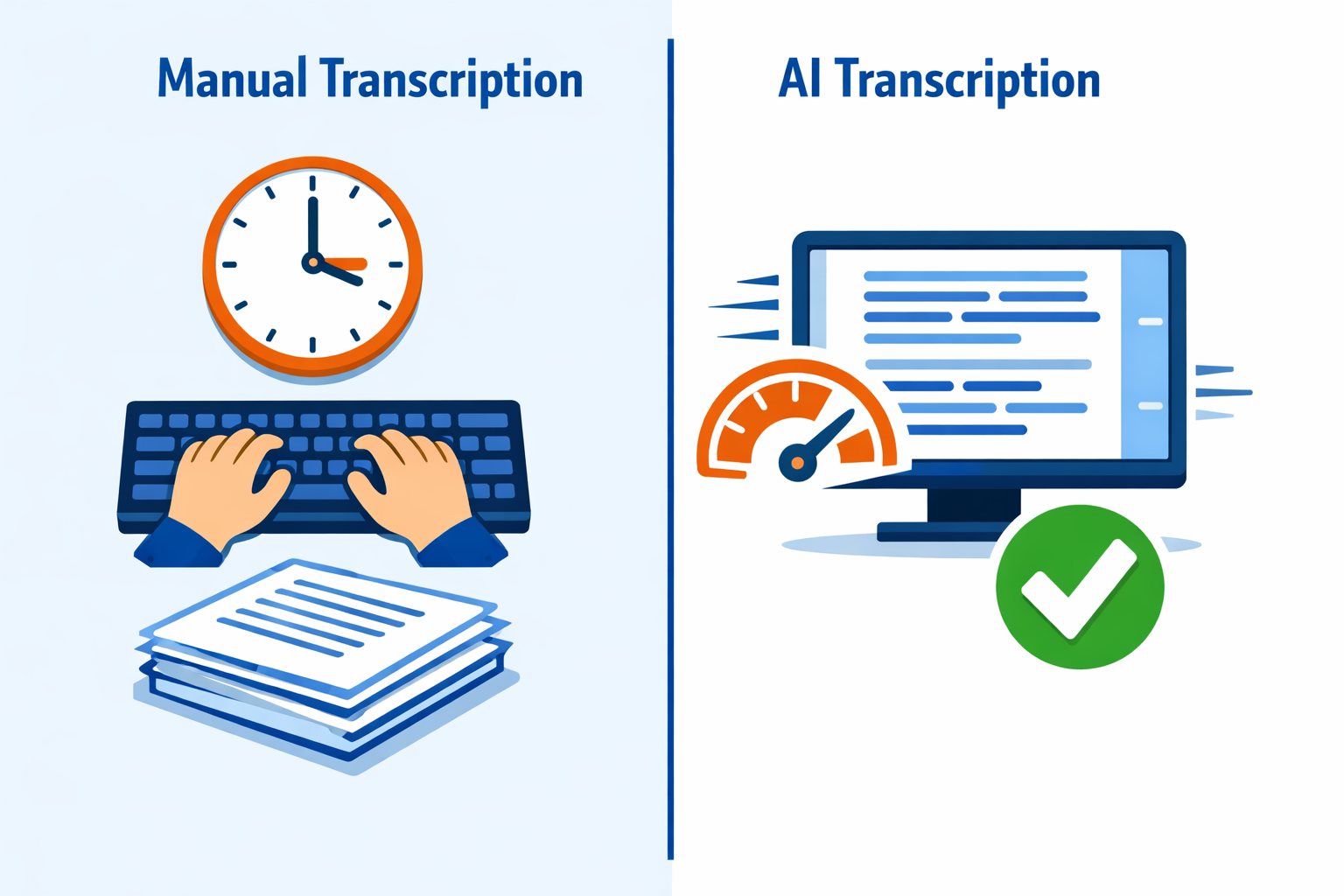
AI Transcription vs Manual: Which Should You Use?
For most use cases, AI transcription is faster and cheaper. Manual is only worth it for highly specialized or sensitive content.
| AI Transcription | Manual | |
|---|---|---|
Speed | Minutes | 4–6 hours per hour of audio |
Cost | Free–low (Audioscribe: free plan) | High (time or $1–3/min for services) |
Accuracy | Up to 99% on clear audio | Up to 100% |
Technical jargon | Good with context | Better |
Best for | Most use cases | Highly sensitive or specialized audio |
How to Create a Transcript: Step-by-Step
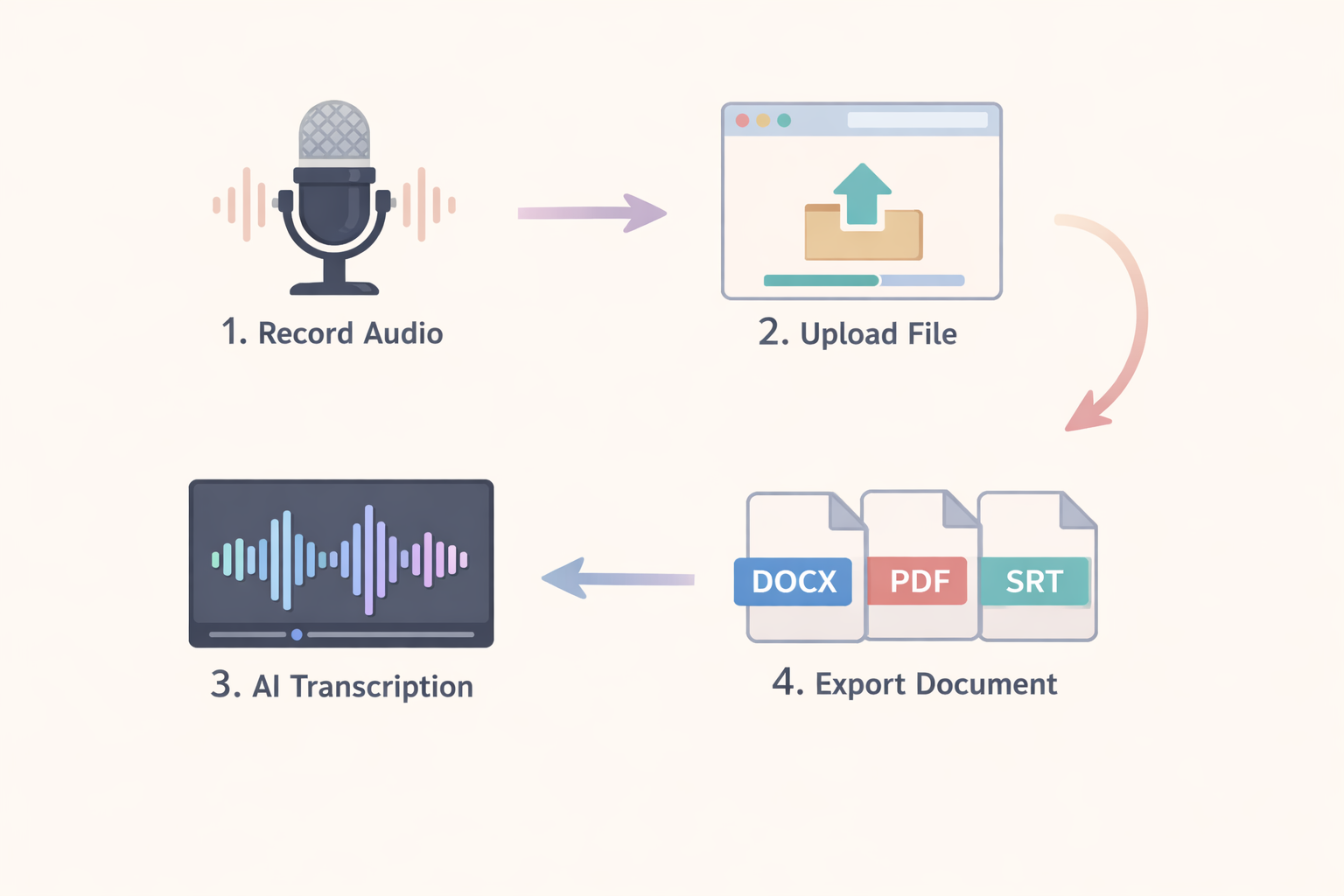
- Step 1: Prepare your audio: Record in a quiet environment. Supported formats: MP3, MP4, WAV, M4A, OGG, FLAC. Clean audio produces better results.
- Step 2: Upload to Audioscribe: Go to audioscribe.org and upload your file, or paste a YouTube URL. Select your language from 50+ options.
- Step 3: Review and edit: AI achieves up to 99% accuracy, but always check proper nouns, names, and technical terms before finalizing.
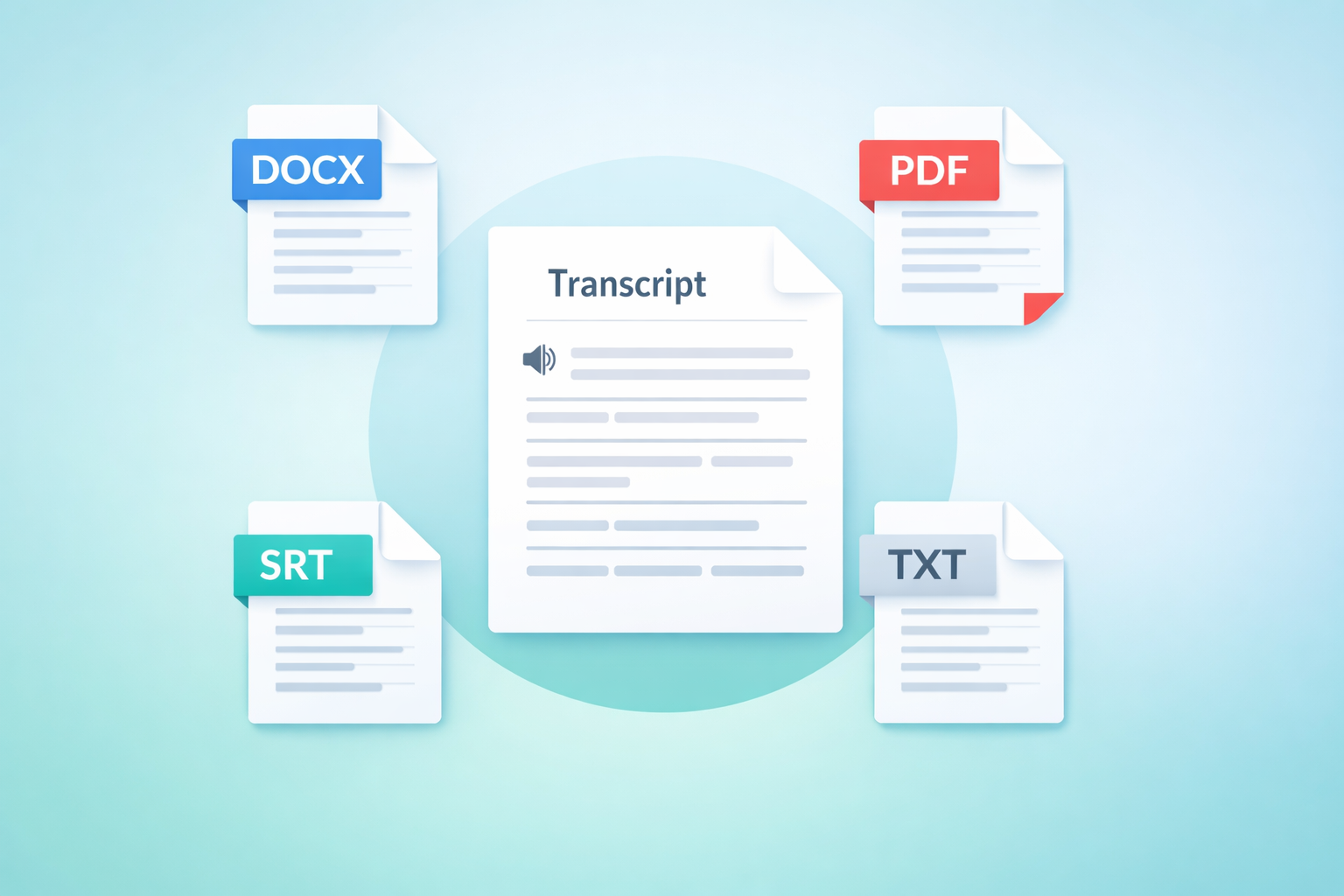
- Step 4: Export in your format: Download as DOCX for editing, PDF for archiving, TXT for copy-paste, or SRT/VTT for video subtitles.
Tips for Better Transcripts
Brief participants to speak clearly and avoid crosstalk. Use a lapel mic for field interviews. Add headings and timestamps for long recordings, and remove filler words (um, uh) for cleaner readability.
Export Formats: Choose What Fits Your Workflow
What Users Say
A graduate researcher who transcribes interviews weekly:
I used to spend more time transcribing than analyzing. With AI transcription, I upload the recording and have a clean transcript in minutes. The speaker labels are especially useful for focus group work.
Accurate, fast transcription frees you to focus on what matters—the insights.
Ready to Create Your First Transcript?
Try Audioscribe free—upload any audio or video file and get a transcript with speaker labels and an AI summary in minutes. No credit card required.
Explore more: Audio to Text · Interview Transcription · MP4 to Text