
Transcription vs Captioning: Key Differences Explained
Transcription and captioning are often confused. This guide explains the key differences, when to use each, and how AI tools can do both automatically.
AudioScribe Editorial Team
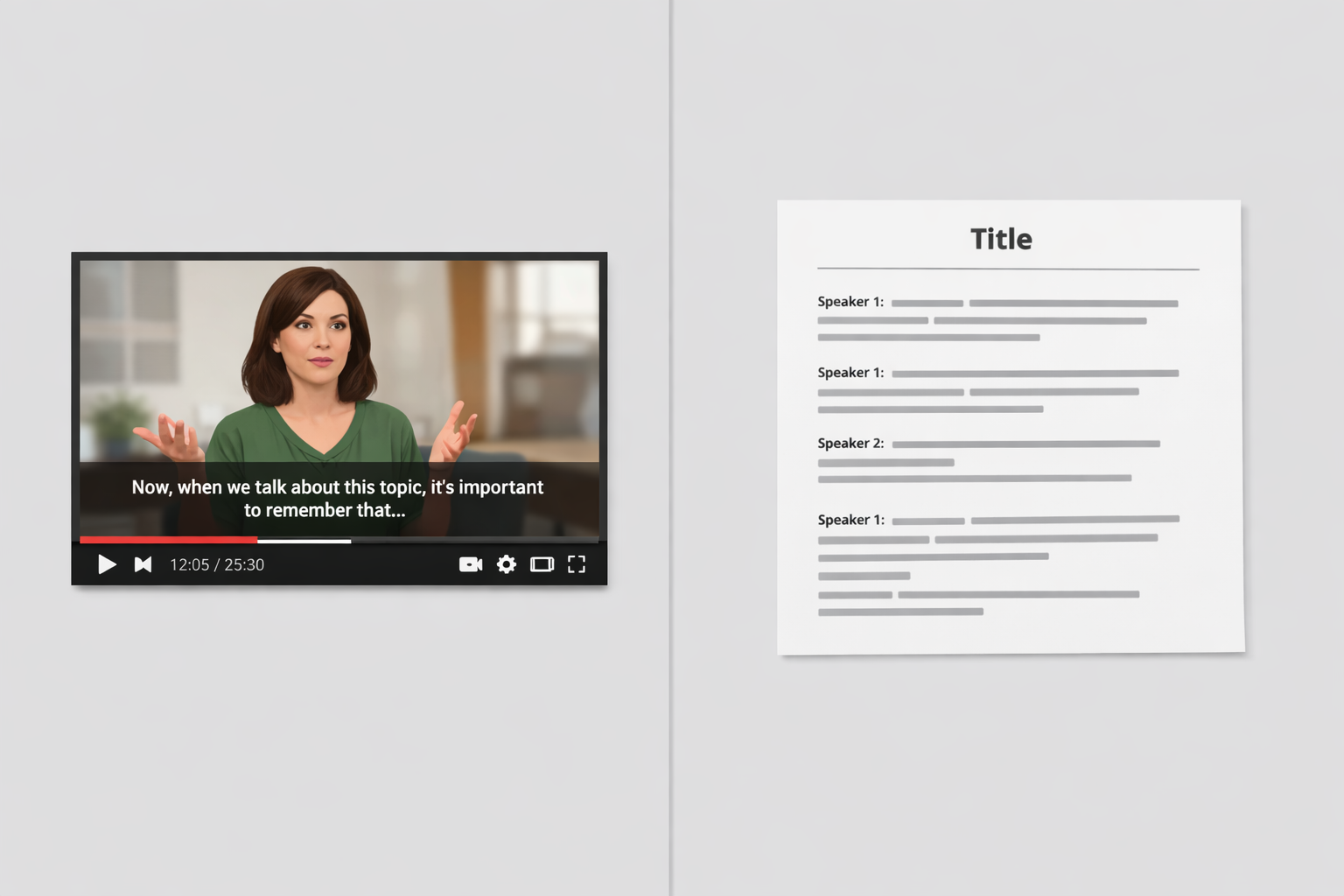
In the world of digital content, making your audio and video accessible, searchable, and reusable is non-negotiable. Two terms you'll often hear in this space are "transcription" and "captioning." While they are closely related and often used interchangeably, they serve distinct purposes. Understanding the key differences between transcription vs captioning is crucial for professionals, content creators, and students to choose the right tool for the job. This guide will break down each process, their primary use cases, and how to decide which one you need for your project.
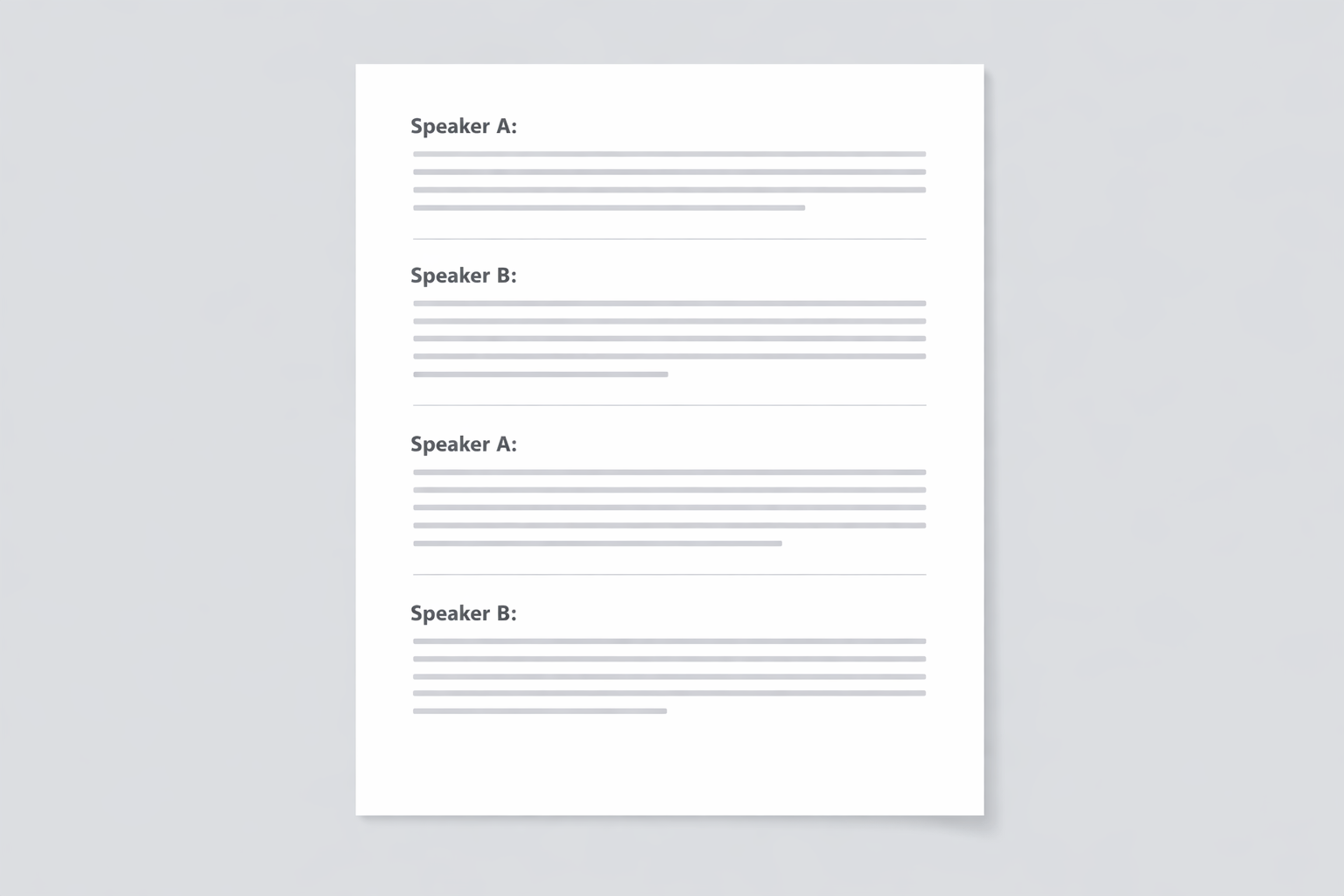
Transcription document example
What is Transcription?
Transcription is the process of converting spoken language from an audio or video file into a written text document. The output is a verbatim or clean-read transcript that exists as a separate text file (like a .txt or .doc) or is displayed alongside the media, but not within the video itself.
Types of Transcripts
- Verbatim Transcription: Captures every single word, sound, and utterance exactly as spoken, including filler words ("um," "ah"), false starts, and non-verbal cues like "[laughter]" or "[phone rings]." This is essential for legal proceedings, qualitative research, and some types of interviews.
- Clean Read (Edited) Transcription: Presents the core spoken content in a polished, readable format. It removes filler words, corrects grammatical errors, and smooths out sentences for clarity without changing the meaning. This is ideal for blog posts, articles, or reports derived from podcasts or speeches.
- Intelligent Verbatim: A middle ground that removes distracting repetitions and filler words but retains the true essence and tone of the speech.
Primary Use Cases for Transcription
- Content Repurposing: Turning podcast episodes into blog posts, social media snippets, or newsletters.
- Accessibility: Providing a text alternative for those who are deaf or hard of hearing, though it's less immediate than captions.
- Research & Analysis: Qualitative researchers analyze interview transcripts for themes and insights.
- SEO (Search Engine Optimization): Search engines can't "listen" to audio or video. A transcript on your page makes that content indexable, dramatically improving search visibility.
- Note-Taking & Reference: Students transcribe lectures, and professionals transcribe meetings for accurate records.
What is Captioning?
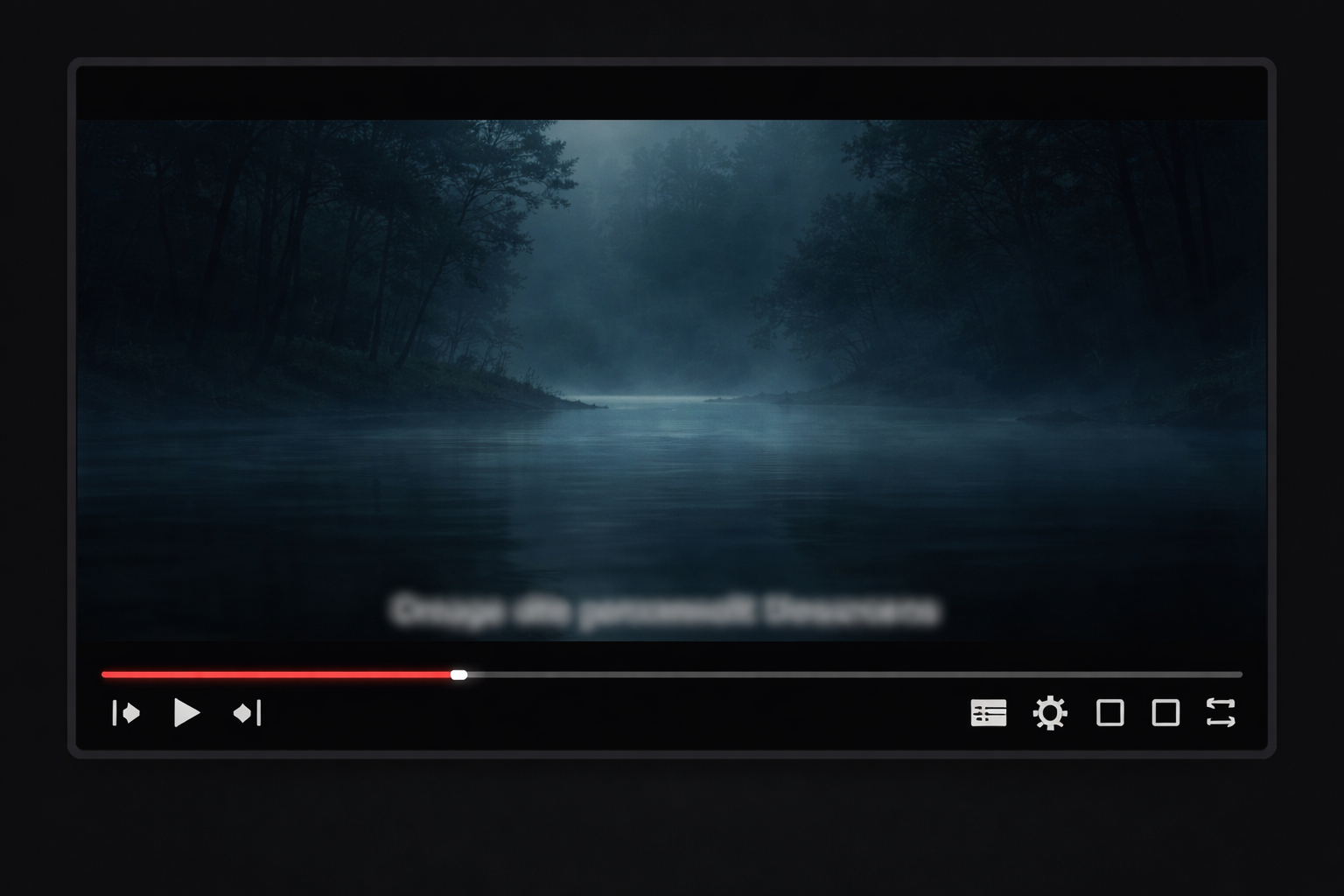
Captioning is the process of converting audio content into text and synchronizing that text to appear on-screen in a video at specific timecodes. Captions are burned into the video file (open captions) or can be toggled on/off as a separate track (closed captions). The key differentiator is synchronization and on-screen display.
Types of Captions
- Closed Captions (CC): The viewer can turn these on or off. They are delivered as a separate file (like an .srt or .vtt) that plays over the video. This is the standard for platforms like YouTube, Vimeo, and streaming services.
- Open Captions: The text is "burned" directly into the video and cannot be turned off. Used when guaranteed display is necessary, like on social media videos that autoplay without sound.
- Subtitles: Often confused with captions, subtitles assume the viewer can hear the audio but doesn't understand the language. They translate the dialogue and typically don't include non-speech elements.
Primary Use Cases for Captioning
- Video Accessibility: A legal requirement under the ADA and WCAG guidelines for much public-facing content, allowing deaf and hard-of-hearing viewers to follow along.
- Social Media Engagement: Over 80% of social media videos are watched on mute. Captions are essential for capturing attention and conveying your message in sound-off environments.
- Improved Comprehension & Retention: Viewers often retain information better when they both hear and read it. Captions also help in noisy environments or when learning a new language.
- Viewer Flexibility: Allows people to watch content in sound-sensitive places like offices or public transportation.
Transcription vs Captioning: The Core Differences
While both convert speech to text, their form, function, and final product differ significantly.
| Feature | Transcription | Captioning | | :--- | :--- | :--- | | Primary Output | A standalone text document. | Text synchronized and displayed on a video. | | Core Purpose | To create a referenceable, searchable text record. | To provide accessible, time-synced text for viewers. | | Key Element | Accuracy and readability of the text. | Timing & synchronization with the visual. | | Format | .txt, .doc, .pdf | .srt, .vtt, .scc (or burned into video) | | Essential For | Content repurposing, research, SEO. | Video accessibility, social media, compliance. |
A simple analogy: Think of a transcript as the script of a movie. Think of captions as the lines delivered on-screen at the exact moment each actor speaks.
Video captions in action
How to Choose: Do You Need a Transcript or Captions?
Your choice depends entirely on your end goal. Ask yourself these questions:
-
What is my final deliverable?
- A text article, research document, or meeting notes? → You need a transcript.
- A video for YouTube, social media, or your website? → You need captions.
-
Who is my audience and how will they consume this?
- Readers, researchers, or for internal archives? → Transcription.
- Viewers on platforms where sound might be off or accessibility is key? → Captioning.
-
What is my primary objective?
- To boost SEO or mine content for quotes? → Transcription.
- To increase video watch time and compliance? → Captioning.
Pro Tip: Often, you need both. Start with a high-quality transcript. From that transcript, you can easily generate a caption file by adding timecodes. This two-step process is efficient and ensures consistency.
The Role of AI Tools in Transcription and Captioning
Manually transcribing and captioning is incredibly time-consuming. This is where AI-powered tools like AudioScribe become indispensable. A robust tool can automate the initial conversion of speech to text with impressive accuracy, saving you hours of work. The best tools then provide an intuitive editor to quickly correct any errors, format the text, and—crucially for captioning—export it in the correct file format (like SRT) with accurate time stamps already in place.
Using a dedicated service ensures you get a usable text file for your blog post and a perfectly synced caption file for your video from the same source audio, streamlining your entire workflow.
FAQ: Transcription vs Captioning
Q1: Can I use a transcript as captions? A: Not directly. A transcript lacks the critical timecodes that make captions sync with the video. However, a transcript is the perfect starting point. You can import the transcript into a captioning tool or video editor to add the timing, splitting the text into chunks that match the speech.
Q2: Which is more expensive, transcription or captioning? A: Typically, captioning can be slightly more expensive due to the added complexity of time-syncing. However, with AI tools, the cost difference is often minimal. Many services, including AudioScribe, offer both outputs from a single upload, providing excellent value.
Q3: Are subtitles the same as captions? A: No. Subtitles translate the dialogue for hearing viewers who don't understand the language. Captions (specifically "closed captions") transcribe all relevant audio—including dialogue, speaker IDs, and sound effects like "[door slams]"—for viewers who cannot hear the audio. For accessibility, you need captions.
Q4: Is captioning legally required for my videos? A: It depends on your location and the video's purpose. In the U.S., the Americans with Disabilities Act (ADA) and the 21st Century Communications and Video Accessibility Act (CVAA) often mandate captions for educational, governmental, and broadcast content. Many organizations apply these standards broadly to all public content to ensure maximum accessibility and avoid legal risk.
Q5: What file format do I need for captions on YouTube? A: YouTube accepts several formats, but the most common and versatile is the SubRip Subtitle file (.srt). This is a standard, plain-text format that includes sequential numbers, timecodes, and the caption text, which YouTube can automatically process.
Understanding the distinction between transcription and captioning empowers you to handle your media assets professionally. By choosing the right output for your needs, you enhance accessibility, boost engagement, and unlock the full potential of your audio and video content. Whether you're a researcher archiving interviews, a marketer repurposing a webinar, or a student making study materials, the right tool makes all the difference.
Ready to accurately transcribe your audio and create perfect captions with ease? Try AudioScribe free at AudioScribe