
How to Transcribe a Podcast: 5 Methods Compared (2026)
From AI-powered tools to manual transcription services, we compare 5 methods for transcribing podcasts so you can choose the best fit for your workflow.
AudioScribe Editorial Team
Podcasts are a powerhouse of information, interviews, and stories, but their value is locked in audio. Unlocking that value through transcription can supercharge your content’s reach, accessibility, and SEO. Whether you're a marketer looking for repurposing gold, a student needing study notes, or a creator aiming for inclusivity, knowing how to transcribe a podcast is an essential skill. But with multiple methods available, which one is right for your budget, time, and accuracy needs? We’re breaking down five common methods to help you choose the best path forward.
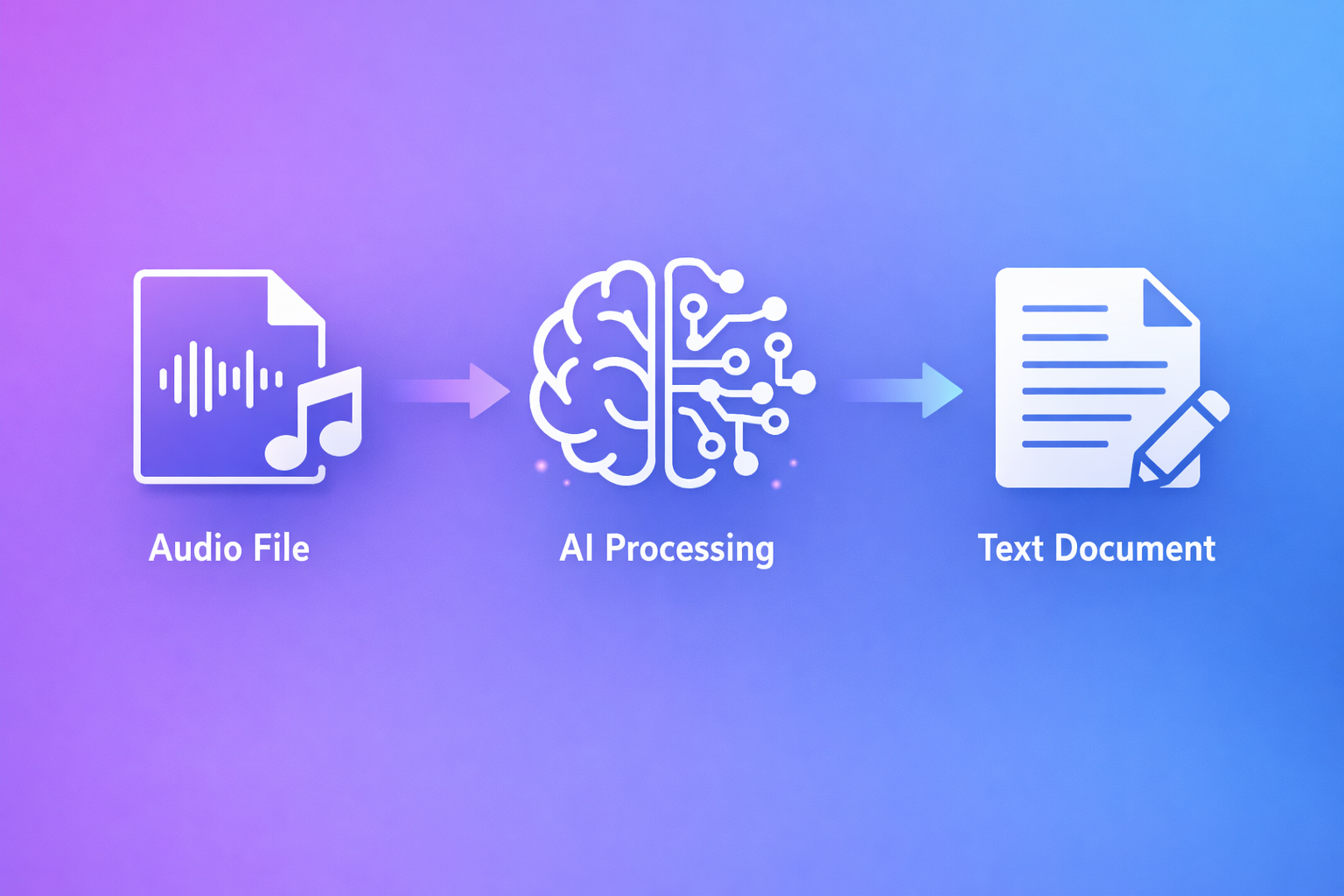
Podcast transcription workflow
Why You Should Transcribe Your Podcast
Before diving into the how, it's crucial to understand the why. A transcript is far more than just a text version of your audio; it's a versatile asset.
Boost SEO and Discoverability: Search engines can't listen to audio. A transcript provides crawlable text packed with keywords, helping your podcast rank in search results and driving organic traffic to your website or hosting platform.
Enhance Accessibility: Transcripts make your content accessible to the deaf and hard-of-hearing community, as well as non-native speakers who may prefer reading. This is not just a best practice—it's often a legal requirement for public-facing content.
Maximize Content Repurposing: A transcript is the raw material for blog posts, social media snippets, quote graphics, newsletters, and even eBooks. It saves immense time and helps you stretch one piece of content across multiple channels.
Improve Audience Engagement: Some listeners prefer to read or skim. Offering a transcript allows them to engage at their own pace, search for specific points, and retain information more effectively.
5 Methods to Transcribe a Podcast, Compared
Here’s a detailed look at the most common transcription methods, weighing their pros, cons, and ideal use cases.
1. Manual Transcription (DIY)
This is the most straightforward method: you listen to the podcast and type it out yourself.
- How it works: Use a basic text editor and audio player. Pause, rewind, and type. Using foot pedals or transcription software with hotkeys can speed up the process slightly.
- Pros:
- Free (minus your time).
- Maximum accuracy, as you control every word.
- No data privacy concerns.
- Cons:
- Extremely time-consuming. It can take 4-6 hours to transcribe one hour of audio.
- Mentally taxing and prone to fatigue errors.
- Best for: Very short clips (under 5 minutes), when absolute confidentiality is paramount, or if you have zero budget.
2. Hiring a Professional Transcription Service
You outsource the task to a human transcriptionist, often through a platform.
- How it works: Upload your audio file to a service like Rev, Scribie, or a freelance platform (Upwork, Fiverr). A human transcriber handles the work and delivers a file.
- Pros:
- High accuracy (often 99%+ with quality services).
- Saves you time. You get a professional result without the labor.
- Can include timestamps and speaker identification.
- Cons:
- Costly. Typically ranges from $1 to $3 per audio minute.
- Turnaround can be 24 hours or more.
- Best for: Critical projects where accuracy is non-negotiable, such as published interviews, legal content, or medical discussions.
3. Using Built-in AI Transcription from Hosting Platforms
Many podcast hosting platforms (like Buzzsprout, Descript, or Riverside) now offer AI-powered transcription as a built-in feature.
- How it works: The transcription is often generated automatically upon upload or with a click within your hosting dashboard.
- Pros:
- Convenient and integrated. No need to use a separate tool.
- Usually included in your subscription or available at a low add-on cost.
- Fast turnaround.
- Cons:
- Variable accuracy. Heavily dependent on the platform's specific AI engine and audio quality.
- Limited control. Editing tools may be basic, and you're locked into that platform's ecosystem.
- Best for: Podcasters who want a "good enough" transcript quickly for basic SEO and accessibility directly on their hosting page.
4. Using General-Purpose AI Tools
This involves using broad AI writing or assistant tools that have transcription capabilities.
- How it works: You might use a tool like Otter.ai, Google Docs' voice typing (for live recording), or even some features in ChatGPT.
- Pros:
- Often have free tiers or are part of existing subscriptions.
- Can be useful for live note-taking during recordings.
- Cons:
- Not optimized for podcast-specific challenges like multiple speakers, cross-talk, or background music.
- Accuracy can drop significantly with complex audio.
- May lack specialized formatting and export options for content repurposing.
- Best for: Casual, internal use or rough drafts where high polish isn't required.
5. Using a Dedicated AI Transcription Tool (Recommended)
These are platforms built specifically for converting audio and video to text, leveraging advanced AI models trained on diverse speech patterns.
- How it works: You upload your podcast audio file (MP3, WAV, etc.) or video file. The AI processes it, distinguishing between speakers and formatting the text. You then use an intuitive editor to correct any errors and export.
- Pros:
- Excellent balance of speed, accuracy, and cost. Achieves 90-95%+ accuracy in minutes for a fraction of a professional's cost.
- Podcast-optimized. Handles speaker diarization ("Speaker 1," "Speaker 2") well.
- Powerful editors with hotkeys for efficient proofing.
- Flexible exports (TXT, SRT for subtitles, DOCX).
- Cons:
- Not 100% perfect; requires a quick proofread for publication.
- Requires a clear audio file for best results.
- Best for: Most podcasters, content creators, and professionals. This method offers the best return on investment. For a top-tier experience in this category, consider AudioScribe. It's designed to handle podcast nuances and delivers fast, accurate transcripts with an editor that makes final polishing simple.
How to Choose the Right Method for You
Selecting a method depends on three core pillars:
- Budget: What are you willing to spend? $0, $10, or $100+ per episode?
- Time: Do you need it in an hour, a day, or a week? How much of your own time can you invest?
- Accuracy Requirement: Is this for internal notes, public SEO, or a legally-binding document?
Quick Decision Guide:
- No Budget, Maximum Time: Manual Transcription.
- Maximum Accuracy, Higher Budget: Professional Service.
- Convenience Over Customization: Built-in Hosting Tool.
- Best Overall Value (Speed + Accuracy + Cost): Dedicated AI Transcription Tool.
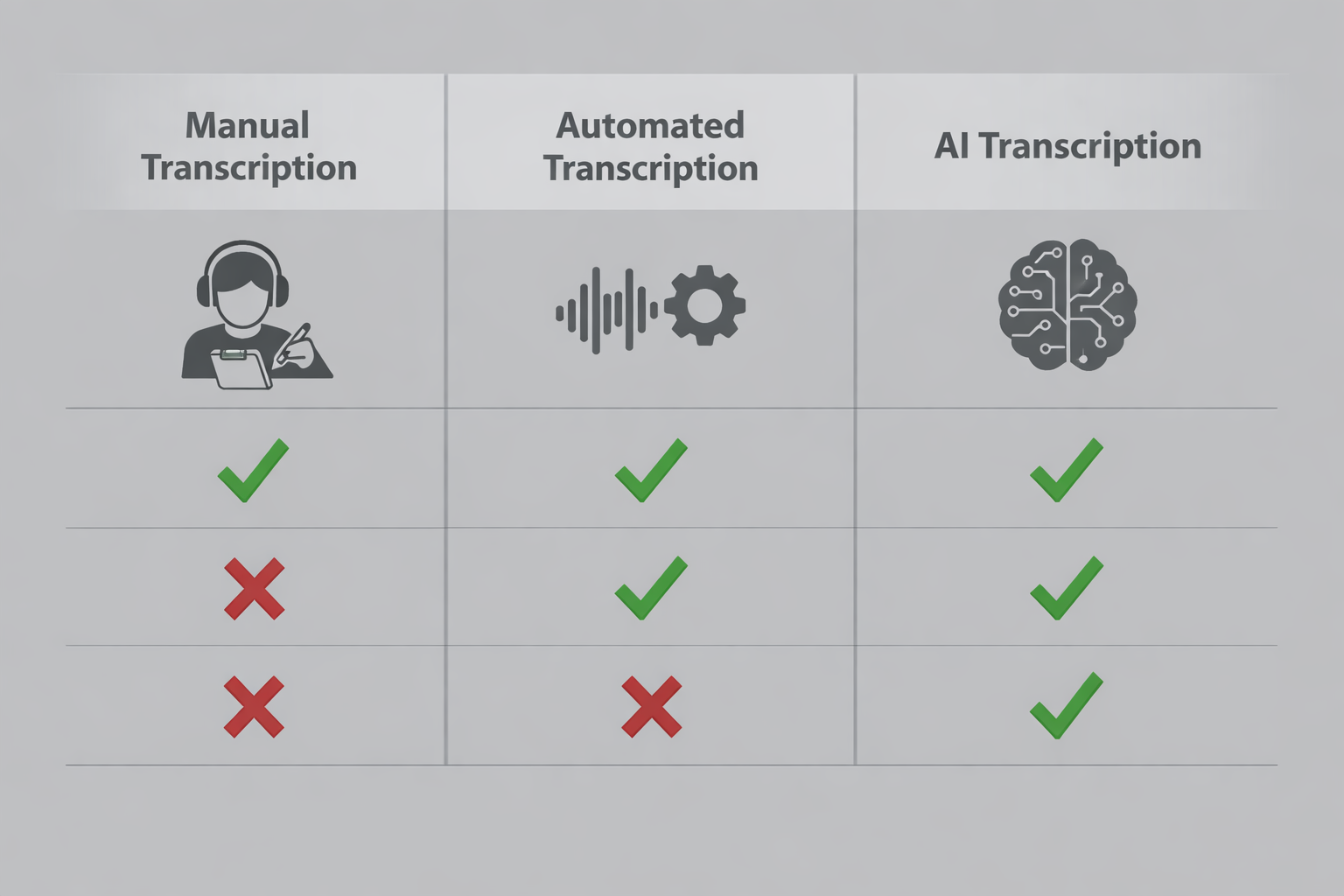
Comparing transcription methods
Your Podcast Transcription Workflow
No matter which method you choose, follow this streamlined workflow:
- Start with Clean Audio: Use a good microphone and record in a quiet environment. Clean audio is the #1 factor in accurate transcription.
- Choose Your Method: Apply the decision guide above.
- Generate the Transcript: Upload your file and let the AI or professional do its work.
- Proofread and Edit: This step is non-optional. Even the best AI makes mistakes with homophones (e.g., "their" vs. "there") and proper nouns. Listen back while reading.
- Format and Publish: Add timestamps, speaker names, and paragraph breaks for readability. Publish the transcript alongside your podcast episode on your website.
- Repurpose: Mine the transcript for quotes, social posts, and blog articles.
Frequently Asked Questions (FAQ)
Q: How long does it take to transcribe a podcast? A: It varies drastically. Manual transcription takes 4-6 hours per audio hour. Professional services take 24-48 hours turnaround. AI tools can deliver a draft in just minutes, with additional time for proofreading.
Q: What's the most accurate way to transcribe a podcast? A: A skilled human professional transcriptionist typically provides the highest accuracy (99%+). However, modern dedicated AI tools now offer remarkably high accuracy (often 90-95%+) at a much faster speed and lower cost, making them the best choice for most.
Q: Can I use YouTube to transcribe my podcast? A: Yes, YouTube's auto-generated captions are a free AI transcription tool. However, its accuracy is inconsistent, it lacks a dedicated editor, and it doesn't handle multiple speakers well. It's better to use a tool built for the purpose.
Q: How much does podcast transcription cost? A: Manual is free (time cost). Professionals charge $1-$3 per audio minute. AI tools offer the best value, with prices ranging from a few dollars per hour to monthly subscriptions for unlimited files. For instance, AudioScribe provides transparent, pay-as-you-go pricing that scales with your needs.
Q: Do I need to transcribe every single word (like "um" and "ah")? A: For most content purposes, no. "Verbatim" transcription includes every filler word and false start. "Clean read" or "intelligent verbatim" transcription removes these for readability while preserving meaning. Choose clean read for blog posts and publications; use verbatim only for legal or linguistic analysis.
Transcribing your podcast is no longer a tedious chore reserved for those with big budgets. With the rise of powerful AI, you can get accurate, usable transcripts in minutes, unlocking all the SEO, accessibility, and repurposing benefits with minimal effort.
Ready to transform your podcast episodes into searchable, repurposeable text assets?
Try AudioScribe free at AudioScribe