
How to Take Audio Notes Effectively (With AI Tools)
Audio notes are faster than typing but useless if buried in recordings. Learn how to capture, transcribe, and organize audio notes with AI tools in 2026.
AudioScribe Editorial Team

In today's fast-paced world, information comes at us constantly, often through conversations, meetings, lectures, and podcasts. Trying to capture it all with traditional note-taking is a losing battle—you either miss key points while writing or fail to engage fully with the speaker. This is where audio notes come in. They allow you to record information in its original, rich format, preserving nuance and context that written notes often lose. But an audio recording alone is just a digital shoebox; the real magic happens when you transform that audio into actionable, searchable, and shareable text. This guide will walk you through effective strategies for taking audio notes and introduce how modern AI tools are revolutionizing the process.
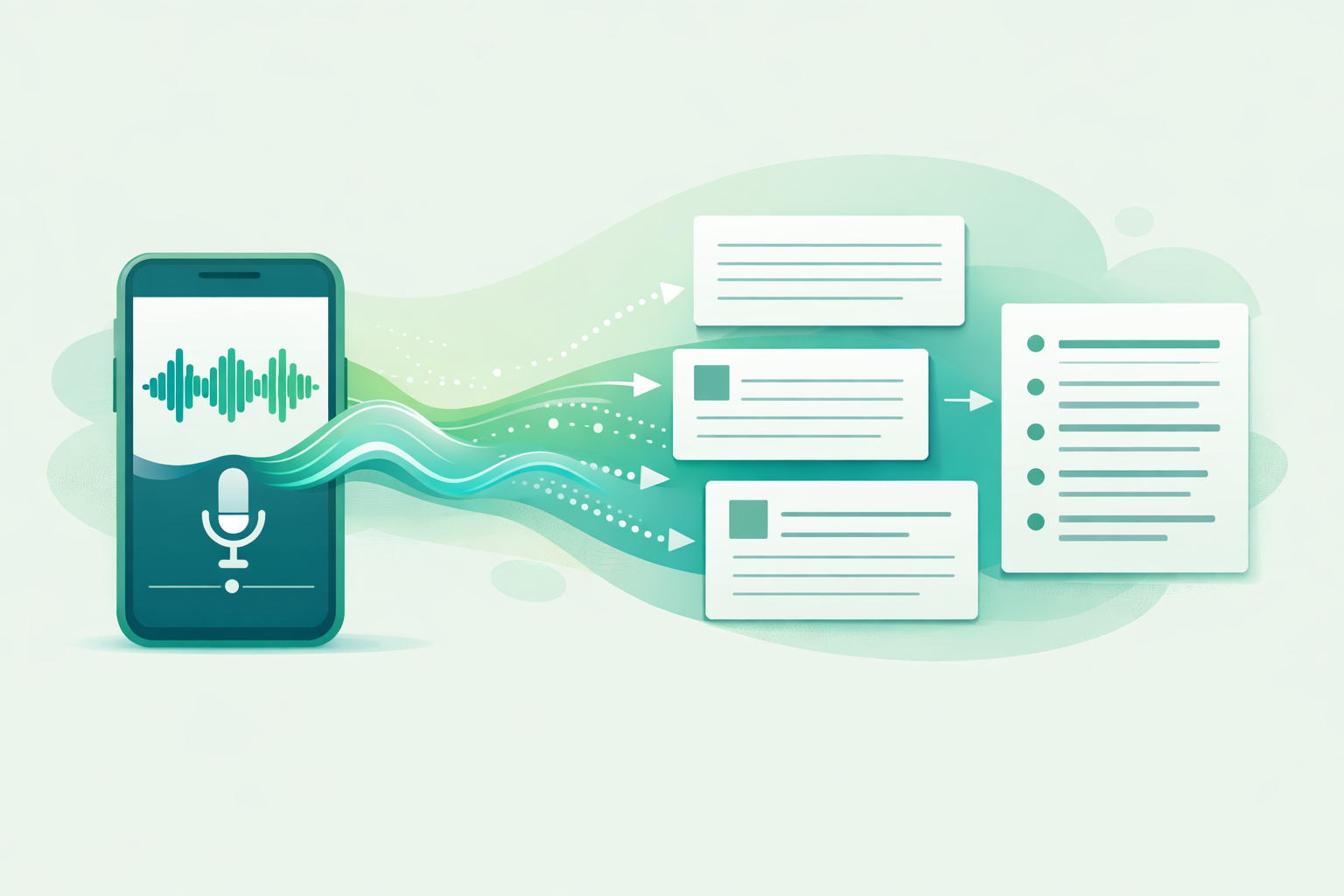
Audio note-taking workflow
Why Audio Notes Are a Game-Changer for Productivity
Before diving into the "how," it's important to understand the "why." Relying solely on manual note-taking during live sessions has significant drawbacks. Cognitive load theory suggests we have limited working memory; splitting attention between listening and writing compromises both. You might capture a quote but miss the overarching argument.
Audio note-taking solves this by:
- Preserving Full Context: Tone, emphasis, and emotional cues are retained.
- Enabling Active Listening: You can be fully present in the conversation or lecture without distraction.
- Captivating Everything: No more worrying about missing a crucial point or statistic.
- Creating a Searchable Archive: When transcribed, you can find specific information in seconds, not by scrubbing through hours of audio.
The evolution from cassette recorders to smartphone voice memos was step one. The true revolution is the integration of Artificial Intelligence to automatically transcribe and analyze these recordings, turning passive archives into active knowledge bases.
The Traditional Method: A Foundation for Success
Even with advanced tools, effective audio note-taking starts with good habits. Think of AI as a powerful amplifier for a clear signal.
1. Preparation is Key:
- Equipment: Use a dedicated voice recorder or your smartphone. For important meetings or interviews, consider an external microphone for crystal-clear audio.
- Environment: Choose a quiet space when possible. Minimize background noise by closing windows, turning off fans, or using a windscreen on your mic.
- Informed Consent: Always inform and ask for permission before recording conversations, especially in professional or sensitive settings. It's both ethical and often a legal requirement.
2. During the Recording:
- State the Essentials: Start the recording by clearly stating the date, project name, and participants. This creates an audio "bookmark."
- Ask Clarifying Questions: Since you're not scribbling, use the space to ask questions that deepen understanding. Your future self will thank you.
- Make Live Markers: If a major point is discussed, say "Key Point" or "Important" out loud. This creates an audible cue that will stand out later during review.
3. Post-Recording Review (The Old Way): This is where the traditional process bogs down. You must:
- Manually listen to the entire recording.
- Type out notes or a full transcript, which can take 4-5 times the length of the audio.
- Organize and highlight the scattered insights.
This time-intensive step is precisely the problem AI transcription tools are built to solve.
How AI Transcription Transforms the Workflow
AI-powered transcription is the cornerstone of modern audio note-taking. It automates the most laborious part: converting speech to text. Here’s how it elevates your process:
- Speed: Get a transcript in minutes, not hours. A one-hour meeting can be transcribed before your next coffee break.
- Accuracy: Modern AI models, trained on vast datasets, achieve remarkably high accuracy, even with technical jargon or diverse accents.
- Searchability: Instantly find every mention of "Q3 budget" or "marketing strategy" with a simple text search within the document.
- Integration: Many tools allow you to export text directly into your note-taking apps like Notion, Obsidian, or Google Docs, creating a seamless knowledge pipeline.
By removing the transcription barrier, you shift your focus from capturing information to synthesizing and acting on it.
Choosing the Right AI Audio Note-Taking Tool
Not all transcription tools are created equal. When selecting a platform to integrate into your workflow, consider these features:
- Accuracy & Speed: Look for tools with proven high accuracy rates and fast turnaround times.
- Speaker Identification: Can the tool distinguish between different speakers in a conversation? This is vital for meeting notes.
- Formatting & Timestamps: Does it produce clean, readable paragraphs with timestamps linked to the audio for easy verification?
- Security: Your conversations are sensitive. Ensure the tool has a clear privacy policy and uses encryption.
- Export Options: Flexibility to export as TXT, DOCX, SRT (for subtitles), or directly to other apps is a huge plus.
- Pricing: Look for transparent pricing, and a generous free tier to test the service thoroughly.
One tool that excels in these areas is AudioScribe. It’s designed specifically for professionals, students, and creators who need a straightforward, powerful, and secure way to convert audio to text. With features like high-accuracy AI transcription, speaker identification, and multiple export formats, it turns your recordings into ready-to-use text in one click.
AI organizing audio notes

An Integrated Workflow: From Recording to Actionable Notes
Here’s a step-by-step workflow combining the best of traditional prep with AI power:
- Record: Use your smartphone's voice memo app or a recorder for critical sessions. Focus on being an active participant.
- Upload & Transcribe: Upload your audio file to your chosen AI transcription tool. For instance, with AudioScribe, you simply upload your file and select your language.
- Review & Correct: Skim the AI-generated transcript. Use the playback feature with timestamps to quickly correct any minor errors in names or technical terms.
- Synthesize: This is the critical thinking step. Don't just accept the transcript as notes. Use it as source material to:
- Highlight: Use your app's highlighting function to mark decisions, action items (tag them with @Name), and key insights.
- Summarize: Write a 3-4 bullet point summary at the top of the document.
- Organize: Structure the information under subheadings like "Background," "Discussion," "Action Items."
- Archive & Share: Store the final, polished document in your project folder or knowledge management system. Share the transcript and summary with colleagues or classmates.
Advanced Tips for Power Users
- Leverage Summarization: Some advanced tools offer AI-powered summarization, giving you a paragraph or bullet-point summary automatically.
- Create Searchable Archives: Name your audio files and transcripts consistently (e.g., YYYY-MM-DD_Project_Topic). Store them in a cloud service like Dropbox or Google Drive for full-text search across all your notes.
- Combine with Note-Taking Apps: Use tools that integrate with apps like Obsidian or Roam Research. You can then link ideas from your meeting transcripts to other notes, building a personal wiki of knowledge.
Frequently Asked Questions (FAQ)
Q: Is it legal to record conversations for note-taking? A: Laws vary by country and state (like two-party consent laws in some US states). Always inform all parties and obtain explicit consent before recording any private conversation. Recording public lectures or your own solo thoughts is generally fine.
Q: How accurate is AI transcription? A: Modern AI transcription is highly accurate, often 90-95%+ on clear audio with good pronunciation. Accuracy can decrease with heavy accents, poor audio quality, or overlapping speech. Most tools allow you to easily correct errors during review.
Q: What audio formats do these tools support? A: Most services, including AudioScribe, support common formats like MP3, WAV, M4A, and often video files like MP4 (from which they extract the audio).
Q: Can AI tools handle technical or industry-specific vocabulary? A: Many AI models are trained on broad datasets and handle common technical terms well. For highly specialized jargon, the accuracy might vary, but the review and correction process is typically quick. Some tools allow you to add custom vocabulary.
Q: What’s the difference between AI transcription and human transcription? A: AI transcription is instant, cost-effective, and good for most professional needs. Human transcription is more accurate for challenging audio (like heavy accents or very poor quality) and is necessary for legal or medical documentation where 99.9% accuracy is required, but it is slower and more expensive.
Mastering audio notes is about working smarter, not harder. By combining the fundamental principle of capturing complete information with the transformative power of AI transcription, you free up your cognitive resources for what truly matters: analysis, creativity, and action. You move from being a passive recorder to an active knowledge architect.
Ready to stop wasting time on manual transcription and start building a searchable knowledge base from your conversations, interviews, and lectures?
Try AudioScribe free at AudioScribe