
Audio AI Tools for Musicians: A 2026 Stack
Ten audio and AI tools that earn their place in a musician's 2026 stack — for studying songs, sketching ideas, and drilling hard parts.
AudioScribe Editorial Team
Most musicians don't need a giant AI toolkit. Three or four well-chosen apps will do more for your playing than a dozen tabs you forget to open. The picks below are organized around three jobs every working musician runs into: learning songs, generating ideas, and putting in real practice hours.
For Learning
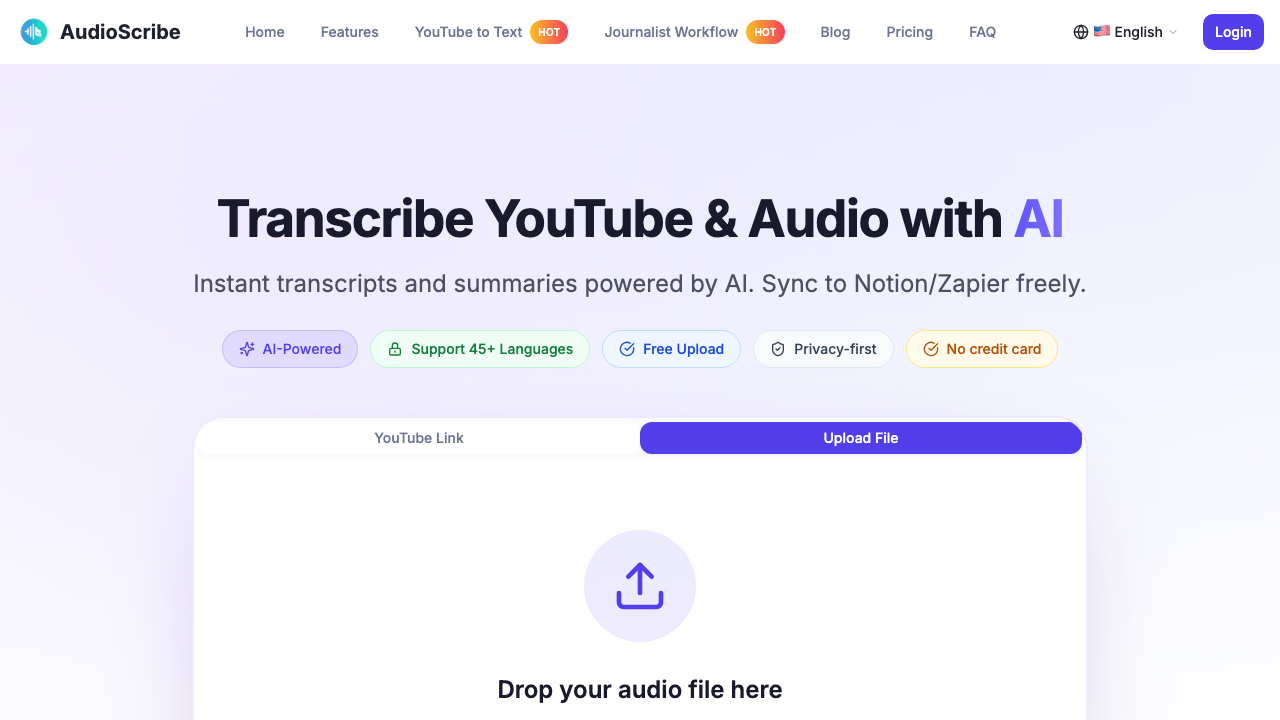
AudioScribe
AudioScribe earns its spot when most of your study material is buried in audio or video. YouTube guitar lessons, live show clips, interviews with players you admire, lyric videos — turn any of it into searchable text and your study notes suddenly become a lot more useful. Lyric breakdowns and song analysis are the obvious wins: drop in a video link, get clean text back, then mark up the sections worth revisiting. Won't replace careful listening, but it cuts down the rewind-and-rewind loop that eats most learning sessions. Pairs especially well with a YouTube transcription workflow.
Website: AudioScribe
Moises
Moises is still the friendliest entry point if you learn songs by playing along. Stem separation, tempo control, pitch shift, chord detection — the basics done well. Guitarists kill the vocals and lock onto the rhythm. Singers strip the lead and sing over the band. Bass players isolate the low end and finally hear what's actually happening. Stems aren't perfect, especially on dense mixes, but for daily woodshedding it does the job better than just about anything else.
Website: Moises

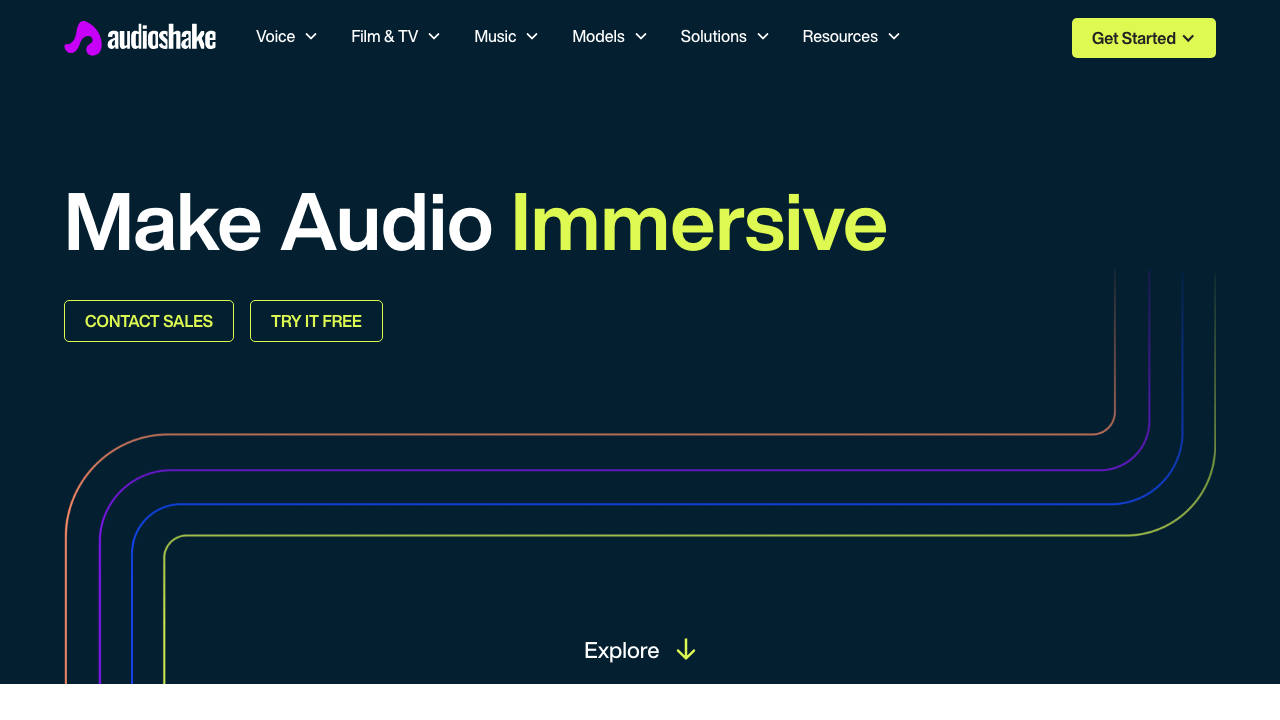
AudioShake
AudioShake leans more pro than Moises. If you're studying how a track was actually built — where the lead vocal sits, how the doubles are stacked, what makes a chorus open up — the cleaner separation gives you something the casual apps can't quite match. Think analysis tool more than practice app. Writers and producers will get more out of it than someone learning their first cover. Not the right pick for casual daily use, but if you're trying to reverse-engineer arrangements, it's worth the extra effort.
Website: AudioShake
Genius
Genius is the odd one out — not really an AI tool — but a learning stack without lyric context is missing something. If you're studying songwriting, chasing references, or trying to figure out why a particular line lands, the annotations and community notes do real work. Pair it with a transcript and your own listening notes and you have a proper reference setup. Won't help with stems or timing, obviously. For meaning, phrasing, and inspiration, it still earns the slot.
Website: Genius

For Generation
Suno
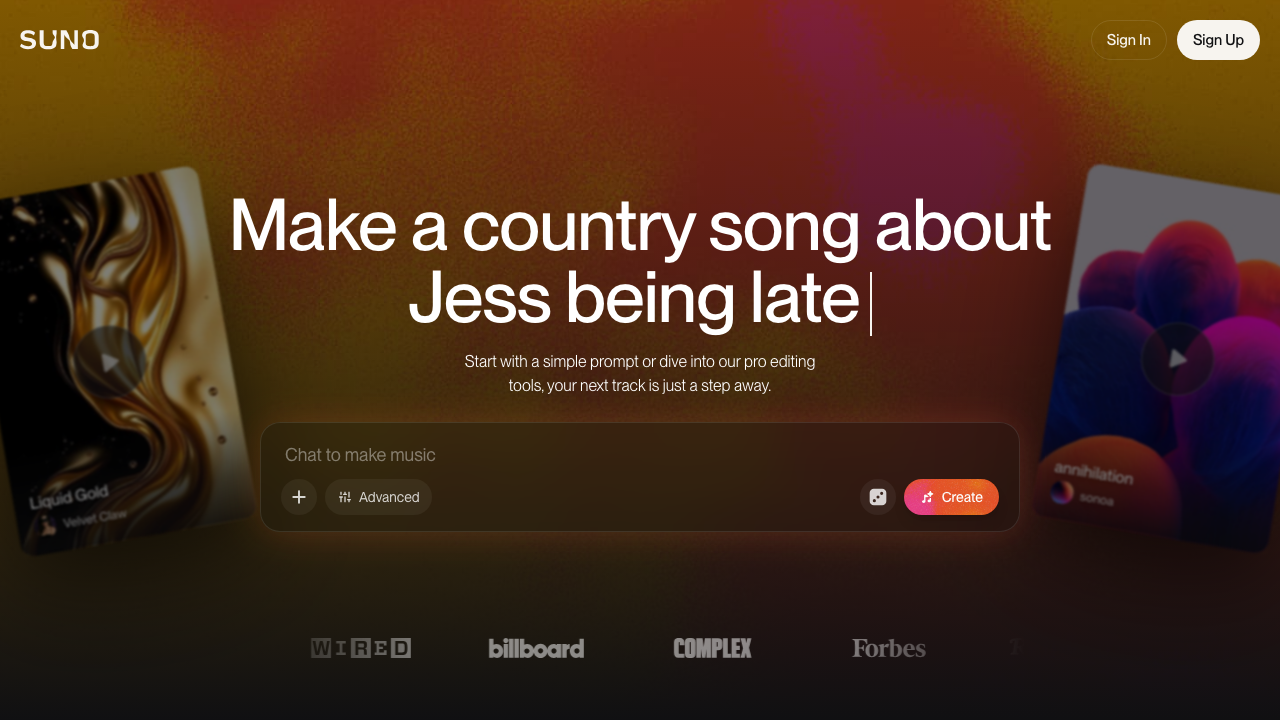
Suno collapses the distance between "I have a vague idea" and "I have something to react to." That's the whole point. Use it for chorus experiments, style direction, demo sketches when you need momentum more than craft. Don't expect it to replace real writing, and don't expect tight control over arrangement. Treat the outputs as a sketchbook — fast, disposable, occasionally useful — and you'll get value out of it. Treat it as a finished song generator and you'll be disappointed.
Website: Suno
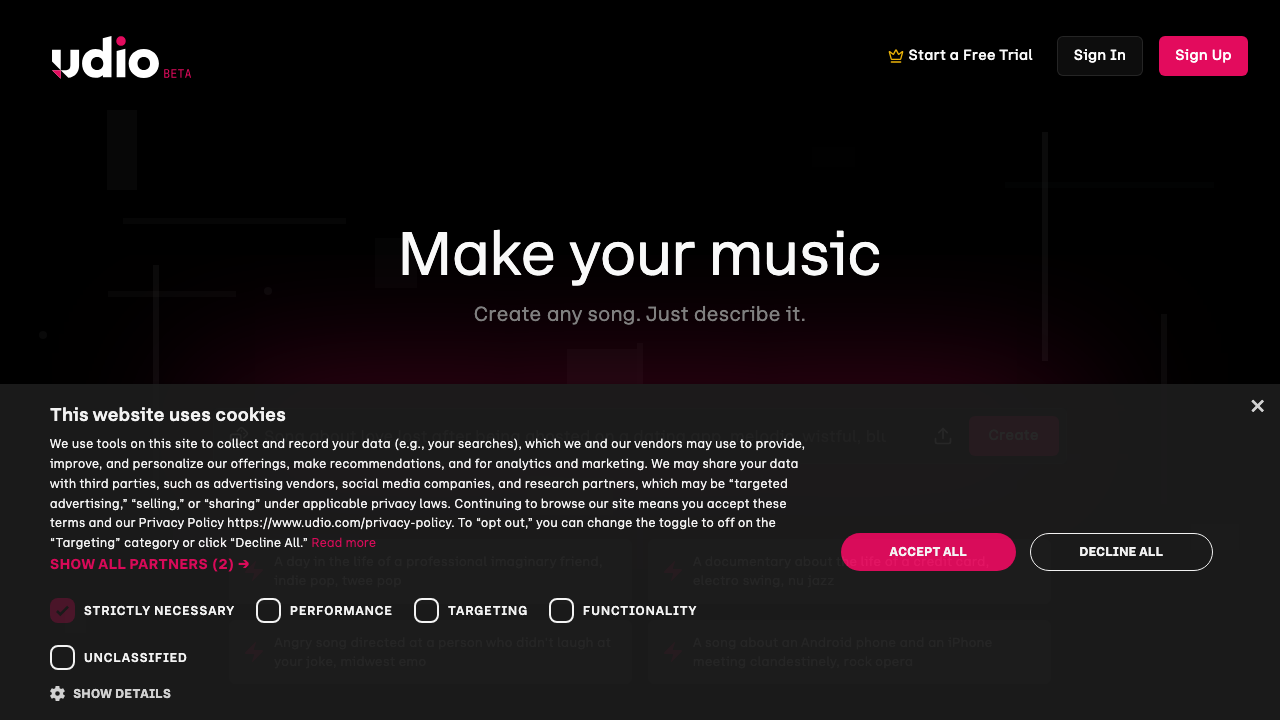
Udio
Udio plays in the same lane as Suno, and a lot of musicians keep both around. Different prompt behavior, different textures, different happy accidents. When one tool gives you something too polished, the other often hands back something rougher and more interesting — and that's where the real ideas come from. Genre blending and melodic experiments are where it shines. Editability and consistency are still the weak spots. Your taste does the real work; the generator just hands you raw material.
Website: Udio
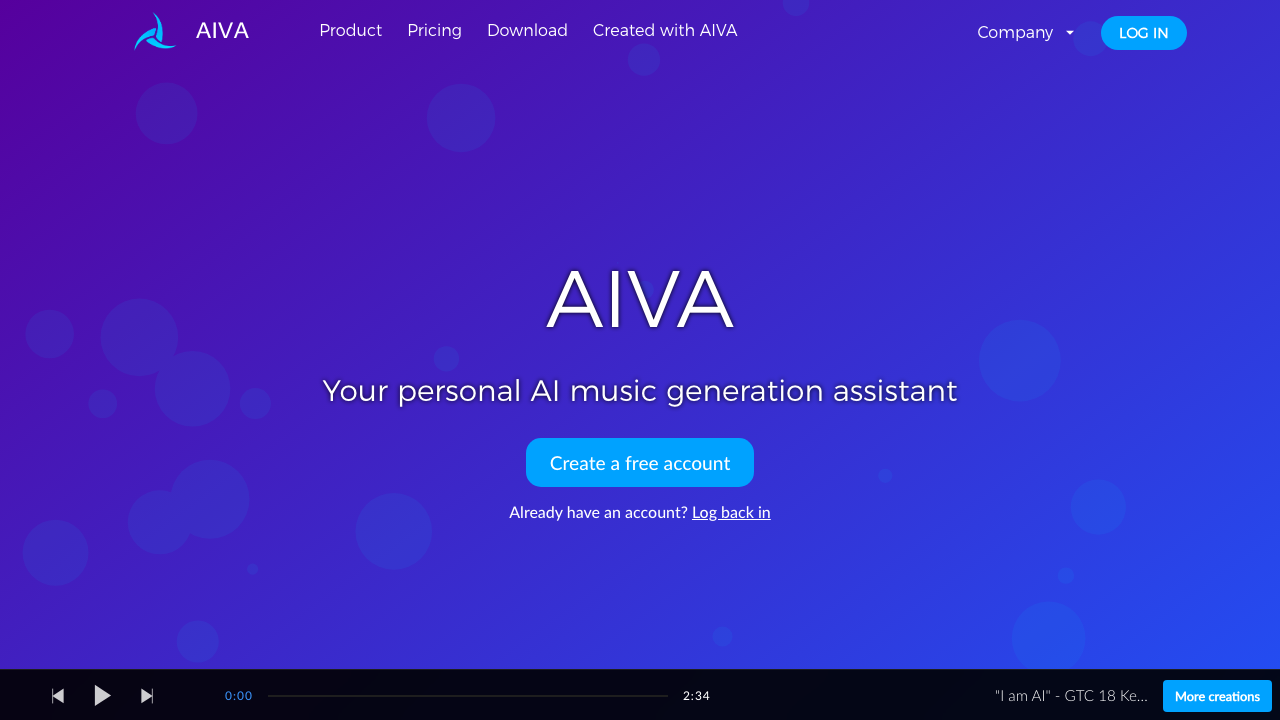
AIVA
AIVA is the pick for anyone working on cinematic cues, mood pieces, or instrumental sketches where structure matters more than novelty. Closer to a composition assistant than a song generator. Less exciting if you want viral vocal demos, but if you need a harmonic or atmospheric starting point you can rebuild by hand, it does the job. Composers and scoring folks tend to get more mileage out of it than pop writers.
Website: AIVA
For Practice
TonesMatch
Every guitarist knows the loop: hear a tone you love, spend an hour twisting knobs, end up nowhere close. TonesMatch shortens that loop to something usable. Get into the right neighborhood fast and the rest of practice — phrasing, attack, even how confident you sound — falls into place faster too. Doesn't replace your ears or knowing your rig, but it kills a huge chunk of trial-and-error time when you're learning from records.
Website: TonesMatch

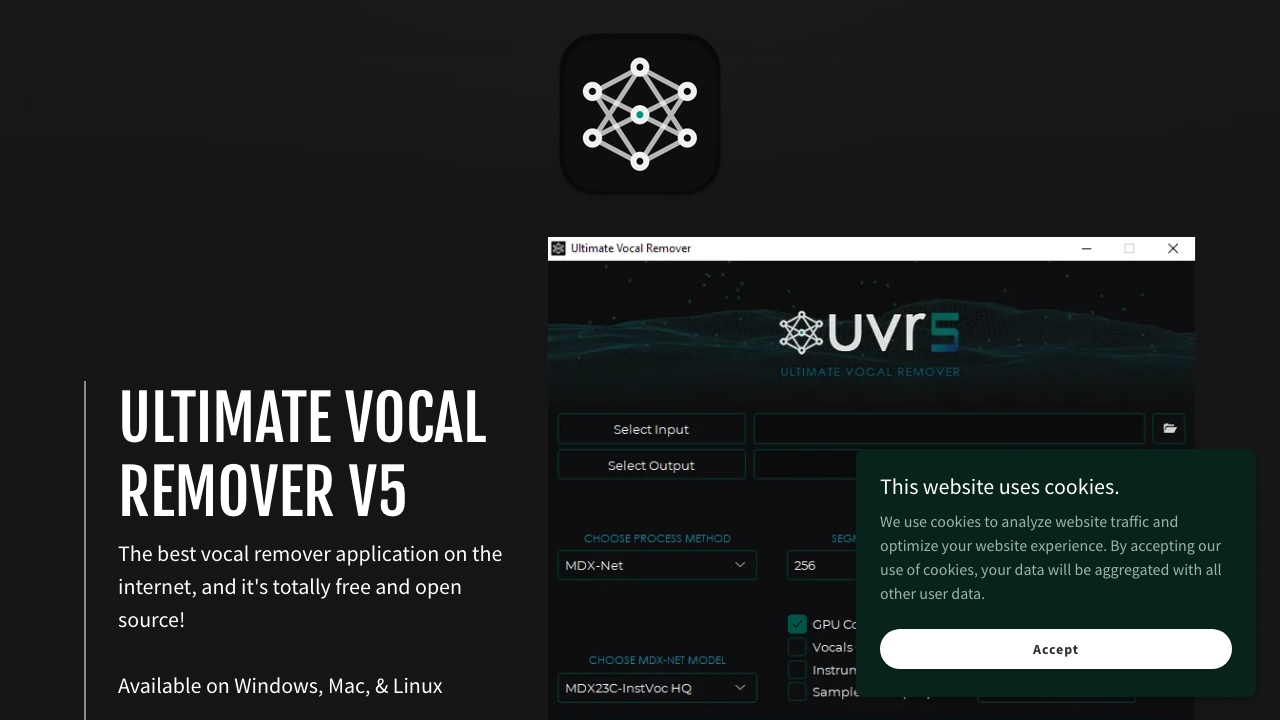
Ultimate Vocal Remover
Ultimate Vocal Remover (UVR) is the workhorse a lot of working musicians keep around. Rougher around the edges than the consumer apps, but that's part of the appeal — it's an actual tool, not a product. Pull vocals out of a song you already own, isolate parts to study, build a quick backing track for rehearsal. The output isn't always clean on busy material, but it's almost always good enough to play along to. Utility over polish.
Website: Ultimate Vocal Remover
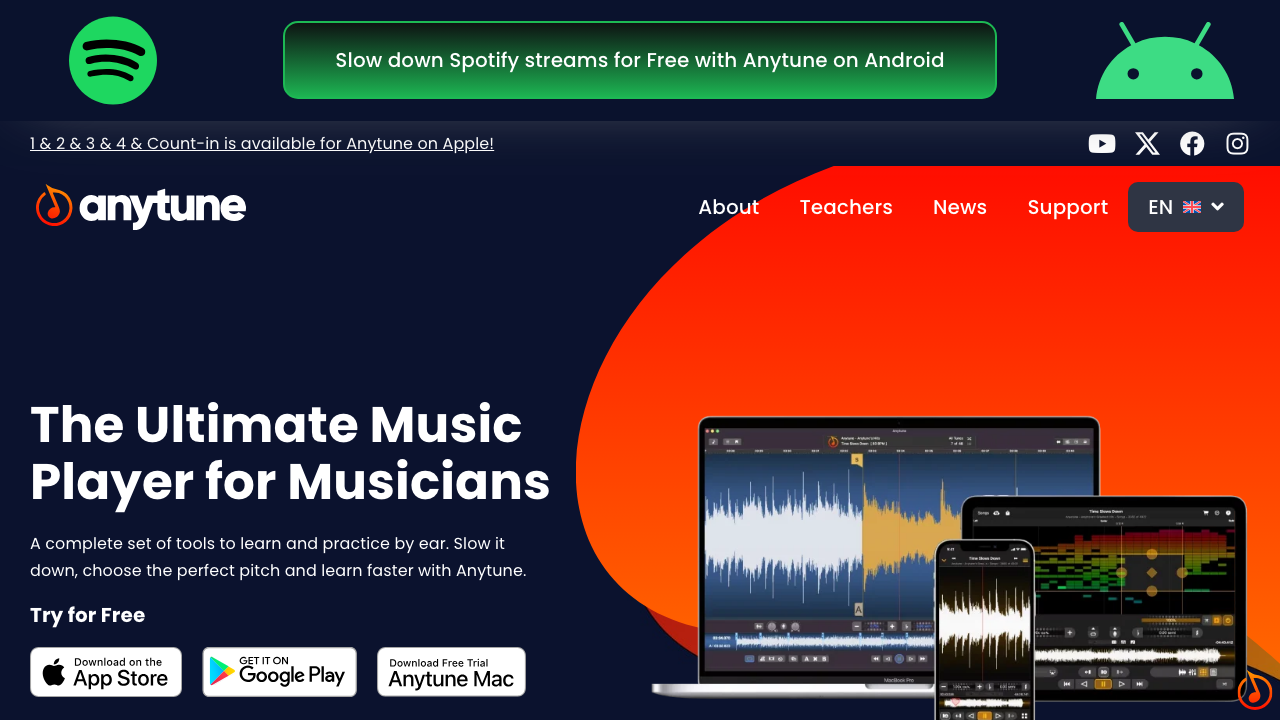
Anytune
Anytune isn't new and isn't trying to be. What it does — slow down, loop, pitch shift, lock onto a section — has been the core of serious practice for decades, and it does all of it without friction. Pick a phrase, drop the tempo, loop it until your timing actually settles, then bring it back to speed. AI helps you find material faster. Tools like Anytune are how you actually learn it.
Website: Anytune
You don't need all ten. One tool to study songs, one to generate ideas, one to drill — that's a working stack. If most of your learning starts on YouTube, AudioScribe is a solid first piece, with an MP3-to-text flow fallback for local files. Add the rest only when you hit a specific gap, not because the list looks impressive.