Real-Time Transcription: Best Tools and Use Cases (2026)
Real-time transcription converts speech to text instantly as it is spoken. From live meetings to accessibility tools, here are the best options in 2026.
AudioScribe Editorial Team
Showing English content because this locale has no published version yet.
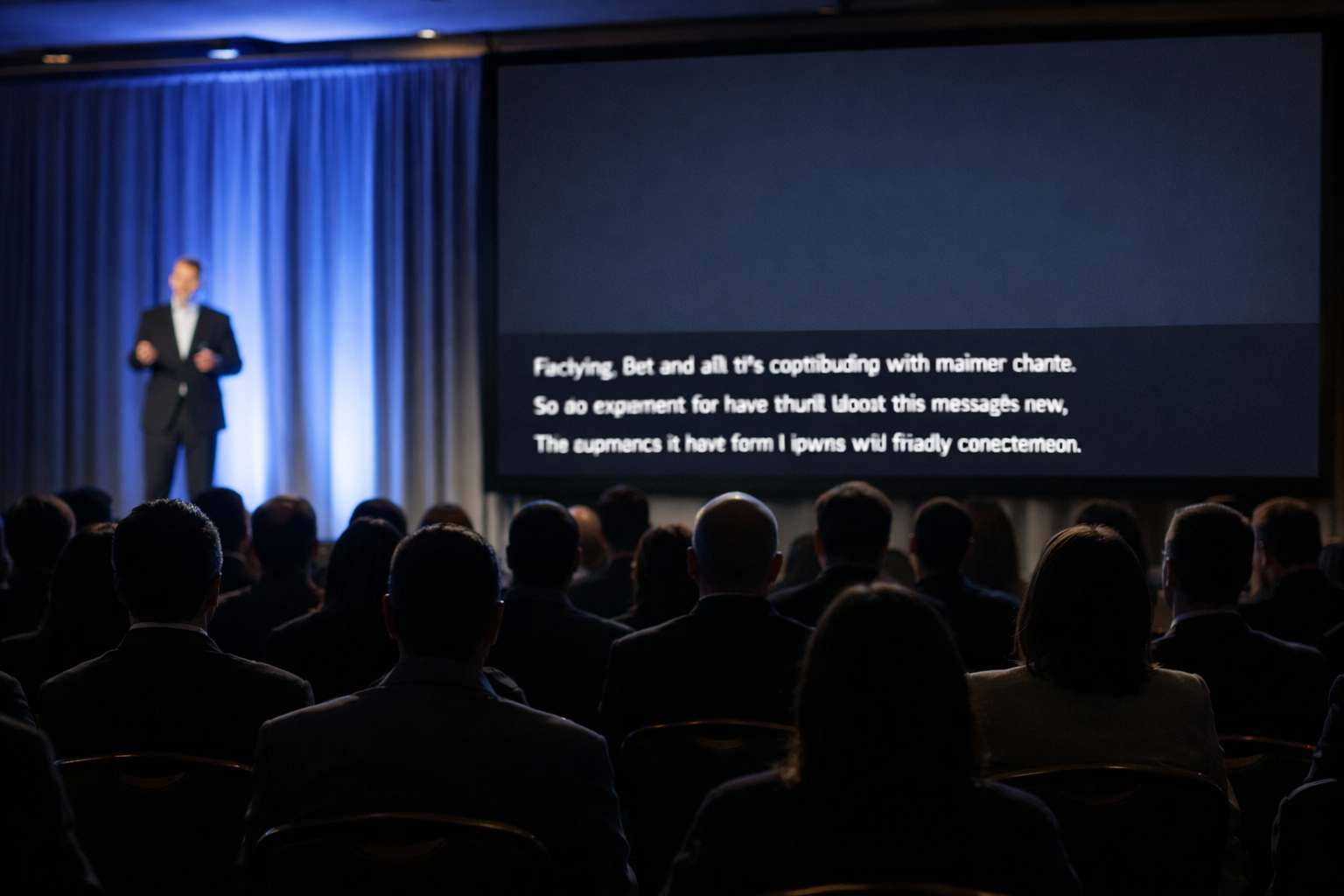
In today's fast-paced digital world, the ability to capture spoken words instantly as text isn't just a convenience—it's a game-changer. Real-time transcription technology has evolved from a niche tool for professionals to an essential asset for students, creators, and businesses alike. As we move through 2026, the demand for accurate, low-latency transcription that works seamlessly across various scenarios has never been higher. This guide will explore the best tools available and the practical, powerful use cases that make real-time transcription a must-have in your digital toolkit.
What is Real-Time Transcription and How Does It Work?
Real-time transcription, often called live transcription or speech-to-text, is the process of converting spoken language into written text with minimal delay—typically just a few seconds. Unlike traditional transcription, which happens after an audio file is recorded, this technology processes audio as it is being spoken.
The magic behind this involves sophisticated Automatic Speech Recognition (ASR) engines powered by artificial intelligence and machine learning. These systems analyze audio streams, breaking down sounds into phonemes, matching them to words, and using contextual language models to predict and format sentences accurately. The best 2026 systems go beyond simple word recognition; they can handle different accents, filter background noise, identify multiple speakers, and even understand industry-specific jargon. This happens in a continuous loop: capture audio, process, display text, repeat, all in a blink.
Top Tools for Real-Time Transcription in 2026
The market is filled with options, but the leading tools distinguish themselves through accuracy, speed, features, and integration capabilities. Here’s a look at the top contenders.
1. AI-Native Cloud Platforms Tools like Otter.ai and Sonix remain strong players, offering robust web and mobile apps that specialize in live captioning and note-taking. They excel in collaborative environments, allowing multiple users to join a live transcript, highlight sections, and add comments in real-time. Their strength lies in user-friendly interfaces and strong search functionality within transcripts.
2. Built-In Suite Tools Microsoft Teams, Google Meet, and Zoom have deeply integrated real-time transcription/captioning into their platforms. For internal meetings and virtual classrooms, these built-in options are incredibly convenient and require no additional subscriptions. Their accuracy has improved dramatically and they offer a solid, no-fuss experience.
3. Specialized High-Accuracy Services For scenarios where precision is non-negotiable—such as legal proceedings, medical consultations, or technical workshops—services like Rev and Temi offer human-augmented live transcription. These often combine AI with a human moderator for near-perfect accuracy, though at a higher cost and with a slight delay.
4. Versatile Audio-First Solutions For users who need a powerful, flexible tool that works across various recording scenarios—from in-person interviews to online webinars—AudioScribe stands out. It provides reliable, low-latency transcription directly in your browser or via its app, supporting a wide range of audio inputs and output formats. Its balance of high accuracy, ease of use, and affordability makes it a top recommendation for individuals and teams who need a dedicated, do-it-all transcription partner.
Choosing the Right Tool: Consider your primary use case, budget, required integrations (like with note-taking apps or video editors), and the importance of speaker identification. Most services offer free trials, which are essential for testing accuracy in your specific environment.
Key Use Cases and Benefits
The applications for real-time transcription extend far beyond simple note-taking. Here’s how different fields are leveraging this technology.
Enhanced Accessibility & Inclusion Live captions are vital for making content accessible to deaf and hard-of-hearing individuals. This applies to live events, online courses, workplace meetings, and social media streams. It’s not just a legal requirement in many regions; it’s a fundamental practice for inclusive communication.
Supercharged Productivity in Meetings Instead of frantically scribbling notes, participants can fully engage in the conversation. The transcript serves as a searchable, shareable record of decisions, action items, and ideas. Tools that integrate with project management software can even turn spoken action items into tracked tasks automatically.
Superior Learning and Comprehension Students and lifelong learners use live transcription to create accurate study notes during lectures or online courses. The act of reading along with listening (bi-modal learning) has been shown to improve information retention and understanding, especially for complex subjects.
Content Creation at Scale Podcasters, video producers, and journalists can use live transcripts to quickly create show notes, blog posts, captions for social media clips, and full article drafts. Seeing the text form in real-time also helps moderators and hosts track conversation flow and ensure they’re covering all planned topics.
Improved Customer Experience Contact centers use real-time transcription to analyze customer calls as they happen, providing agents with instant prompts and information. In professional services, consultants and lawyers can give clients immediate, written summaries of discussions.
Best Practices for Optimal Accuracy
Even the best tool needs the right conditions. Follow these tips to get the cleanest possible transcript.
- Optimize Your Audio Environment: Use a good quality microphone close to the speaker. Reduce background noise like fans, air conditioners, or keyboard clicks. A quiet room makes a monumental difference.
- Speak Clearly, Not Necessarily Slowly: Enunciate naturally. Avoid talking over other speakers, as most systems will struggle with crosstalk.
- Prepare the Tool: If your software allows, provide a glossary of uncommon names, technical terms, or acronyms ahead of time. This trains the AI and boosts accuracy for specialized vocabulary.
- Use Punctuation Commands: Some advanced tools, including AudioScribe, allow you to say commands like “comma,” “new paragraph,” or “period” to format the transcript as you speak, saving editing time later.
- Review and Edit Lightly Post-Session: Always plan for a quick review pass. AI is excellent but can still mistake homophones (e.g., “their” vs. “there”). A 5-minute edit can perfect an hour-long transcript.
The Future of Live Transcription
Looking ahead, real-time transcription is set to become even more seamless and intelligent. We can expect:
- Real-Time Translation: Hearing English and reading Spanish captions simultaneously will become standard for global teams.
- Emotion and Intent Analysis: AI won’t just transcribe words but will also gauge sentiment, highlighting moments of agreement, confusion, or excitement.
- Deep Ecosystem Integration: Transcription will be a silent, always-on feature embedded in every communication and recording device, from smart glasses to car interfaces.
- Personalized AI Models: Tools will train continuously on your voice and vocabulary, becoming hyper-accurate for you personally.
The goal is for the technology to fade into the background, providing perfect textual context for our spoken interactions without any conscious effort.
Frequently Asked Questions (FAQ)
Q: How accurate is real-time transcription in 2026? A: The best AI-driven tools now achieve 90-95% accuracy under good audio conditions. Accuracy depends heavily on audio quality, speaker accent, background noise, and subject matter complexity. For critical applications, human-reviewed services still offer the highest precision.
Q: Is real-time transcription secure and private? A: It depends on the provider. Reputable services like AudioScribe use encryption for audio in transit and at rest, and often allow data to be processed without permanent storage. Always review a tool's privacy policy, especially when handling sensitive information.
Q: Can it handle multiple speakers and different accents? A: Yes. Modern systems are excellent at speaker diarization (labeling "Speaker 1," "Speaker 2"). Handling diverse accents has also improved significantly due to more diverse training data, though some niche accents may still present challenges.
Q: Do I need a powerful computer or fast internet? A: Not necessarily. Most tools process the audio in the cloud, so a stable internet connection is more important than local computing power. A consistent upload speed of at least 1-2 Mbps is recommended for reliable performance.
Q: Can I use real-time transcription for pre-recorded files? A: Absolutely. While the core feature is "live" transcription, virtually all these tools also offer ultra-fast transcription of uploaded audio and video files, often turning hours of audio into text in mere minutes.
Real-time transcription is no longer a futuristic concept—it's a practical, powerful tool that enhances understanding, accessibility, and productivity across every aspect of work and life. Whether you're a student capturing a lecture, a team documenting a brainstorming session, or a creator repurposing content, the right transcription tool can save you hours and unlock new value from your spoken words.
Ready to experience the difference that fast, accurate, and easy-to-use transcription can make?
Try AudioScribe free at AudioScribe and turn your conversations into actionable text in real-time.
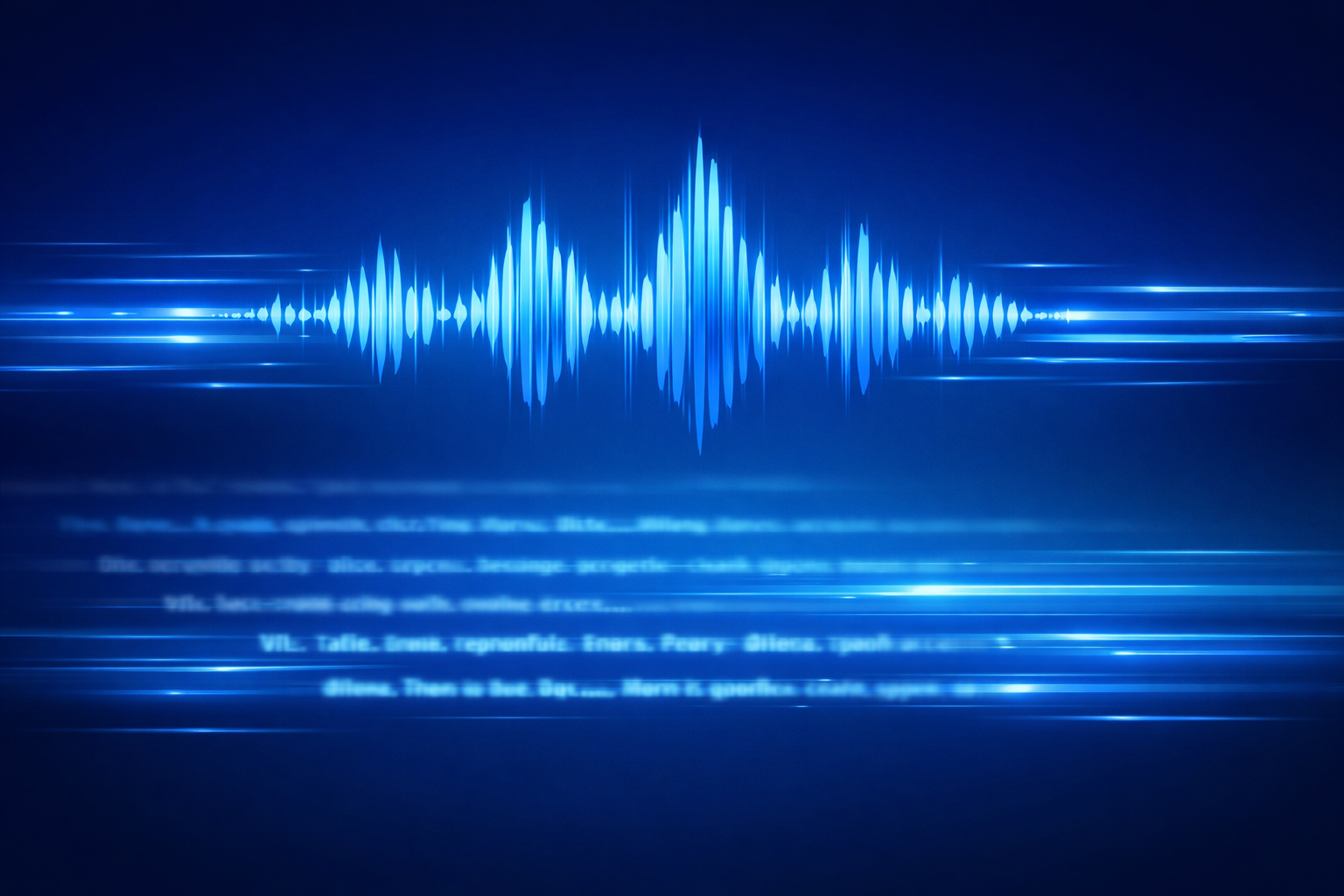
Live speech waveform with text appearing instantly below it in real time